BookIt for Tradeshows turns booth traffic into booked meetings. Scope a link to your event dates, hours, timezone, attending reps, and physical spaces.
A standard link offers whatever is open on a rep’s calendar next Tuesday. BookIt for Tradeshows offers the slots that exist at your booth, during expo hours.
Booking window scoped to your event dates and daily hours
Availability shown in the event timezone, not each rep’s local one
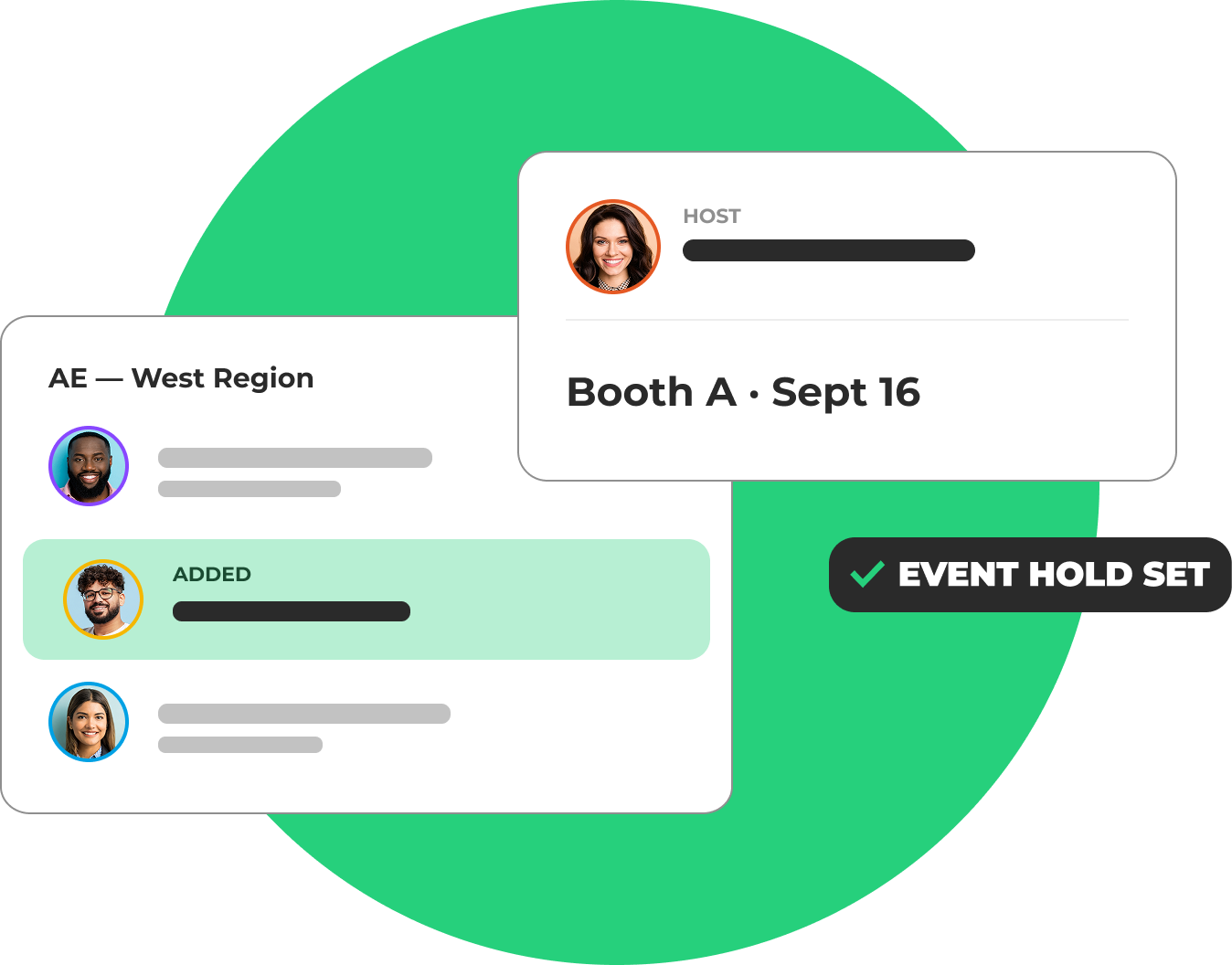
Only the reps attending the show can be booked
Tradeshow calendar blocks keep the event roster clear
Give Every Booth and Demo Station a Calendar
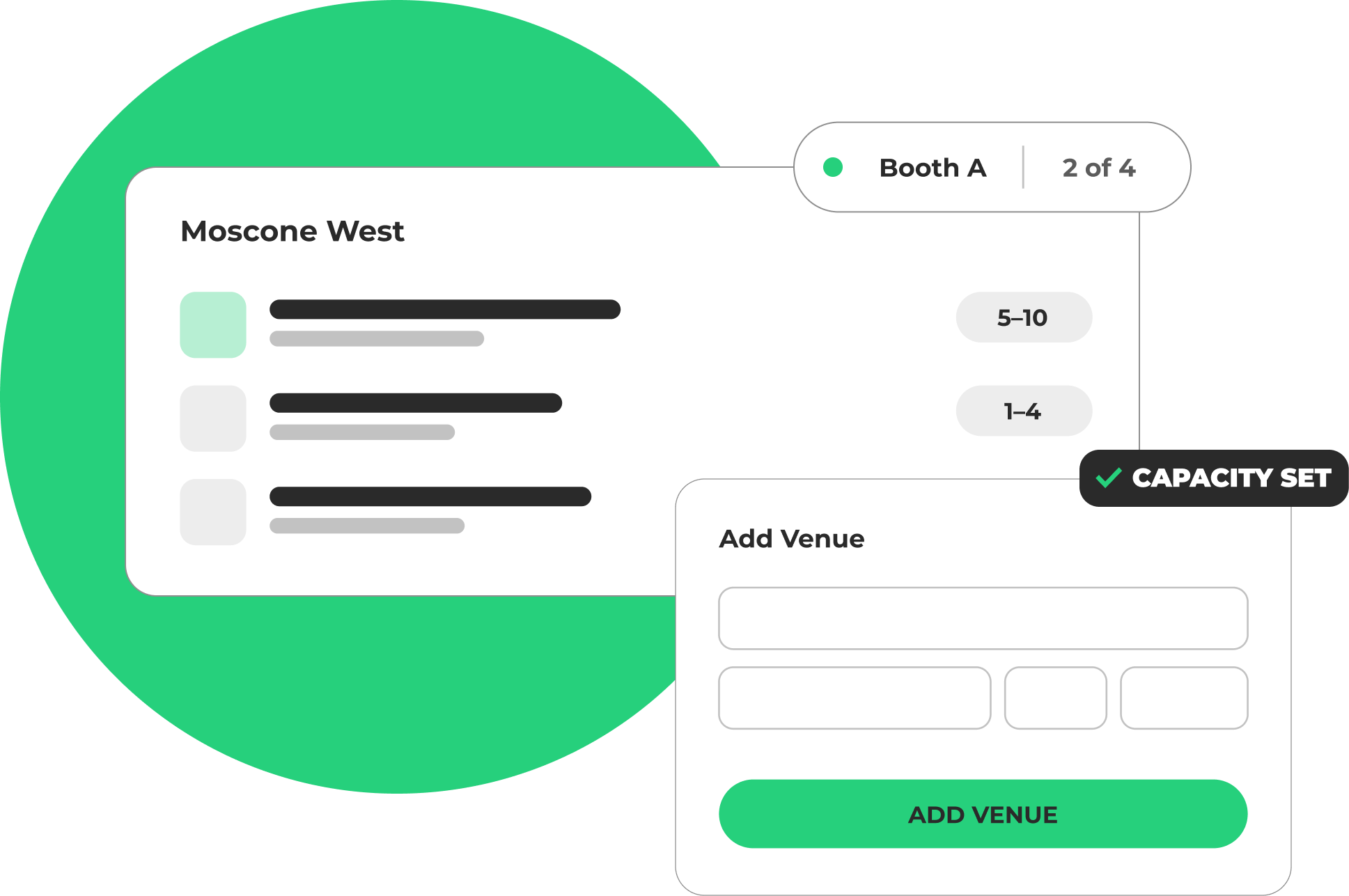
Rooms, tables, and demo stations become bookable resources with their own availability and capacity. No placeholder users, no extra Salesforce licenses to model a space.
Create resources for booths, tables, rooms, and demo stations
Resources carry their own availability and capacity limits
Forms and routing links assign an open resource automatically
Handoff and rescheduling support manual room selection
The Routing Rules You Already Run On
Event meetings move through the same LeanData engine as every inbound form. Territory, ownership, and round robin apply at the booth exactly as they do online.
Route booth meetings by territory, ownership, and round robin
Available across BookIt for Forms, BookIt Handoff, and BookIt Links
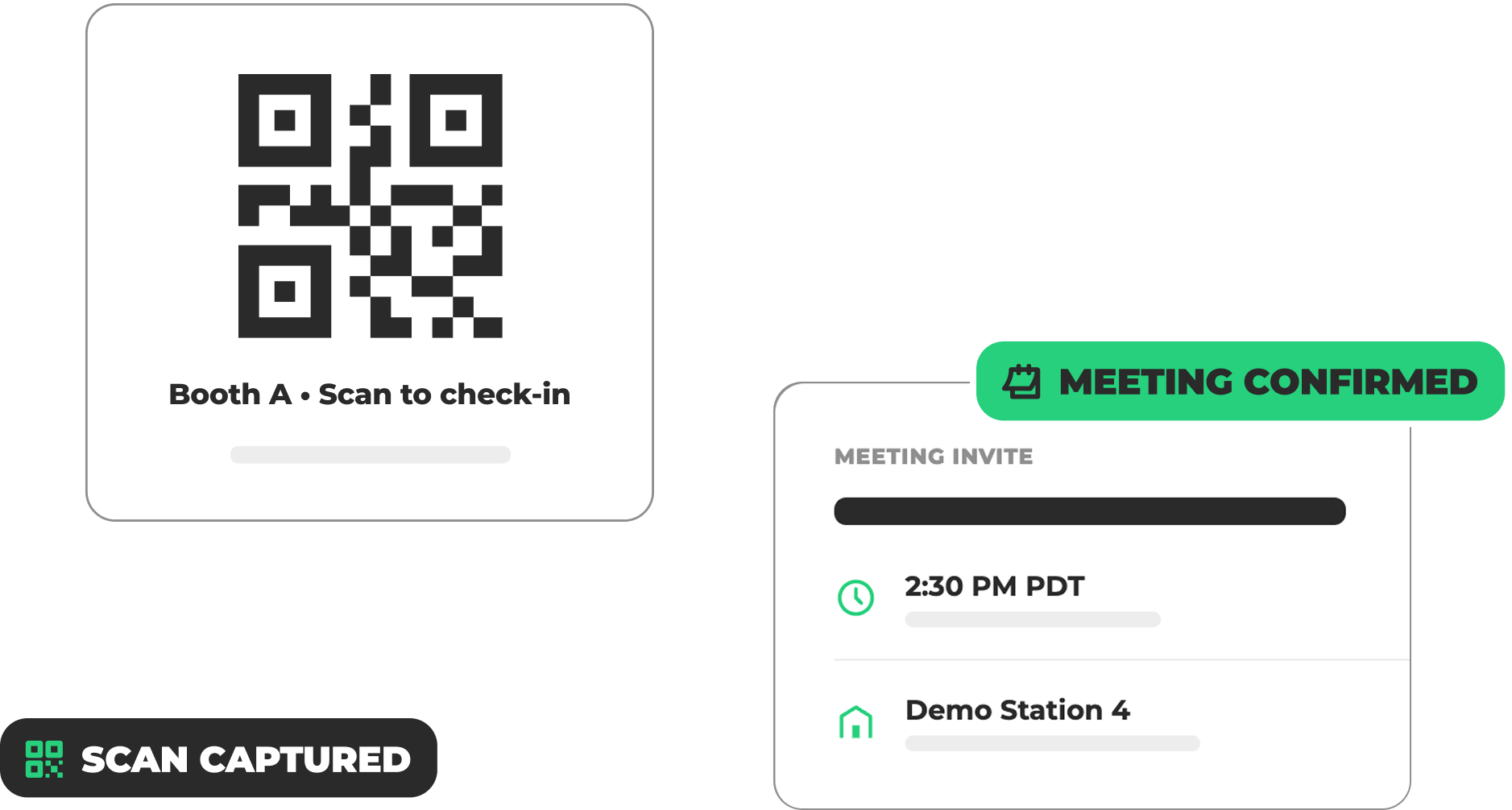
One link powers pre-event booking and on-site QR scans
Invites carry the assigned room or station as the location
Report on the Pipeline the Event Produced
Meetings booked through the event flow carry the tradeshow name into the meeting log and into Salesforce. Event reporting stops depending on a post-show spreadsheet.
Every event meeting tagged with the tradeshow name
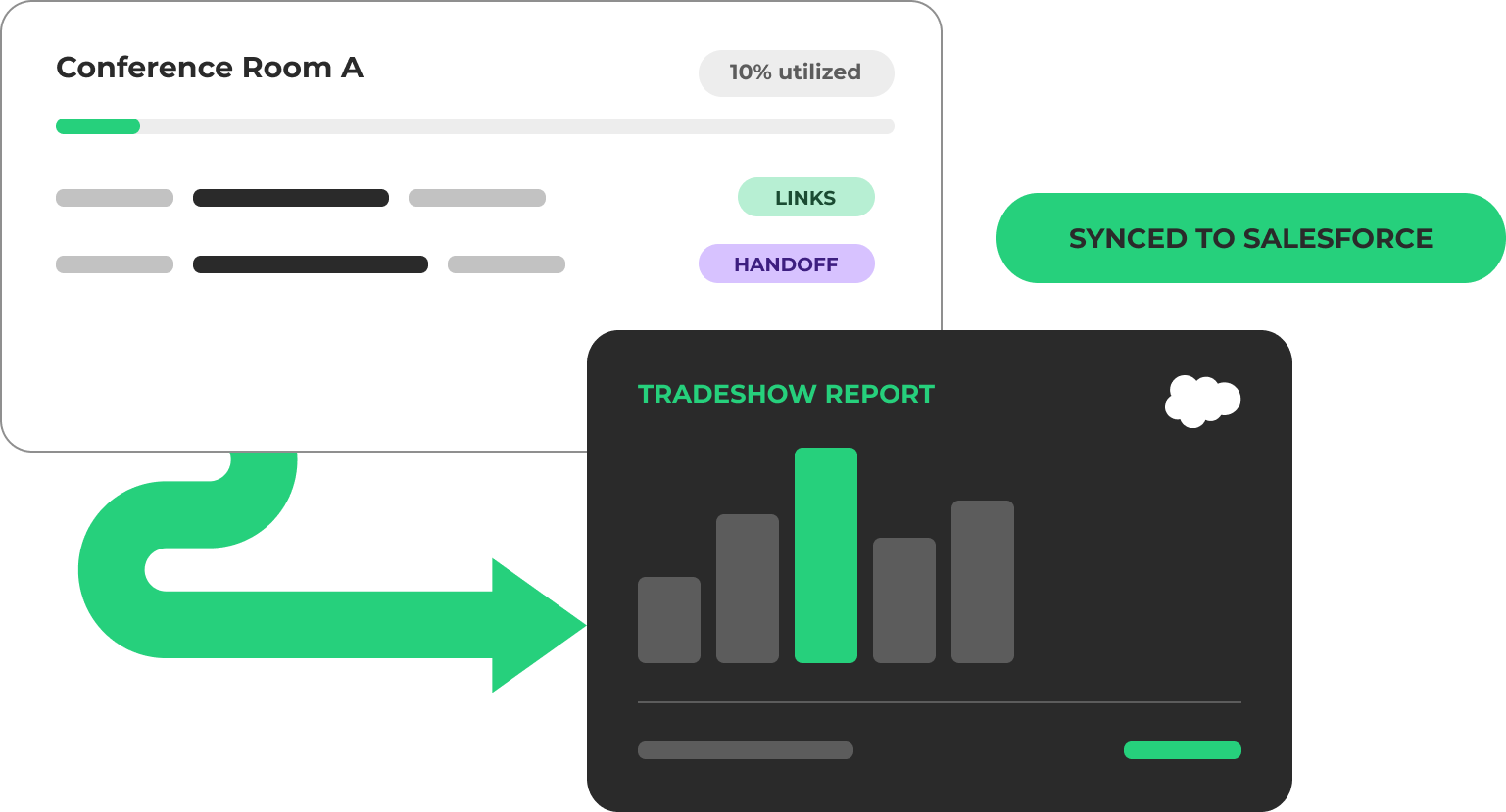
Meeting logs written to Salesforce for pipeline reporting
Attribute booked meetings and pipeline back to each show
No manual reconciliation once the booth comes down
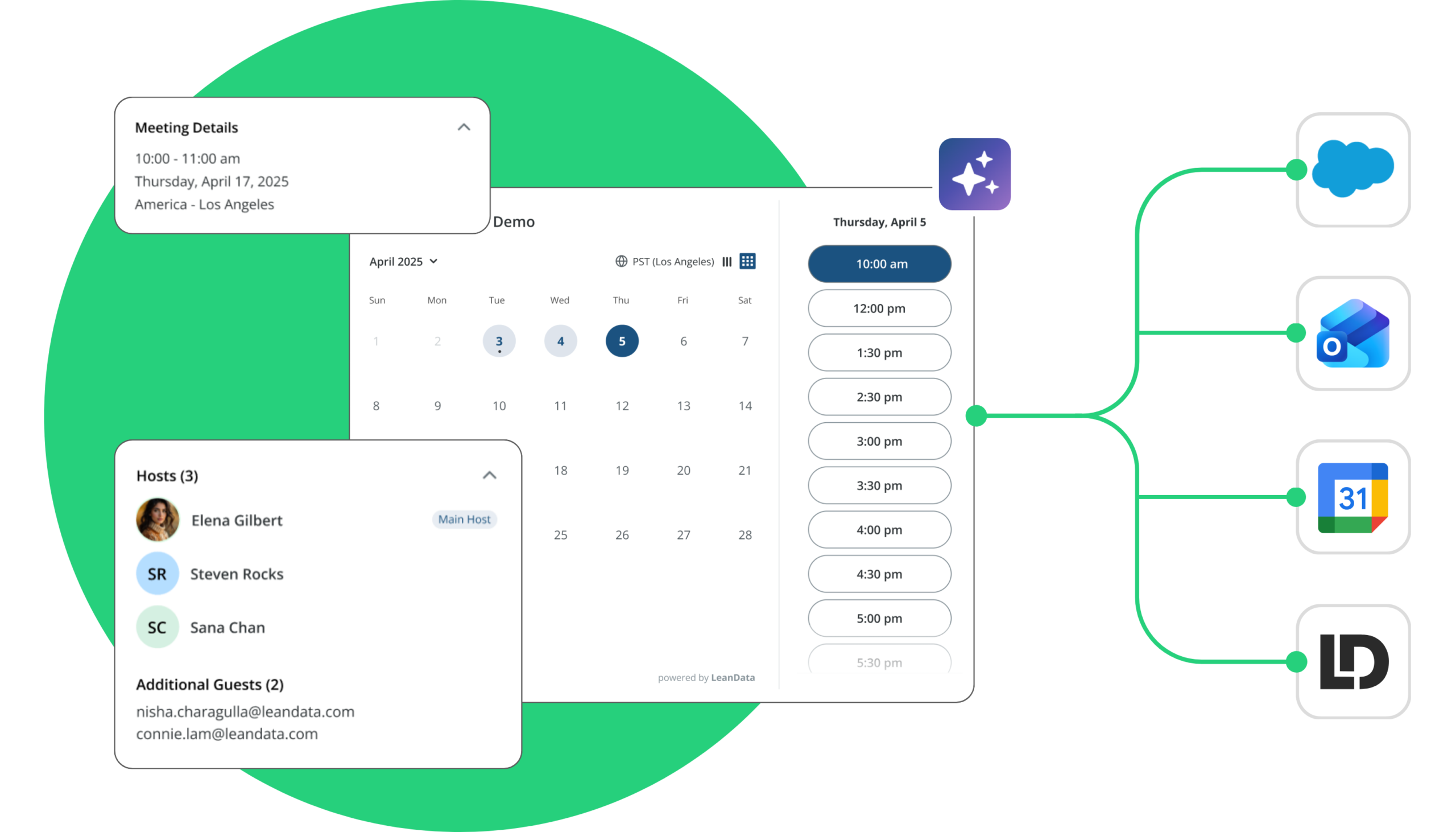
Works with the systems your event team already runs
Salesforce
Google Calendar
Microsoft Outlook
BookIt for Forms
BookIt Handoff
BookIt Links
BookIt for Forms
High-intent prospects book instantly from your demo-request forms, all with the same routing logic available in Orchestration.
Connect Claude, ChatGPT, and more directly to BookIt with the BookIt MCP server to ask natural language questions and get structured, accurate answers in seconds.
BookIt for Tradeshows is an event scheduling experience inside LeanData Scheduling. An admin sets up the event once with its date range, daily hours, timezone, attending reps, and physical spaces like booths, rooms, or demo stations. The published booking link is valid only during the show and routes every meeting through the same LeanData rules the team already runs on.
How is this different from a standard scheduling link?
A standard link works off each rep’s own calendar and shows times in the rep’s local timezone. A tradeshow link works off the event: it opens and closes with the show, displays availability in the event’s timezone, limits booking to the reps who are on site, and assigns an available room or station to each meeting.
Do I need extra Salesforce licenses to manage booth or room availability?
No. Rooms, booths, tables, and demo stations are set up as Resource records with their own availability and capacity. They do not consume a Salesforce user license, so there is no need to create placeholder users to represent a space.
Can prospects book at the booth from a QR code?
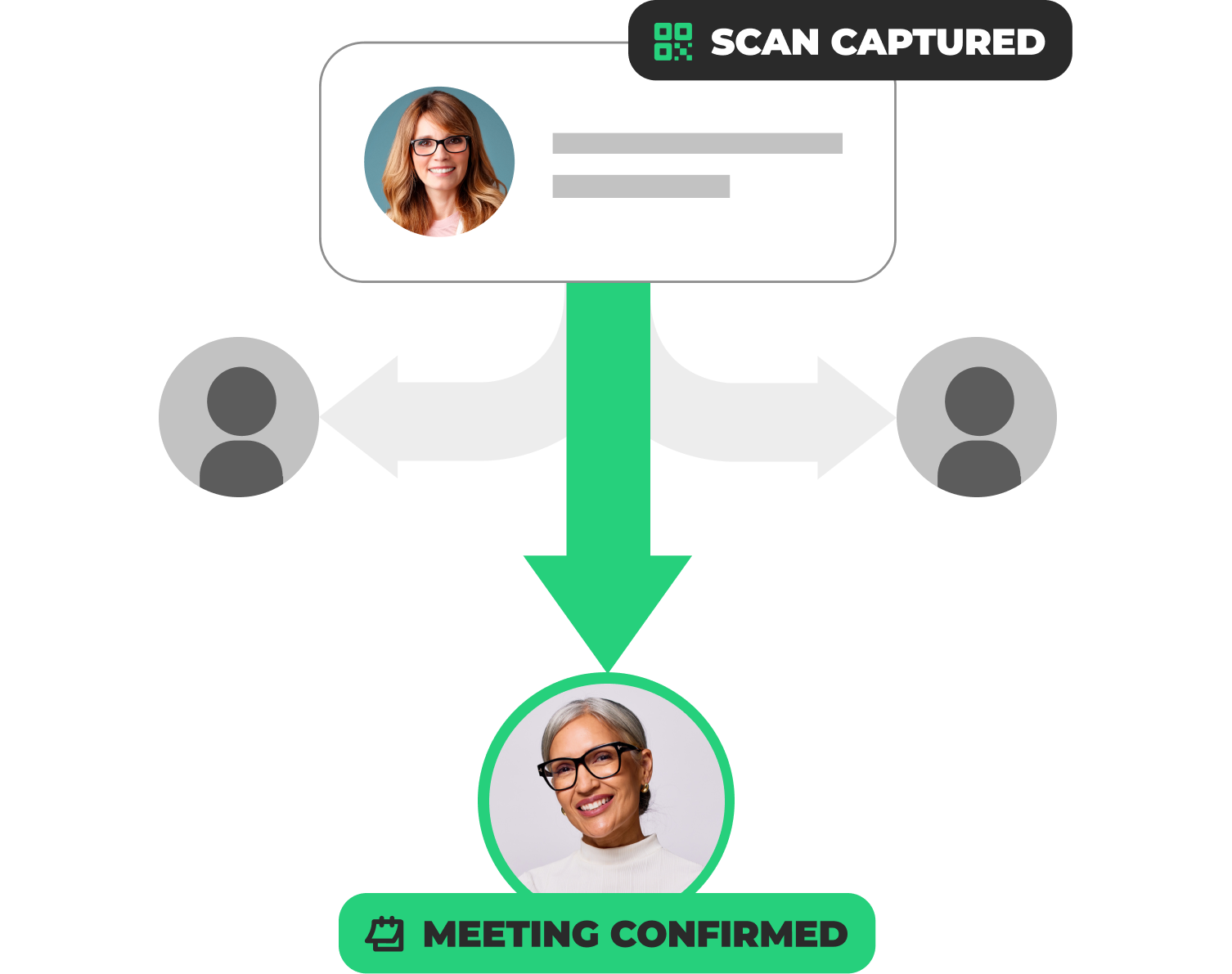
Yes. The same link powers pre-event web booking and on-site scanning, so a prospect can scan at the booth, pick an open slot during expo hours, and receive a calendar invite that includes the assigned room or station.
How do tradeshow meetings show up in reporting?
Meetings booked through the event flow are tagged with the tradeshow name in the BookIt meeting log and logged to Salesforce, so pipeline can be reported by event without a manual export after the show.