














Summary
Setting up scheduling for your sales team should take minutes, not weeks. This BookIt Links admin setup guide walks LeanData administrators through everything needed to launch scheduling links across your organization, from permissions and conference connections to meeting type templates and admin managed links. You will learn how to configure booking pages, add form fields, and automate meeting reminders so reps can start booking right away. It also includes a sample rollout plan to help you drive adoption once setup is complete.
What You’ll Learn
- How to assign permissions and connect reps to Zoom, Google Meet, or Microsoft Teams
- How to build meeting type templates for different meeting lengths
- How to create an admin managed link and assign it to your hosts
- How to personalize calendar events and confirmation emails using form fields
- A sample rollout plan for launching BookIt Links across your team
Need more help with BookIt?
What is BookIt Links?
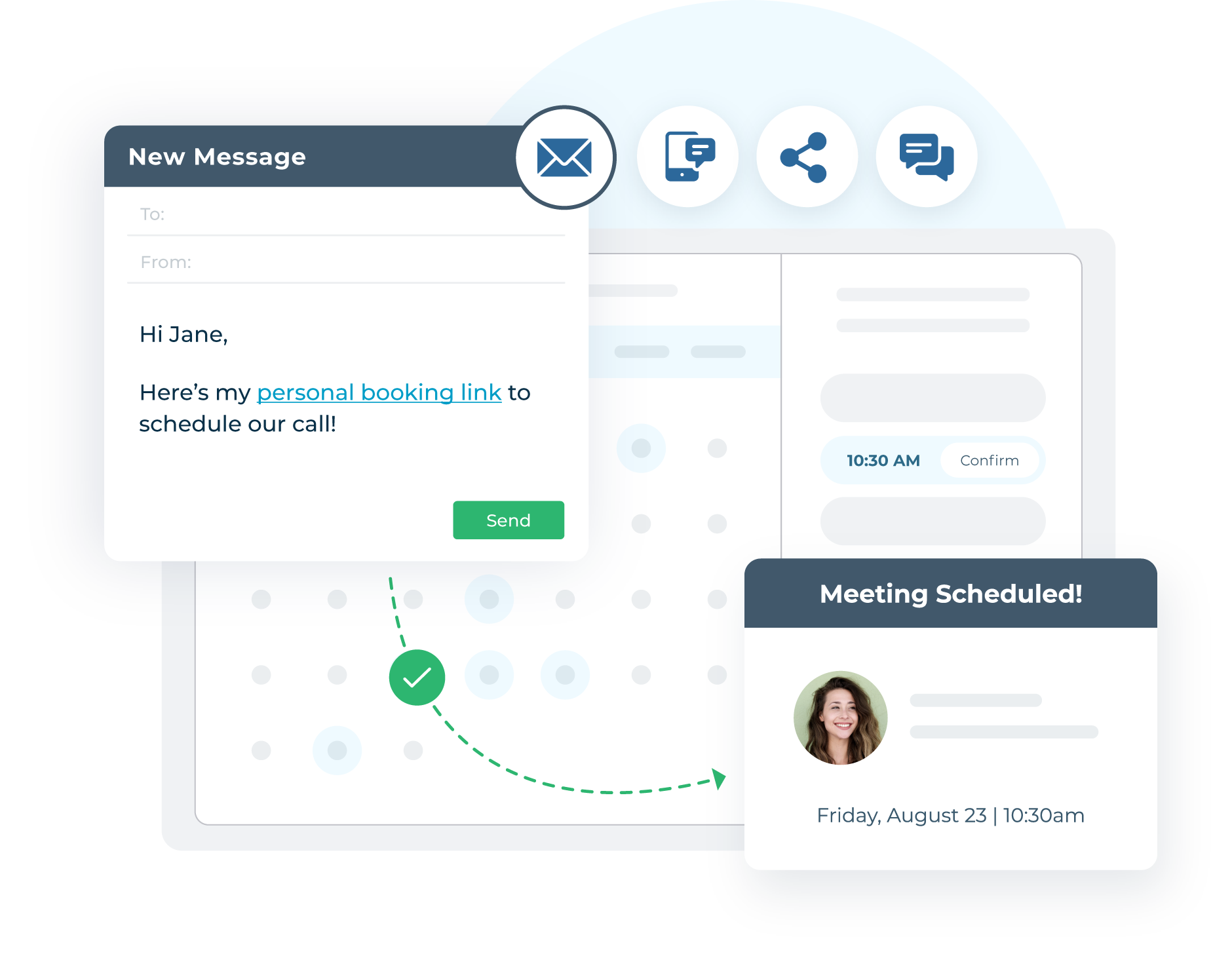
BookIt Links is LeanData’s scheduling tool inside Salesforce, part of its GTM orchestration platform. It lets reps share booking links so buyers can schedule meetings instantly with the right person.
How do I set up BookIt Links as an admin?
Assign the LeanData Dashboard Access permission set, confirm each user’s timezone, connect reps to Zoom, Google Meet, or Teams, then create meeting types and an admin managed link reps can use immediately.
Can I control which meeting links my reps use?
Yes. Admin managed links let you standardize meeting types, durations, and booking pages, then assign them to specific hosts so reps see approved links automatically in the BookIt Chrome Extension.
Do I need to code to set up BookIt Links?
No. BookIt Links runs natively in Salesforce and setup happens through the LeanData interface, so admins configure everything without writing code.
Tags
BookIt
Buying Journey
Scheduling
Speed to Lead