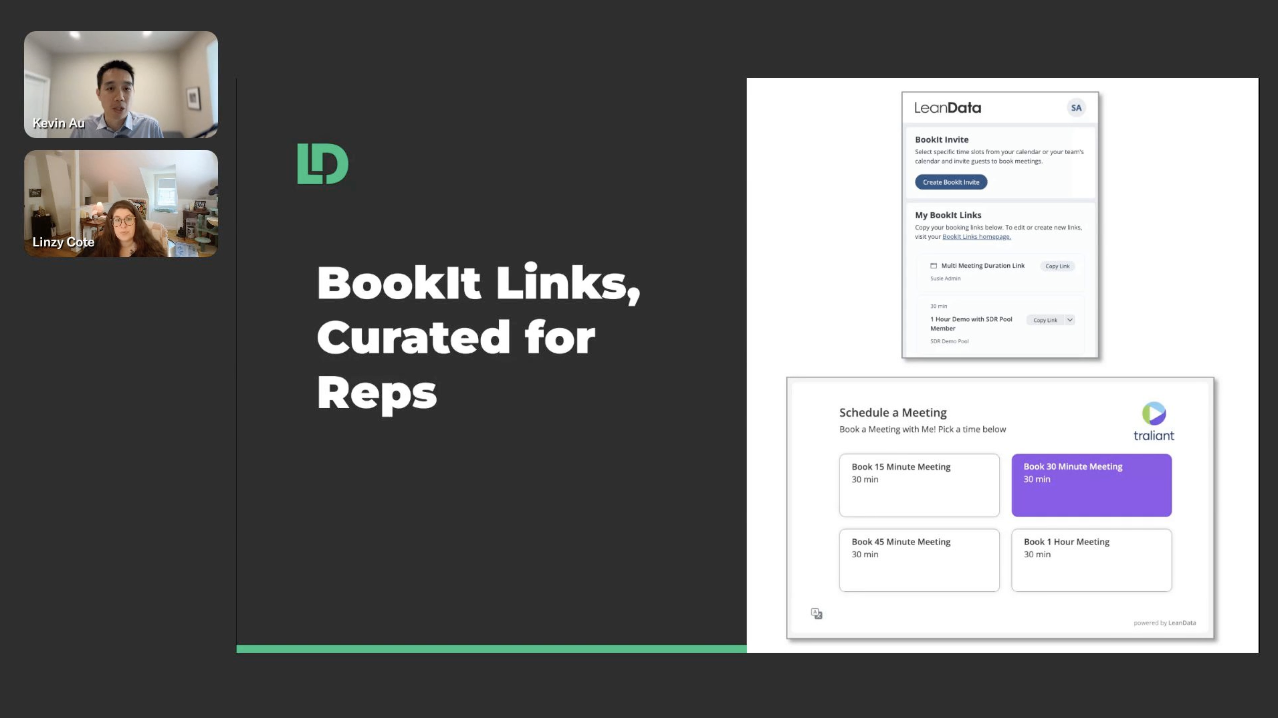












Sometimes you want to offer only your preferred meeting times rather than sharing your full calendar. BookIt Invite lets you curate specific time slots and embed them directly into your messages for quick, friction-free scheduling.
Instead of sharing open availability across your entire calendar, you select the slots you want to offer and embed them directly into your outreach. This is a short setup walkthrough for reps and admins who want tighter control over the scheduling experience.
What You Will Learn
- Create a BookIt Invite from within LeanData or the BookIt Chrome extension
- Select and curate specific time slots from combined host availability
- Configure meeting name, time zone, and fallback calendar link
- Add notification recipients for when a meeting is booked
- Copy and paste the finished invite directly into email, Slack, or a sequence step
Why This Matters
Every extra step in the scheduling process is an opportunity for a prospect to disengage. Sharing your full calendar forces the recipient to make a judgment call about which time to pick and often leads to back-and-forth.
BookIt Invite eliminates that by giving recipients a short, curated list of options. Fewer choices means less friction and faster booking.
Use Cases
- SDRs embedding preferred times into outreach sequences without blocking calendar slots
- AEs sending a focused set of options after an initial discovery call
- CSMs scheduling check-ins with customers without exposing full availability
- Teams with multiple required hosts surfacing combined availability in a single invite
- Reps working out of Gmail or Slack using the Chrome extension to create invites without switching tools
FAQ
What is BookIt Invite and how is it different from a standard booking link?
Can I create a BookIt Invite for a meeting with multiple hosts?
What happens if none of my proposed times work for the recipient?
Video Transcript
When you’re trying to schedule a meeting with a prospect or a colleague, there may be times that you’re technically available, but you prefer other times, and you just want to put those specific options in front of someone without artificially blocking off your calendar.
BookIt Invite solves this by letting you curate and embed your preferred meeting times directly into an email, Slack message, or outreach sequence. Instead of sharing your entire calendar, you select the exact time slots that you want to offer, and your recipient sees only those options. This keeps the scheduling experience focused and makes it easy for your recipients to commit to one of your preferred times.
Here’s how to set this up.
From within LeanData, navigate to BookIt, then BookIt Invite, and click the Create BookIt Invite button. You’ll be taken to a setup page where you can configure your meeting parameters.
You’ll see yourself listed as the main host. If this is a one-on-one meeting, you can move on to the next step — but you can also add additional hosts, either required or optional, if you’d like.
Next, select your meeting type. You can choose either an admin-managed meeting type or one that you’ve created yourself, depending on how your organization is set up. For more information on meeting types, please visit the LeanData Help Center.
On the right side, you’ll see a calendar displaying the combined availability of all required hosts. This is where you select and curate your times. Click the specific time slots you want to offer your recipient — you can select more than one — and each slot you select will appear as an option in the Meeting Time section at the bottom. When you’re done, click Next.
On the next page, finalize the details. You can customize the meeting name, set the time zone, and optionally display a link to your full calendar availability in case none of the proposed times work. You can also add additional notification recipients who need to be informed when the meeting is booked.
You’ll see a preview on the right showing exactly how your invite will appear to your recipient. Once everything looks good, click Generate. On the final page, click Copy Meeting Invite and paste it directly into your email, Slack message, or sequencing step.
To speed this up even further, you can install the BookIt Chrome extension, available in the Chrome Web Store. The steps are the same, but you can create a BookIt Invite without leaving your email or messaging platform.
To recap: BookIt Invite lets you handpick the meeting times you want to offer, embed those times directly into your message, and remove the friction from scheduling. Whether you create invites from the app or the Chrome extension, the result is the same — faster booking and fewer back-and-forth messages.