














BOOKIT LINKS · FOR ADMINS

Turn BookIt Links from license to pipeline

The moment your reps start sharing BookIt Links, four things change at once: meetings land on the right Salesforce account automatically, round robins enforce themselves, your CRM data gets cleaner, and your VP of Sales finally has a real dashboard for scheduling-to-pipeline ROI.

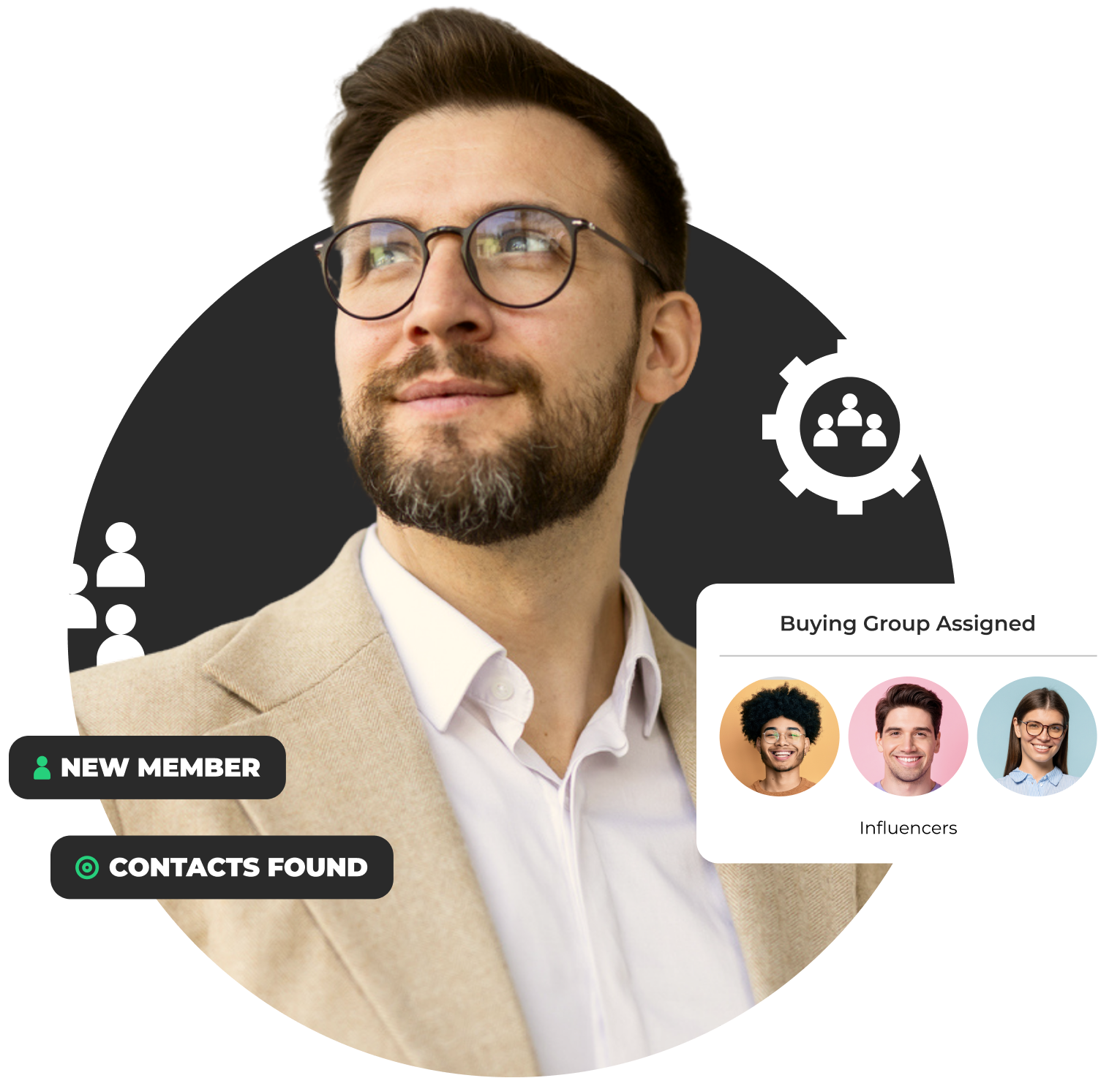
LeanData Buying Groups Blueprint graphic showing a man looking up confidently

Drive Speed to Meeting with BookIt Links

Stat
86 %

of BookIt users improved their form-to-meeting conversion rate by 25% or more

Stat
55 %

of BookIt users decreased their meeting no-show rate by 25% or more

Stat
91 %

of BookIt users improved speed-to-lead by 25% or more

Stat
77 %

of LeanData users saw ROI from BookIt in "Weeks" or less

Everything you need to know to set your organization up with BookIt Links!

*If you are not a LeanData Admin, check out our Getting Started Guide for Users

1 – Configure & Invite Users to Authorize for BookIt

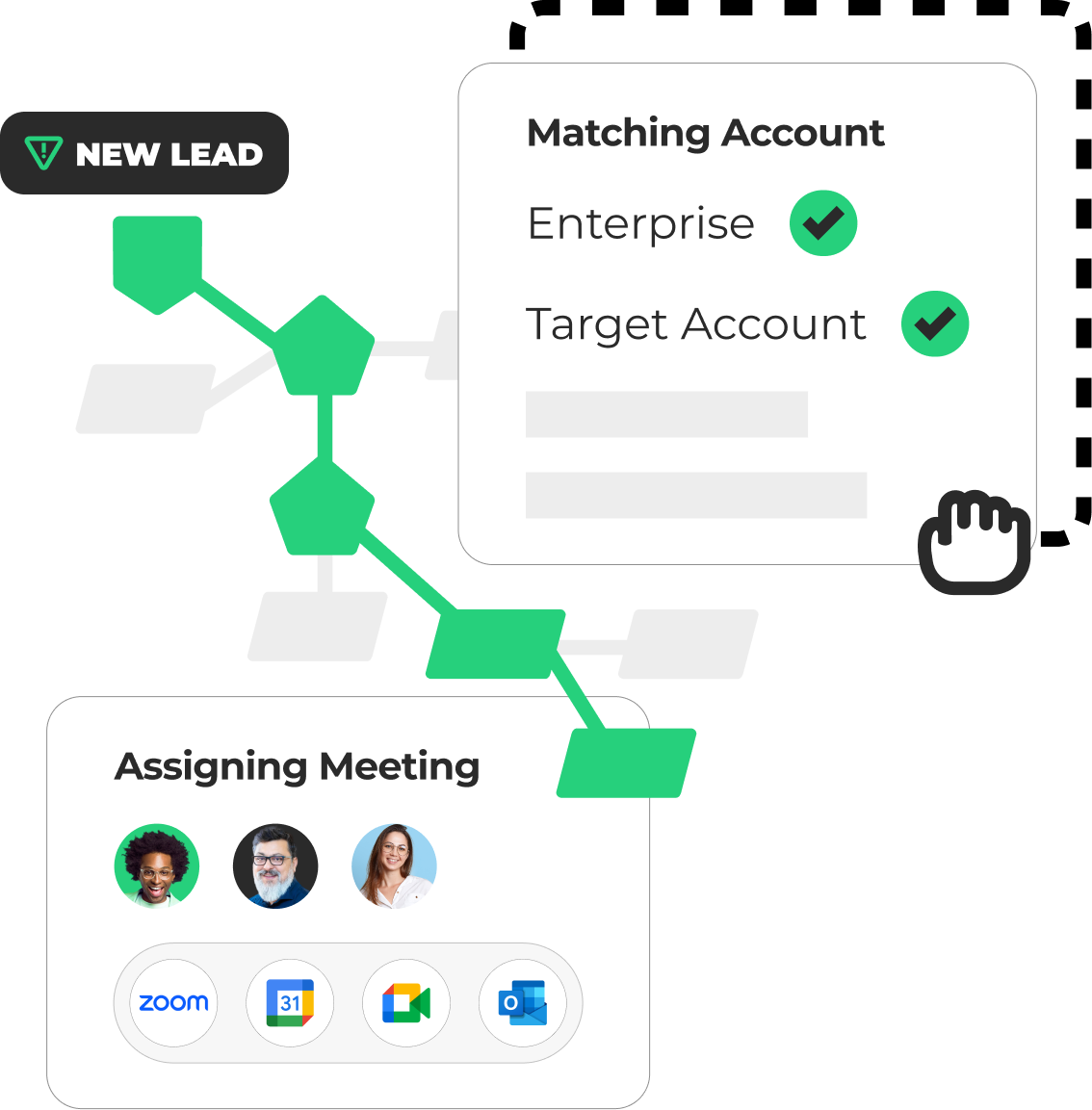
Before you authorize a single user, build the meeting types, pools, and integrations your team will inherit. This automatically populates the link in the BookIt Chrome Extension, removing the need for them to build it manually.

In your LeanData instance:

  • Build and Assign: Create an Admin Meeting Type, build a Managed Link, and assign it to your reps (who have already been granted Links product access).
  • Pools: Set up at least one Round Robin Pool.
  • Authorize: Grant users product access to BookIt Links & invite users to authorize for BookIt

Do you have non-Salesforce users you want to add as additional meeting hosts on your meeting links? Learn more about how you can do that here!
2 – Encourage Users to Connect Their Calendars

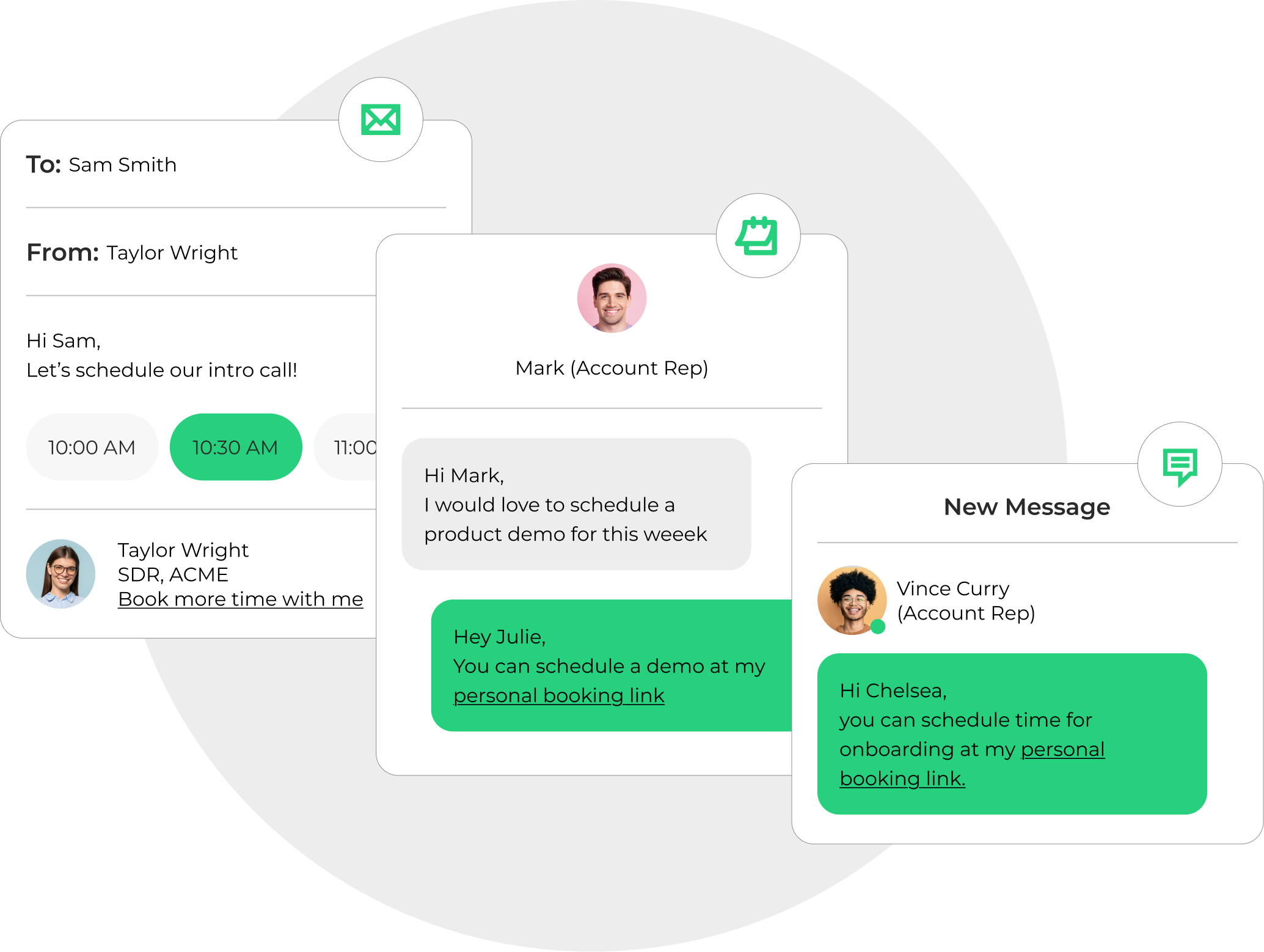
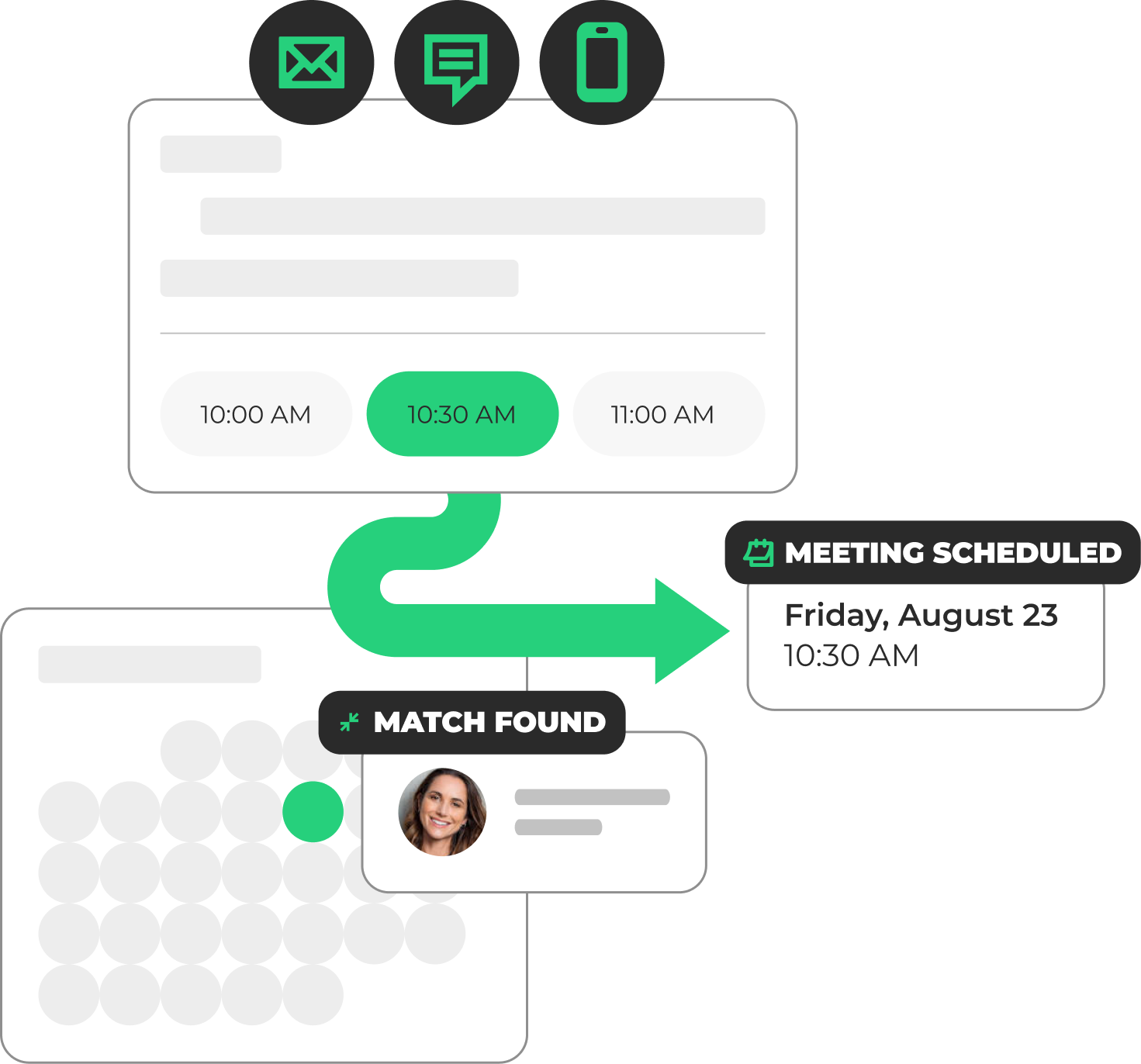
After granting users product access, give them a friction-free booking experience anywhere they coordinate meetings: email signatures, outbound sequences, LinkedIn messages, and more. 

Note: Admins can’t connect their calendars on behalf of users, so your team will need to complete this step themselves.

  • Calendar Connections: Tell your users to connect their calendar provider (Google or Outlook).
  • Chrome Extension: Encourage your reps to install the Chrome Extension so their links are immediately available for use.

3 – Launch

Pick a launch format that fits your team’s culture. Email and Slack work well for distributed, async teams. Live walkthroughs drive 3× higher first-week activation.

Three options:

  • Email: fastest, lowest activation lift. Use the template above.
  • Slack or Teams:  send the same email, add a Slack channel + 15-min team walkthrough.
  • Town-hall: 20-min slot at an existing all-hands. Best activation outcomes.

4 – Track Rollout & Adoption

This is where most rollouts stall. Licenses get assigned, the email goes out, and then activation plateaus. Here’s how you can complete the swing on rollout.

Example timeline:

Week 1 – Confirm calendar connections

Weeks 2–4 – Watch the Meeting Metrics dashboard

Day 30/60/90 check-ins

Example metrics to track:

  • Calendar connection rate – target 90% of licensed users to have a calendar connected to ensure adoption and ROI.
  • Links created per week, per rep
  • Meetings booked through BookIt Links → pipeline created

5- Expand

Now that BookIt Links is live and adopted, check out some of these additional features that help increase governance, drive even more personalized booking experiences, and protect revenue-generating meetings.

Read: Full Admin Guide – Advanced Features

Advanced features available today:

  • Single-Use Links: links that expire after one booking. For high-value outbound. – why it matters
  • Multi-meeting-type landing pages: one link, multiple meeting options.
  • BookIt Chrome Extension: schedule from anywhere in the browser.

What you could turn on next

Our LeanData Scheduling package includes BookIt for Forms and BookIt Handoff alongside BookIt Links. Contact your LeanData Account Manager to learn more.

BookIt for Forms

High-intent prospects book instantly from your demo-request forms, all with the same routing logic available in Orchestration.
Learn More

BookIt MCP

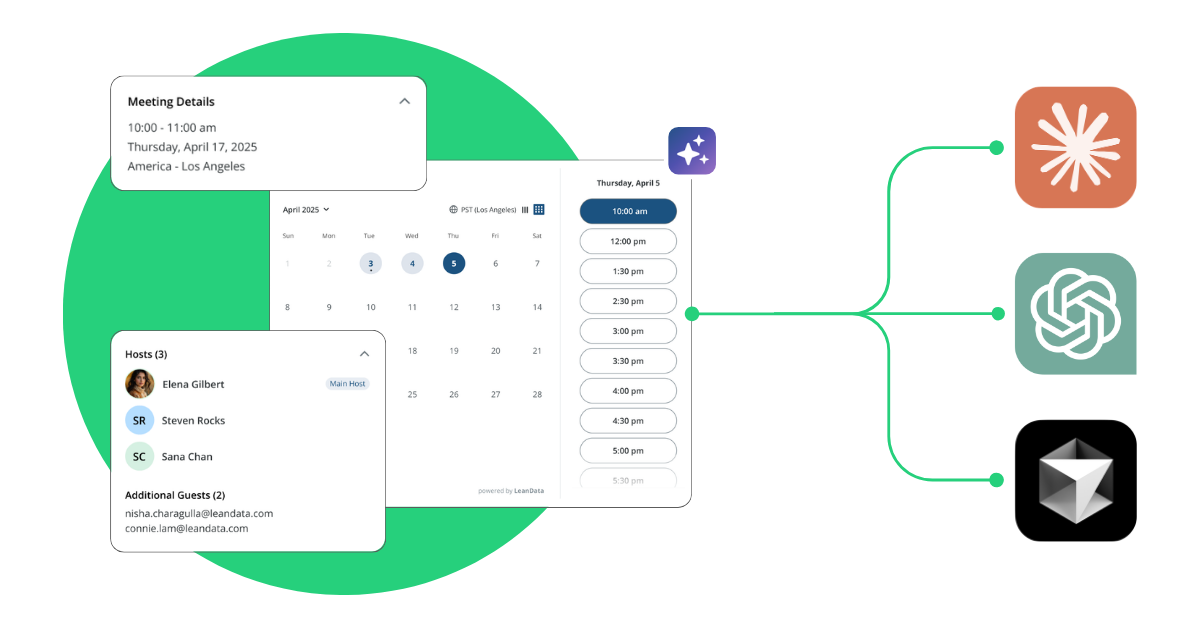
Connect Claude, ChatGPT, and more directly to BookIt with the BookIt MCP server to ask natural language questions and get structured, accurate answers in seconds.

Learn More

BookIt Handoff

SDRs hand off prospects to AEs live on the call with no double-booking or calendar tetris and with full distribution fairness and governance.

Learn More

You’re all set up. Let’s get some meetings on your team’s book.

Need help? Our LeanData experts can help walk through your rollout plan, share the calendar authorization email sequence, and connect you to the OpsStars community of admins who’ve done this before.