













Summary
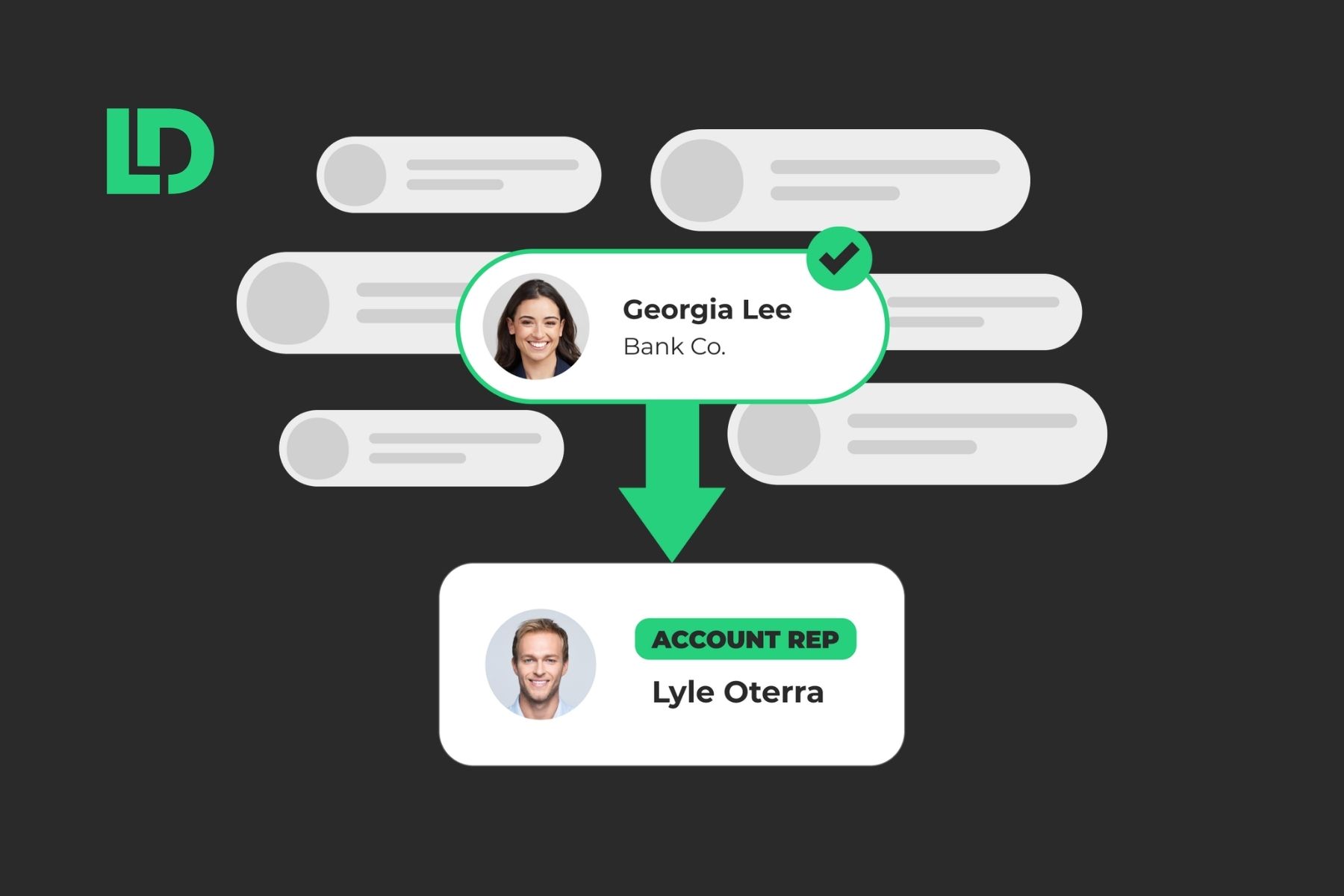
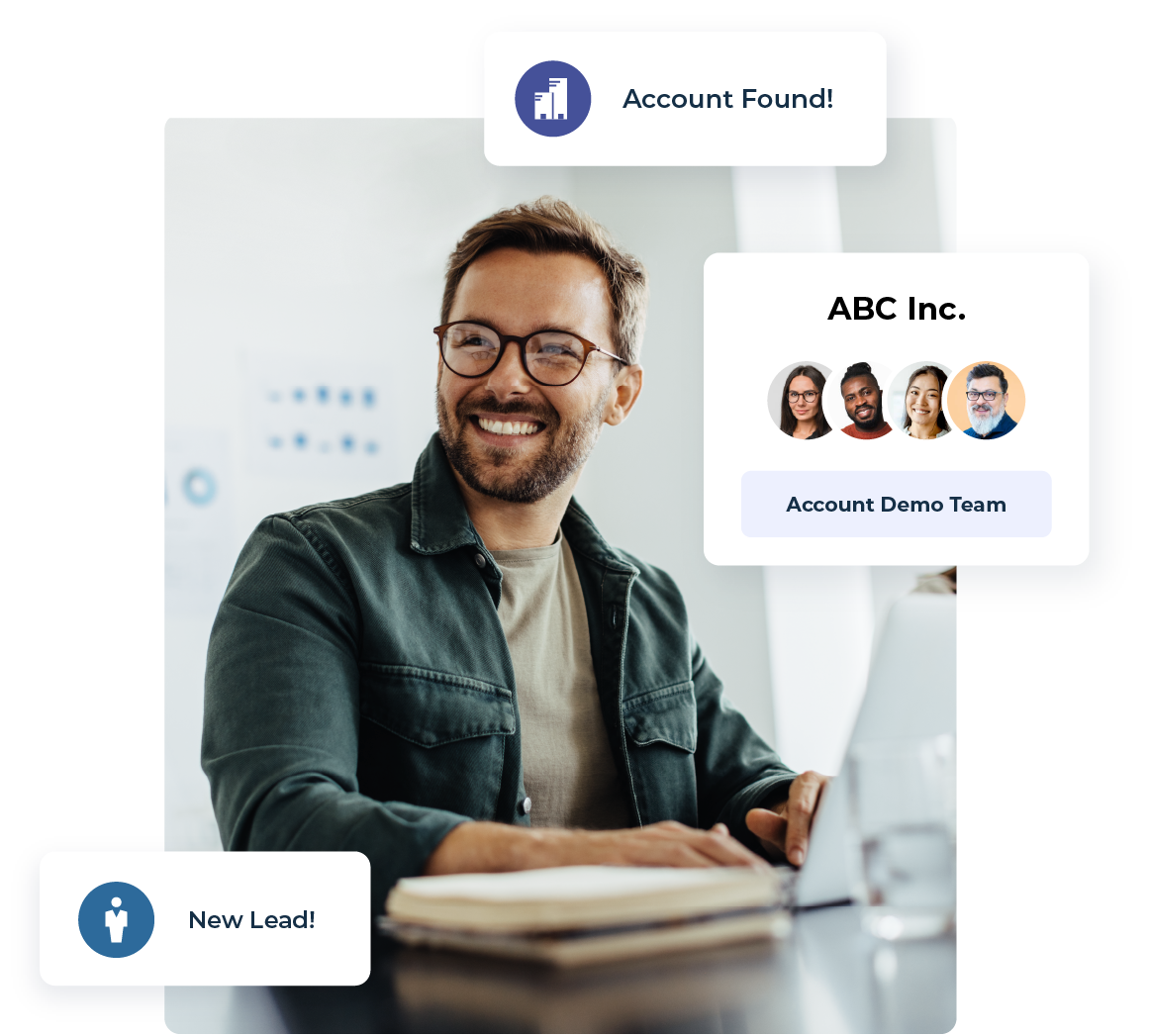
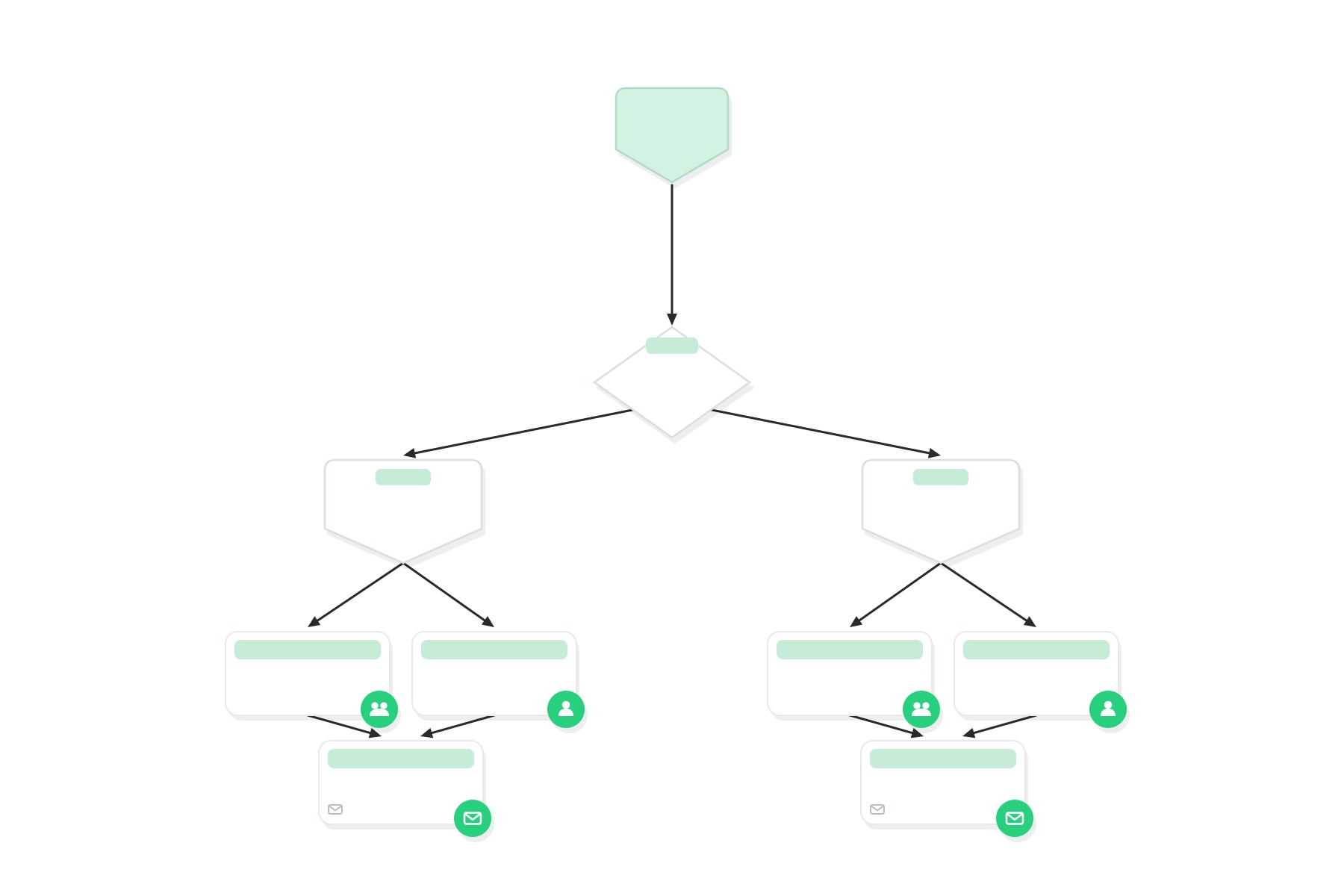
Lead routing decides how fast a new prospect reaches the right person. Every week, small gaps in that process cost B2B teams real pipeline. This guide walks through ten lead routing plays you can build inside LeanData, including a few that use AI to handle the parts that used to require a human.
What You’ll Learn
- How to stop a record from being routed twice in a row
- Which LeanData features handle routing for cases, accounts, and other Salesforce objects, not just leads
- How to test two routing setups against each other to see which one works better
- How an AI Inference Node can read free text and route on it
- How to keep a routing graph organized as your rules grow
Why Lead Routing Still Carries the GTM Motion
Every B2B company already has some form of lead routing in place, even if it is just a Salesforce assignment rule that nobody has touched in years. As teams add tools like 6sense, ZoomInfo, and AI SDR agents, though, the number of signals pointing at any single record grows fast.
Consequently, the system that turns those signals into an assigned owner matters more than it used to.
LeanData started as a lead-to-account matching and routing tool, and that part of the platform has only gotten more capable since. Today, LeanData also works as the foundation layer that takes AI generated signals, human input, and system triggers, and turns each one into a consistent action inside Salesforce.
This article focuses on ten plays you can set up in LeanData today. Some have been around for years and still solve everyday problems. A few are new, and they show where lead routing is headed as AI takes on a bigger role in the buyer journey.
1. Prevent Leads From Double Routing
Double routing happens when your router sends the same record through twice in quick succession. Most often, this comes from multiple entry points with overlapping criteria, and the fix is to adjust your filters so a record only meets one entry point.
However, there is a second, less obvious cause. When a new lead keeps interacting with your website right after it is created, that activity can update the record several times in a short window, and each update can trigger routing again.
LeanData solves this with a Hold from Routing checkbox field. First, the LeanData Router runs a new lead through matching and assignment as usual. Then it holds the record for a set amount of time before automation unchecks the box. As a result, records with a burst of early activity get one clean routing pass instead of several conflicting ones.
2. Route Cases to the Right Person Automatically
Case routing extends the same logic that handles leads to your support and customer success workflows. The LeanData Case Router helps CS teams respond to customers quickly and keep ownership clear, even as case volume grows. Here is what it can do:
- New Case: LeanData updates case fields, watches for changes on the record, and sends automated alerts to CSMs and support reps as needed.
- Tracking: LeanData tracks how long it takes a rep to respond to a case and how long it takes to close it.
- Reassignment: LeanData reassigns active cases when a rep is out of office or on vacation.
- Auto Close: LeanData closes a case automatically once it meets the criteria you set on the case or account.
- Onboarding: LeanData routes onboarding cases to the right CSM as soon as a deal closes.
Because case routing runs on the same platform as lead and account routing, your team manages one system instead of a separate tool for each object.
3. Bypass Salesforce Validation Rules When It Makes Sense
Salesforce validation rules check whether a record meets a condition before it saves, and they show a custom error message when it does not. For example, if your company requires a phone number on every new lead, the validation rule blocks the save until someone adds one.
As a native Salesforce application, LeanData follows any validation rule you create. LeanData also gives you a way to bypass a validation rule for its own integration user, which keeps automation running when a rule would otherwise stop it.
Edit the Lead Validation Rule
To bypass a validation rule on the Lead object, add a line to the Error Condition Formula that excludes the LeanData integration user. Using the phone number example above, the formula looks like this:
ISBLANK( Phone ) && $User.Username <> ‘insert user name’
Once you add this, that one user can save a Lead record without a phone number, and LeanData automation can still complete its routing actions even when the field is empty.
4. Run A/B Tests on Your Routing Logic
LeanData makes it possible to test two routing setups against each other and see which one performs better. For example, you might want to compare two notification messages sent to a round robin pool, to find out which one gets the fastest response from reps.
In this setup, new leads enter the LeanData FlowBuilder graph and split evenly between two round robin pools. One pool receives Notification A, and the other receives Notification B.
Then, to measure time to action, you can build a LeanData Object Report inside Salesforce’s native Reports and Dashboards. Over time, this kind of test helps Ops teams refine routing flows based on real rep behavior instead of a guess.
5. Route and Assign Records With High Buyer Intent
Sales teams close more deals when they focus on accounts and leads showing real buying intent. LeanData can route and assign records, and send alerts, the moment a high intent signal comes in.
For years, this play ran almost entirely through 6sense, and plenty of teams still use it that way. With Custom Signals, though, LeanData can now treat almost any Salesforce object or field as a source of intent, and the Demandbase Action Node adds another path for account based signals. As a result, you’re no longer tied to a single intent provider.
Here’s what the flow typically looks like:
- An intent signal comes in. For example, 6sense marks an account as in a Decision or Purchase stage, or a Custom Signal flags activity from another tool like Demandbase, G2, or UserGems.
- LeanData checks whether the account already has an owner.
- LeanData filters out accounts that are not a good fit for your business.
- LeanData routes unassigned accounts through a round robin pool based on segment and territory.
- LeanData updates the account with the new owner, the assigned reason, and the date.
- The newly assigned AE and SDR get a Slack alert with the account details and the keywords or activity that triggered the routing.
Because the trigger can now come from more than one source, this play scales as you add intent and enrichment tools to your stack, without a separate routing setup for each one.
6. Trigger Routing on Directional Field Changes
Sometimes you want routing to fire only when a field changes in one direction. LeanData lets you compare a field’s new value with its prior value, then decide whether that directional change should start routing. For example, you might want LeanData to route a record when a lead score goes up, but not when it goes down.
While most process builders can handle the first part of this setup, we recommend building it as a Salesforce workflow first.
Steps to Set This Up
- Create a Salesforce workflow that triggers a flow whenever the lead score field changes.
- In the second step of that flow, update a field called Previous Score with the prior value.
- End the flow.
From there, build a condition in the Update Lead node inside LeanData FlowBuilder so the routing graph reacts whenever the lead score changes. Next, connect that node to a true or false decision node that checks whether the score went up or down, and add a minimum score condition if you want one. If the score increases, the record moves on to a sales rep. If it decreases, the flow simply ends.
You can apply this same pattern to any numeric field you want to compare before triggering routing.
7. Continue Routing After Lead Conversion
If your team works with both leads and contacts, you likely want routing to continue after a lead converts to a contact. LeanData makes this possible by triggering Contact Router routing right after the Lead Router finishes its work.
This play relies on a field on the Contact record called Routing Action. LeanData stamps this field with a value every time it takes action on a Contact. So, once Routing Action equals converted, the new Contact record moves on into your Contact Graph automatically.
8. Continue Routing After Merging Duplicate Records
One question LeanData users ask often is how to merge duplicate records and then keep routing the merged result. When a record merges with a duplicate, the master record gets an update, and LeanData can use that update to trigger more routing.
First, confirm with your LeanData team that recursive routing is enabled. This setting acts as a safeguard that prevents routing loops from running indefinitely.
Next, when LeanData merges duplicates, it updates the Routing Action field with the value merged master. That update can trigger further routing in the Lead or Contact Router. Add a condition to the Updated Lead entry point that looks for Routing Action equals merged master, and the merged record will continue through the rest of your routing decisions.
9. Let an AI Inference Node Read Unstructured Data and Route on It
Until recently, LeanData routing logic depended entirely on structured fields like lead score, industry, or employee count. Plenty of useful signal, though, lives in places that are not structured at all, including contact us comments, demo request notes, and call transcripts.
The AI Inference Node changes this. You can drop it directly into a FlowBuilder graph and give it a prompt that tells it what to look for in a free text field. The node reads the text, classifies it, and writes a structured output that the rest of your graph can route on, just like any other field.
Teams use the AI Inference Node for tasks like:
- Sorting inbound inquiries by intent so the right team sees them first
- Pulling competitor mentions out of free text fields to trigger a nurture track or an alert
- Reading sentiment in survey responses or case comments to flag an account for a Customer Success follow up
- Cleaning up messy job titles or pulling email domains so other fields stay consistent
Because the node sits inside your existing routing graph, the rest of your rules, fallback logic, and notifications stay exactly the way you built them.

Show video transcript Hide video transcript
Every I feel like everything that I’m reading is talking about AI right now, and you know, using LeanData.
Kevin Au 0:05
Every single product is incorporating AI features. So, you know, I do want to ask you as far as utilizing one of our newer features, the AI inference node. So we’re adding AI into the mix. Typically, you think about a LeanData routing graph. It’s very what we call deterministic. Like you make a rule, it follows that rule. Now we’re adding AI intelligent component to it. So can you walk us through what you did and sort of your thought process behind that?
Linzy Cote 0:32
Absolutely. So our first use case for this is we wanted to shorten our marketing forms. Everyone knows if a form is too long, then a lead might just drop off, and we were finding that in our instance. So we were trying to figure out, you know, what is going to be the best way that we can shorten it without losing the data that we need. And it was kind of kismet, where the week that we were talking about this, the AI inference node got released, and I was like, guys, I’ve got a solution. So we started to look at what’s all the information that we do have within our Salesforce, and what can that AI inference node be able to look at to supplement that information. And really, what we came to is we can kind of get rid of a lot of other information and look at you came from this company name, and we’re going to take that as you know what we’re looking for, and even if you don’t put a company email address, I can now say you have a free mail address, but I can match you to a company based off of a company that you put in, and then I’m able to just enrich that lead or contact with that information as needed and route to the right person or segment. But then I can also, hey, I don’t have this account in my Salesforce. I don’t know where it needs to go. I can now have that go down a separate path, and that goes right to our SDRs. And because we have Gong integrated into our LeanData, it automatically gets enrolled into a Gong flow, which we are just getting more information from them. Of hey, like I see that you filled out a form about this. We’d love to learn some more information. I’d love to know a little bit about your company, so we’re able to get as much information from that AI inference node of where they work and how many employees they have to route to the right people. But if we can’t get that information, we can do it into a gong flow that’s going to get that for us. So and it’s all done in one fell swoop. It doesn’t have to be okay. I’m going to update this thing in LeanData. It’s going to change the lead contact, and then I’m going to build some routing logic in Gong and have it enroll in the flow. It’s just all done within there, and then the alert is sent to the rep that’s going to be working it to let them know, hey, you’ve got someone that doesn’t have a company attached to them, so they know that that conversation has to go a little bit differently.
Kevin Au 2:43
Yeah, absolutely. And I love how you know simply you describe that. You know, that’s a problem that many organizations have. But just the way that you think about it and think about it in several layers, like what handle with AI, what can we not handle with AI? Because you know it can’t. It’s not the silver bullet that solves everything, but there are other integrations that you can plug into, such as your SDR team and your Gongflow, and then your email alerts that can really benefit you in that. So get where you need to be.
Linzy Cote 3:13
Exactly. Yeah, we. I mean, we get 90% of the way there with the inference node, and then we’ll just kind of push it over the finish line with that Gong integration. And then one thing that I do love about the inference node is it allows you to test it right when you’re building it. So it’s not like, hey, I’m gonna you know build the draft and I’m gonna test it in my sandbox and see what happens. You can just build that model and then test it, and it’s gonna let you know whether or not it’s working right there. And I found that to just be so intuitive for me to use to be able to make those quick edits that I needed to because my first part kind of make made it go in a loop and so I was able to just very quickly pivot on that and the fact that I didn’t have to you know launch a graph pull it out put it in my sandbox do what I needed to do it was all just done right within that node.
Kevin Au 3:58
Yeah, absolutely. I think that’s for folks who haven’t used the AI inference node. There is that feature where put in your prompt, you put in how you want the output formatted, and then you can actually test right there in a graph that’s not even live yet. Hey, if this information came in, what would the AI spit out for me to use? But that’s really helpful because you know when you’re putting together a prompt, you’re sort of just approximating, you know, what the AI is going to need to to run that right. So yeah, I love that, and you don’t have to, you know, use your actual website prospects as guinea pigs for for using this thing. Exactly, I love that.
Linzy Cote 4:35
I don’t have to make a bunch of fake test leads that I then have to delete out of my system.
10. Simplify Routing Logic With Data Tables and Collections
As routing logic grows, graphs can pick up a lot of branches fast, especially when your rules touch regional differences, industry segments, product lines, employee count, or language. Data table routing solves this by combining the structure of a spreadsheet with LeanData’s routing engine, so you can manage all those branches in one table instead of a wall of nodes.
You can build this with the Data Table Action Node, and there is no limit to how many tables you create. Because most of your logic lives in rows and columns, updating a rule becomes a matter of editing a cell rather than rebuilding part of a graph.
Two newer features extend this same idea. First, Collections let you store up to 1,000 records in a single variable and apply a bulk update or assignment to all of them in one action, which keeps graphs shorter even as record volume grows.
Next, Multi Graph for Any Object Routing lets different business units build and manage their own routing graphs for the same object, so a change to one region’s rules never touches another region’s setup.
Together, these three features help Ops teams keep routing logic organized as the business grows, so any admin can open a graph and follow what it does.
A Quick Recap of All Ten Plays
Where to Take Your Lead Routing Strategy From Here
Every team that uses LeanData applies these plays differently. Some keep things simple with the first few plays on this list. Others combine nearly all ten, plus an AI Inference Node or two, to handle a GTM motion that spans many products, regions, and teams. Either way, LeanData adjusts to the size of the job in front of you.
If you want to go deeper, the Lead Routing Software Guide for B2B Teams covers the routing models, the features worth evaluating, and how companies like Zoom, SUSE, and F5 have used routing to move faster. You can also look into Any Object Routing in LeanData and the related plays in 12 Automated Alerts You Can Do in LeanData, since routing, alerts, and scheduling all work together inside the same platform.
Whichever play you start with, the goal stays the same. Get the right record to the right person, with the right context, as fast as your team can act on it.
Ready to Build These Plays in LeanData?
FAQ
What is lead routing?
How is LeanData different from Salesforce’s native assignment rules?
Can lead routing tools use AI to read unstructured data?
Does lead routing only apply to leads?
How do teams keep routing logic organized as it grows?

Kim Peterson
Kim Peterson is the Senior Manager of Content Strategy at LeanData where she digs deep into all aspects of go-to-market strategy and execution. Kim's writing experiences span tech companies, stunt blogging, education, and the real estate industry. Connect with Kim on LinkedIn.