















Summary
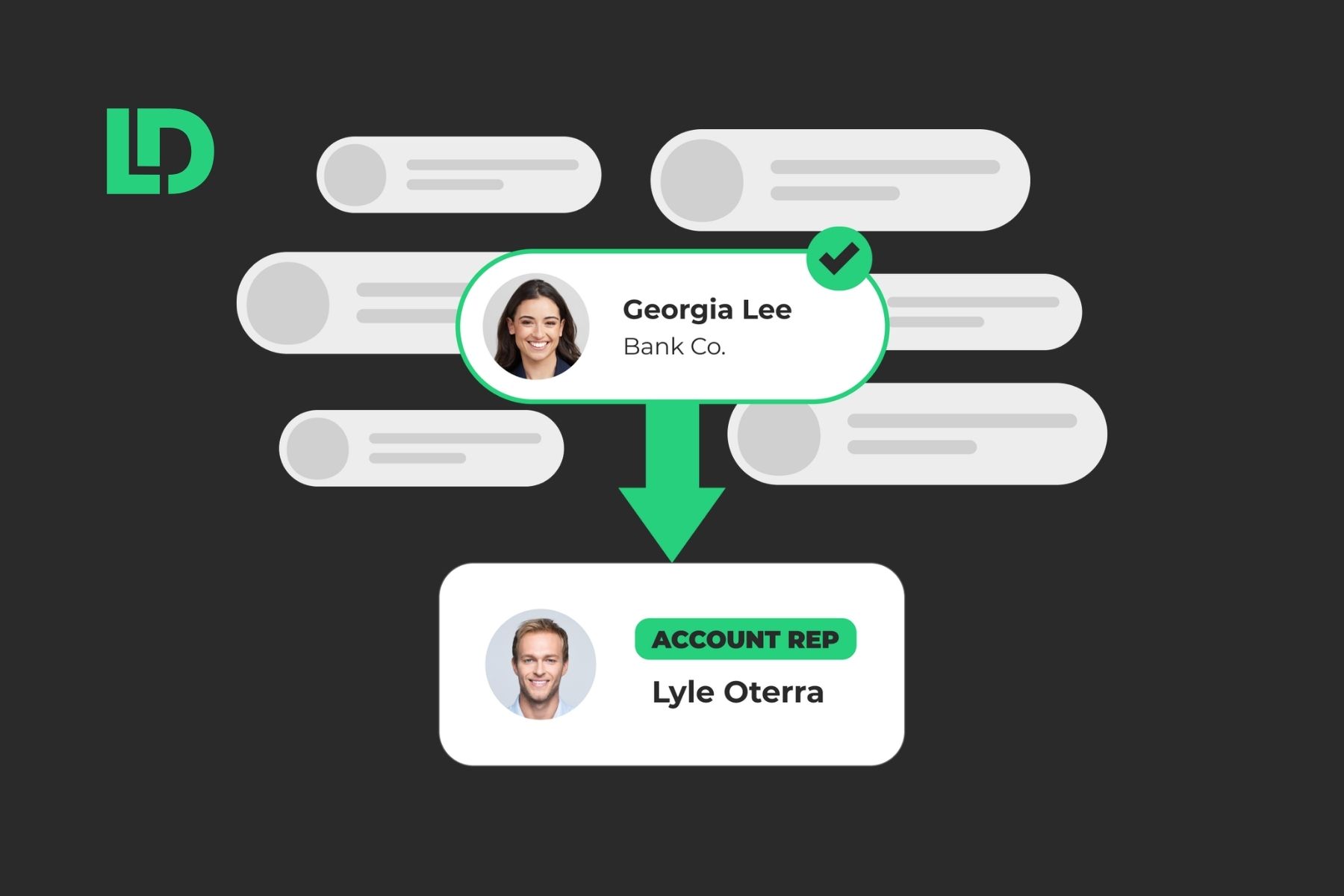
Lead handoff alignment brings sales and marketing teams together around one shared process for routing, timing, and following up on every lead. This guide walks through the metrics, the routing logic, and the reporting habits that keep both teams working from the same information.
What You’ll Learn
- How to tell whether a handoff problem comes from timing, routing accuracy, missing context, or all three
- The five metrics that keep marketing and sales measuring the same thing, with clear definitions for each
- A step by step approach to building routing logic that assigns leads consistently
- How LeanData’s FlowBuilder and BookIt fit into a handoff process, explained in plain terms
- A simple rollout plan you can adapt over your first few months
Why This Handoff Deserves a Second Look
Marketing generates the lead. Sales works the lead. And somewhere between those two steps, plenty of pipeline quietly slips away.
- How often does a promising lead sit untouched for hours before anyone reaches out?
- How often does a sales rep pick up a lead with no idea what that person already did on your website or in your product?
- Should the lead be counted as qualified in the first place?
Put those three things together, and you get a handoff that looks like a relationship problem but behaves like a process problem.
This guide treats lead handoff alignment as something a team can build, rather than something it has to hope for.
You will find concrete steps for (1) defining shared metrics, (2) building routing logic, and (3) tracking results in ways that hold up over time.
Sales and marketing rarely disagree about the goal, so most of the real work involves agreeing on the definitions and the mechanics that get everyone there.
Why Lead Handoffs Break Down
Most handoff problems fall into a small number of buckets. Naming them individually makes the fix much easier to spot.
- Time to response. This is the gap between when a lead arrives and when someone reaches out. When routing depends on a person manually checking a queue, this gap stretches from minutes into hours or days. Speed matters here because contact rates drop quickly as time passes.
- Routing accuracy. This measures how often a lead lands with the right rep on the first try. When accuracy is low, leads bounce between reps, territories get confused, and someone eventually has to sort out the mess by hand.
- Context at handoff. This is what a rep actually knows about a lead the moment they receive it. Without recent page visits, form answers, or a campaign source attached, a rep starts the conversation with no background, even though the buyer already told the company plenty.
- A way to accept or decline. Reps need a simple way to flag when a lead does not fit, along with a reason. Marketing can only improve lead quality once it knows what did not work and why.
- A record of what happened. Every routing decision should leave an auditable trail. When someone asks why a lead went to a particular person, the team should have a clear answer instead of a guess.
Once a team names these issues directly, the conversation between marketing and sales moves away from blame and toward specifics.
Five Steps to Align Sales & Marketing on Lead Handoffs
With those problem areas named, here is a practical order of operations for closing the gaps.
- Agree on a small set of shared metrics with the same definitions on both sides. The metrics table below gives you a starting point.
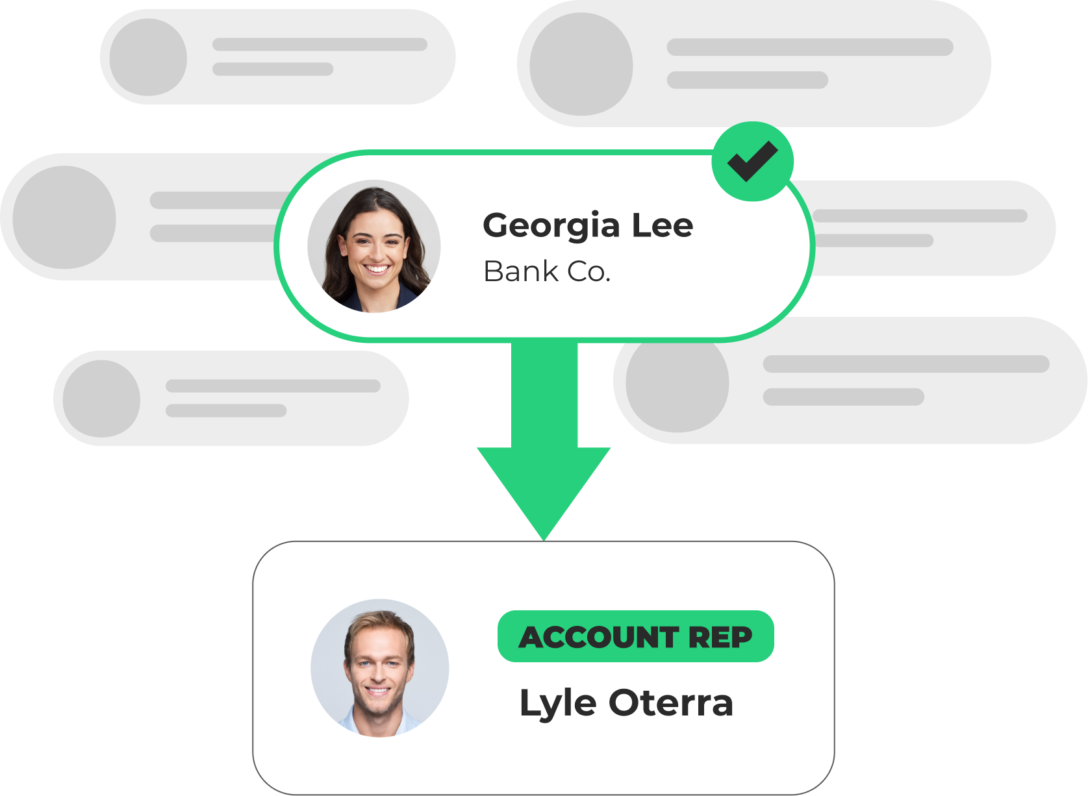
- Build routing logic that assigns leads by territory, capacity, and role, replacing manual sorting with a set of rules everyone can see in one place.
- Set target times for assignment and first response, and give reps a simple way to accept or decline a lead with a reason attached.
- Put the numbers where both teams can see them. Build a couple of shared reports on top of your routing and scheduling data so marketing and sales look at the same weekly view.
- Pilot the new process with one lead source before expanding it further. Compare the new routing decisions against how leads were assigned before, then adjust from there.
The Five Shared Metrics Both Teams Should Track
The root cause of most sales and marketing friction is rarely a disagreement about goals. More often, each team measures the same concept differently. The table below gives both sides one shared definition for five common metrics, along with how teams typically track each one.
This works with whatever CRM or reporting tool a team already has in place. A team does not need any particular platform to start defining these metrics and building these reports.
For teams that use LeanData specifically, three of these metrics map to features built into the platform.
Lead acceptance rate and MQL to SQL conversion depend on fields and stages a team sets up in its own CRM, so they work the same way whether or not LeanData is part of the stack.
- Speed to lead and first response time both draw from the Time to Action Tracker object, which lives natively in Salesforce once LeanData is installed.
- Meeting show rate draws from the Meeting Log report inside LeanData’s scheduling software BookIt.
When both teams report from the same definition, the same data, and the same schedule, arguments about lead quality turn into conversations grounded in shared numbers.

How LeanData Supports the Handoff Process
LeanData is the platform many enterprise revenue teams use to put this kind of process into practice inside Salesforce. It helps to understand what it actually does before looking at how a workflow comes together.
Routing the Lead
FlowBuilder is LeanData’s visual routing tool. Instead of writing custom code, users can drag nodes onto a canvas to define how a lead moves from arrival to assignment.
For example, our Lead-to-Account Match node checks whether the lead belongs to an existing account. Then a decision node checks territory, industry, or deal size to figure out which team should own it.
After that, a routing action assigns the lead to a specific person or a round robin group, so ownership never depends on someone remembering to check a queue. Plus, every step gets logged in an audit trail, so a team can see exactly why a particular lead went where it did.
Tracking Time and Service Levels
Once a lead gets assigned, the Track SLA node starts a clock. This shows how long a lead sat before someone worked it, and it feeds a Time to Action Tracker object that lives natively in Salesforce.
Consequently, a team can build the assignment and first response reports shown in the table above using Salesforce’s own reporting tools, without needing a separate analytics platform.
Scheduling the Meeting
BookIt is LeanData’s scheduling tool. When a high intent prospect fills out a form, BookIt matches them to the right rep and lets them book a meeting right away, instead of waiting on a follow up email. Every meeting gets logged, and the Meeting Log report gives a team visibility into how many meetings happened, who booked them, and whether people actually showed up.
Testing Before Going Live
Before a new graph runs on real leads, Routing Preview lets a team run a sample record through the logic and see exactly where it lands. This means a team can check its routing rules against a handful of test scenarios first, then turn the graph on once the results look right.

What Good Looks Like in Practice
Uber for Business offers a useful example of what this work can produce. Their revenue operations team rebuilt lead routing and added LeanData’s BookIt to let prospects schedule meetings directly.
And the results?
- 68% increase in deal velocity
- 53% increase in win rates
- 95% reduction in MQL time-to-assignment
That story matters less for the specific numbers and more for the pattern behind them. The team replaced ambiguous lead handoffs with a defined process, set clear ownership for every lead, then measured what changed over time.
A Sales-Marketing Handoff Rollout Plan
Most teams roll out a Sales-Marketing alignment plan in three stages.
Stage #1 Weeks 1 Through 4
Bring together one person from marketing operations, one from sales operations, and one from revenue operations. Agree on the five shared metrics from the table above, then publish the definitions where everyone can find them.
Build the routing logic in a test environment first. Then, compare what the new logic decides against how leads have been assigned so far, and adjust as needed.
If your team uses LeanData, this step happens in a sandbox. Routing Preview makes it possible to run sample leads through the new logic and see exactly where they land before anything goes live.
Stage #2 Weeks 5 Through 12
Turn on the new routing for one lead source, such as demo requests from the website. Turn on service level tracking and the accept or decline step for reps, then review the shared metrics together every week.
Add more lead sources every couple of weeks once the first one runs the way the team expects. Teams using LeanData do this by deploying the FlowBuilder graph for that one source, then watching the Time to Action Tracker and the accept and decline fields fill in as real leads move through it.
Stage #3 Ongoing Maintenance
Keep a short weekly review of the shared metrics with marketing, sales, and revenue operations. Once a month, walk the trends past leadership, paying particular attention to MQL to SQL conversion and meeting show rates.
Once a quarter, revisit the routing logic and the scoring model, and update territory rules as the team grows.
Making Lead Handoff Alignment Part of How You Work
Lead handoff alignment holds up best when a team treats it as an ongoing habit, with shared metrics reviewed every week, routing logic revisited every quarter, and a clear, shared picture of what a good handoff looks like.
If a team already has some of these pieces in place, most of this work involves connecting what already exists rather than building everything from scratch. If a team is starting closer to zero, the five step process above gives a clear place to begin.
Either way, the goal stays the same: Give every lead a fast, accurate, well documented path from marketing to sales, and give both teams a shared way to see whether that path is working.
Leads shouldn’t wait in a queue while your team figures out who should own them.
FAQ
What does lead handoff alignment mean?
What tools help automate the handoff between sales and marketing?
How fast should a lead be assigned after it comes in?
What metrics should sales and marketing track together?
How long does it take to see results from a new handoff process?

Kim Peterson
Kim Peterson is the Senior Manager of Content Strategy at LeanData where she digs deep into all aspects of go-to-market strategy and execution. Kim's writing experiences span tech companies, stunt blogging, education, and the real estate industry. Connect with Kim on LinkedIn.