










Summary
Lead routing software helps B2B revenue teams assign the right leads to the right sales reps in real time. This guide explains how automated lead routing works inside your CRM, covers the most common routing models, and identifies the features that matter when evaluating vendors. See how companies like Zoom, SUSE, and F5 have used lead routing to accelerate pipeline and improve conversion rates.
What You’ll Learn
- How lead routing software works, step by step, from capture to assignment
- Six routing models and when to use each one
- The features that separate enterprise-grade routing tools from basic assignment rules
- Why Salesforce-native architecture matters for routing accuracy and speed
- How to evaluate lead routing vendors without getting stuck in a demo loop
What Is Lead Routing?
Lead routing is the process of assigning incoming leads to sales representatives based on predefined rules. In B2B organizations, routing kicks in the moment a lead enters your CRM through a form fill, marketing campaign, event, or partner referral. The system evaluates the lead, determines who should own it, and delivers it to that person.
For a team of five reps selling one product in one region, you can manage this by hand. For an organization with 50 or more sellers, multiple territories, overlapping product lines, and account-based motions, manual routing creates bottlenecks that directly cost you revenue.
What Is Lead Routing Software?
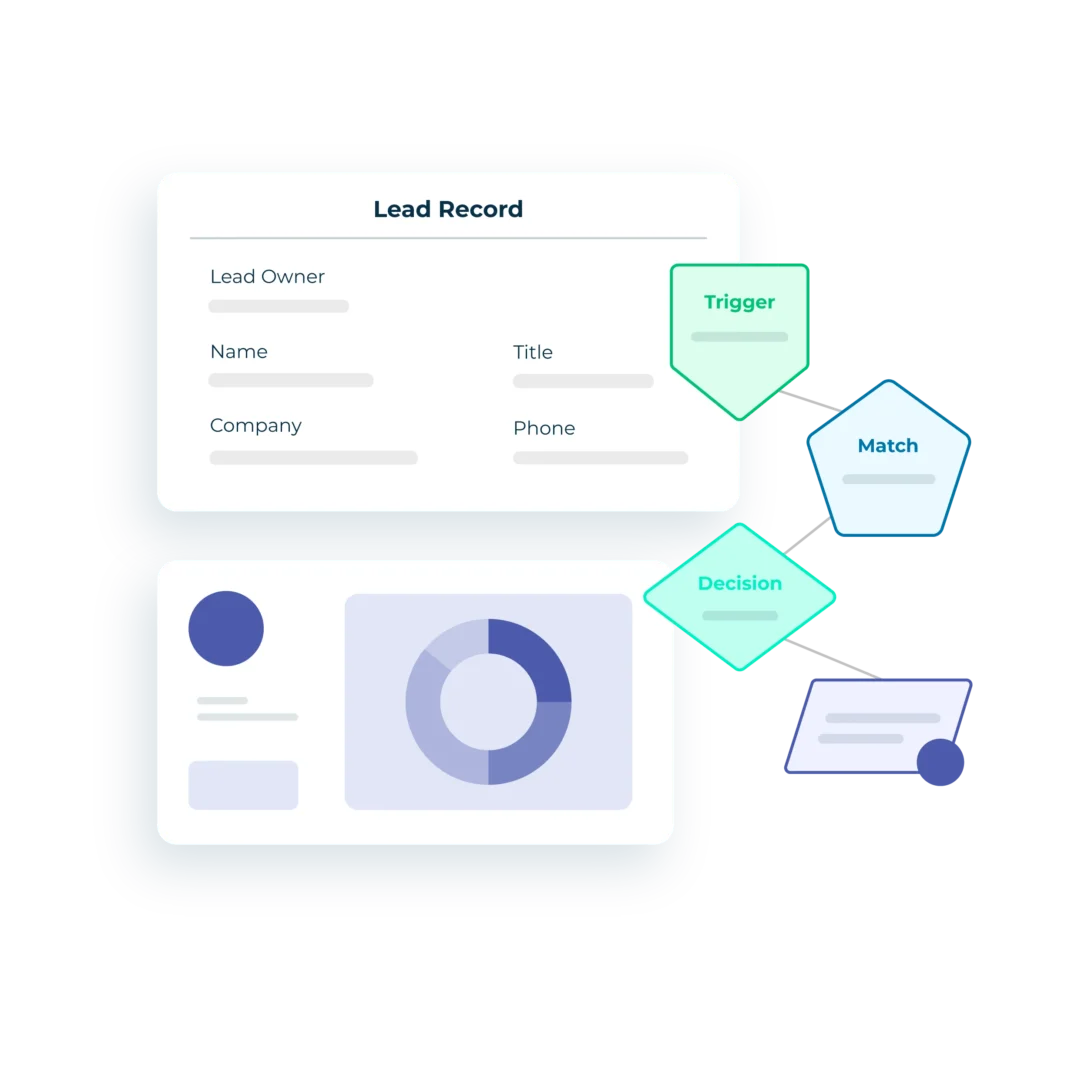
Lead routing software automates the assignment and distribution of leads inside your CRM. It applies your business logic in real time, matching leads to accounts, evaluating routing criteria, assigning the correct owner, and triggering follow-up actions like notifications, SLA timers, and meeting scheduling.
The strongest lead routing platforms also route contacts, accounts, opportunities, and cases, giving operations teams a single place to manage assignment logic across every CRM object and every stage of the revenue lifecycle.
Why Lead Routing Matters for B2B Revenue Teams
Speed to lead is one of the strongest predictors of conversion in B2B sales. When a prospect fills out a demo request or downloads a high-intent resource, the window to engage is small. Responding within five minutes dramatically improves your chances of connecting compared to waiting 30 minutes or more.
Speed matters, and so does accuracy. Routing a lead to the wrong rep (someone who doesn’t own the territory, doesn’t know the product, or has no context on the account) creates a frustrating buyer experience. The prospect re-explains their needs, gets passed to someone else, and loses confidence before the first real conversation even starts.
Poor lead routing compounds into bigger problems:
- Lost revenue from unworked leads
- Wasted marketing spend on demand gen that never converts
- Higher acquisition costs from slow handoffs
- A reputation for being hard to buy from.
For a closer look at how conversion rates break down across the funnel, read Why B2B Lead-to-Opportunity Conversion Rates Decline (and How to Fix Them).
How Lead Routing Works
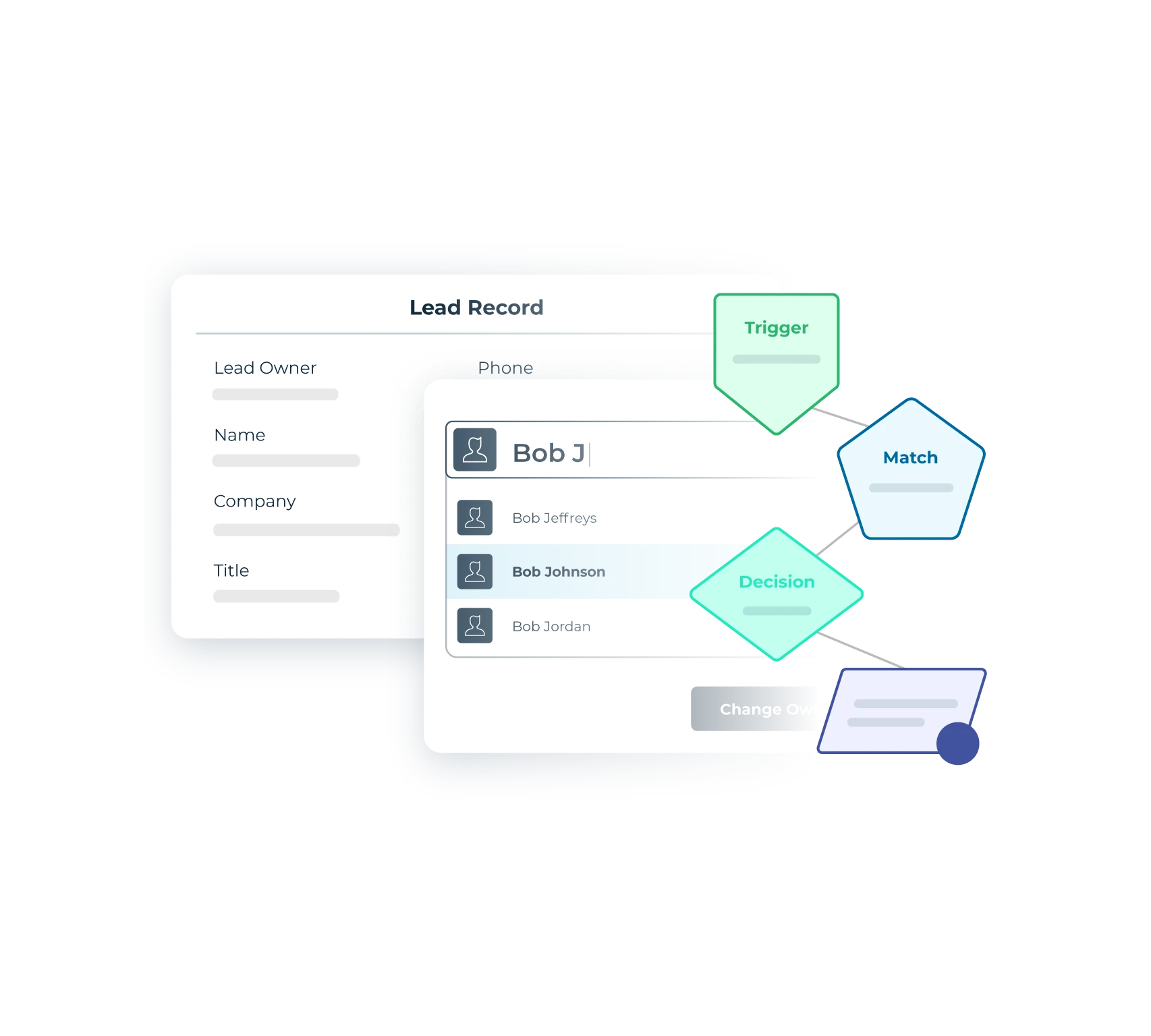
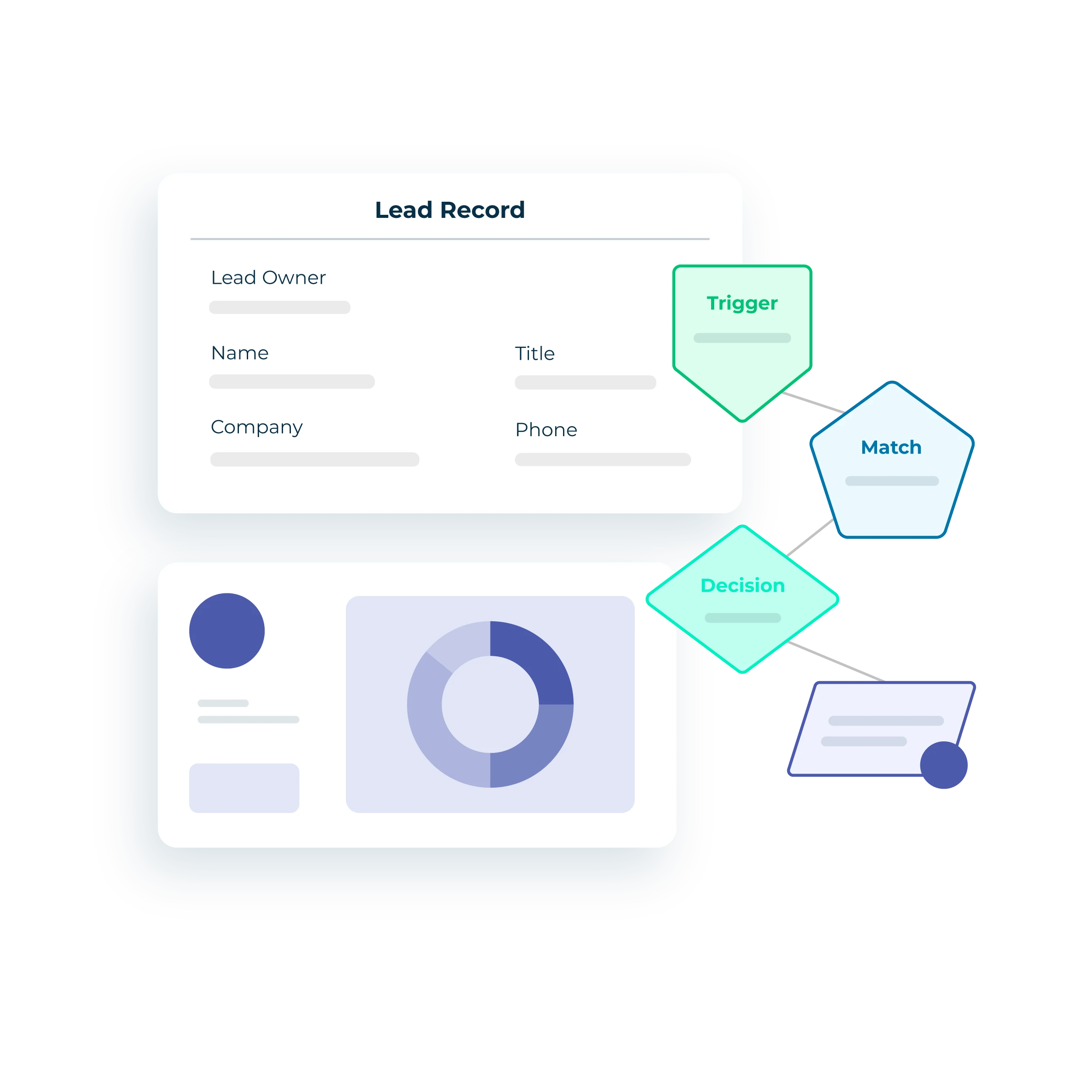
Automated lead routing moves through a sequence of steps in seconds. Here’s the typical flow:
Each step builds on the one before it. Matching accuracy determines routing accuracy, and routing accuracy determines whether the right rep gets the right lead at the right moment.
To explore specific plays you can run inside this workflow, 10 Lead Routing Plays You Can Do in LeanData covers common configurations.
Types of Lead Routing
No single routing model fits every B2B organization. Most companies layer several methods together into a workflow that reflects their sales structure and go-to-market strategy.
Round robin routing distributes leads evenly across a group of reps. This works well for SDR teams handling inbound volume where no territory or account ownership applies. Weighted round robin adds flexibility by assigning more leads to reps with lighter workloads or higher conversion rates.
Territory-based routing assigns leads by geographic region, industry, company size, or named account lists. This is the most common model for enterprise sales teams where reps own specific territories. It requires clean segmentation data and well-defined rules to avoid misassignment.
Account-based routing matches inbound leads to existing accounts and sends them to the account owner. This is essential for ABM strategies because it ensures that when a new contact at a known account raises their hand, the assigned AE or account team receives the lead immediately with full context on the relationship.
Campaign member-based routing triggers assignment when a lead or contact joins a Salesforce campaign or when their campaign member status changes. This is useful for event follow-up, webinar registrations, or any situation where campaign engagement should influence who handles the lead and how quickly.
Time-based routing uses SLAs and scheduled triggers to reroute leads that haven’t received attention within a defined window. If a rep doesn’t update a lead status within two hours, the lead automatically reassigns to another rep or escalates to a manager.
This is how operations teams enforce accountability without chasing people down manually. For more on this approach, see How RevOps Can Speed Up Sales With Time-Based Actions.
Capacity-based routing considers each rep’s current workload before assigning new leads. This prevents top performers from getting buried while other reps sit idle.
In practice, a lead might first match to an account, then route based on territory ownership, fall back to a round robin pool if the account is unowned, and trigger a time-based SLA that reroutes the lead if no one acts within an hour.

Download the Guide Here
Key Features to Look for in Lead Routing Software
Not all lead routing tools deliver the same capabilities. When evaluating platforms, focus on the features that determine whether a tool can handle your current needs and grow with you:
- CRM-native architecture. Solutions that run natively inside Salesforce (or your CRM) eliminate data sync delays, API overhead, and security risks from external platforms. This is one of the most important distinctions when comparing tools like LeanData, Chili Piper, Distribution Engine, or Traction Complete.
- Visual workflow builder. A drag-and-drop interface lets operations teams build and modify routing logic without writing code. This matters because Salesforce Flows require Apex coding and deep admin expertise for anything beyond basic scenarios. A visual builder also gives cross-functional teams shared transparency into how routing decisions work.
- Lead-to-account matching. Accurate matching is the foundation of account-based routing. Look for AI-enhanced fuzzy matching that handles variations in company names, domains, and subsidiaries. Without reliable matching, leads end up on the wrong accounts or create duplicates.
- Multi-object routing. Your routing platform should handle contacts, accounts, opportunities, and cases alongside leads. This prevents teams from building fragmented automation across multiple tools. Read more about LeanData’s Any Object Routing.
- Round robin management. Look for weighted distribution, rep availability and time-off handling, overflow pools, and the ability to manage multiple pools across segments and products.
- SLA automation and tracking. Time-based rules that trigger rerouting, escalation, or manager notifications when leads go unworked.
- Real-time notifications. Slack, Microsoft Teams, and email alerts that fire the moment a lead is assigned, complete with contextual information so reps can act immediately. For ideas, see 12 Automated Alerts You Can Do in LeanData.
- Audit logs and routing insights. The ability to trace every routing decision, see exactly why a lead went to a specific rep, and diagnose issues quickly. Without audit trails, troubleshooting turns into guesswork.
- Integrations. Your routing solution should connect with marketing automation, sales engagement tools (Outreach, Salesloft), enrichment providers, and scheduling platforms without custom development.
For a full evaluation framework, download the Lead Routing Buying Guide Checklist.
Lead Routing in Salesforce
Many B2B companies searching for lead routing software are Salesforce customers, and for good reason. Salesforce is the CRM of record for most enterprise sales organizations, and routing is one of the most operationally critical workflows running inside it.
Salesforce provides native lead assignment rules that work for straightforward scenarios: assign leads from a specific source to a specific queue or user. Those rules start to strain as your organization scales:

- They only support leads (not contacts, accounts, or opportunities)
- They can’t handle conditional logic or multi-step workflows
- Every change requires Salesforce admin involvement
- When teams outgrow native rules, they often build Salesforce Flows with Apex triggers
- Any dependency on Salesforce developers raises the risk of breaking other automations
This is the core problem that purpose-built lead routing software solves.
Tools like LeanData were built to handle the routing and matching challenges that Salesforce’s native features cannot address at enterprise scale.
LeanData runs as a managed package directly on the Salesforce platform with no external data syncs. Data stays accurate and secure, and it connects with the full Salesforce ecosystem including Sales Engagement, Territories, and AppExchange partners.
Common Lead Routing Challenges and How to Solve Them
Even with software in place, routing can break down. Knowing the most common failure points helps you build processes that prevent them.
#1. Lead leakage happens when leads fall through the cracks, sit unworked in queues, or land on inactive users. You solve this with fallback logic (so every lead always has somewhere to go), SLA enforcement (so unworked leads get rerouted), and audit logging (so you can spot where leakage occurs). See Fixing Lead Leakage with Lead Management Best Practices for a detailed breakdown.
#2. Duplicate records create confusion when the same person exists as multiple records in your CRM. Leads get split across reps, account context disappears, and reporting becomes unreliable. Automated deduplication and lead-to-account matching catch this before routing logic even fires.
#3. Misaligned territories produce routing errors when segmentation data is outdated or rules don’t reflect recent reorgs. A visual workflow builder lets operations teams update routing logic in minutes instead of filing IT tickets that take weeks.
#4. Slow change management quietly erodes performance. When routing changes require developer time, they compete with every other IT priority.
How to Evaluate Lead Routing Vendors
Choosing lead routing software affects marketing, sales, and operations. Before looking at specific vendors, align your team on a few questions:
- What routing problems are you trying to solve?
- Which CRM objects need routing beyond leads?
- Where does your current change management process break down?
Then evaluate vendors against the criteria that matter most:
- Prioritize CRM-native architecture if data accuracy and performance matter to your team.
- Have your operations team build a real workflow during the evaluation instead of watching a demo.
- Test lead-to-account matching accuracy with your actual data.
- Ask about audit logs.
Finally, verify the vendor’s customer success model, because implementation support, certifications, and ongoing strategy guidance make a real difference in how quickly you see results.
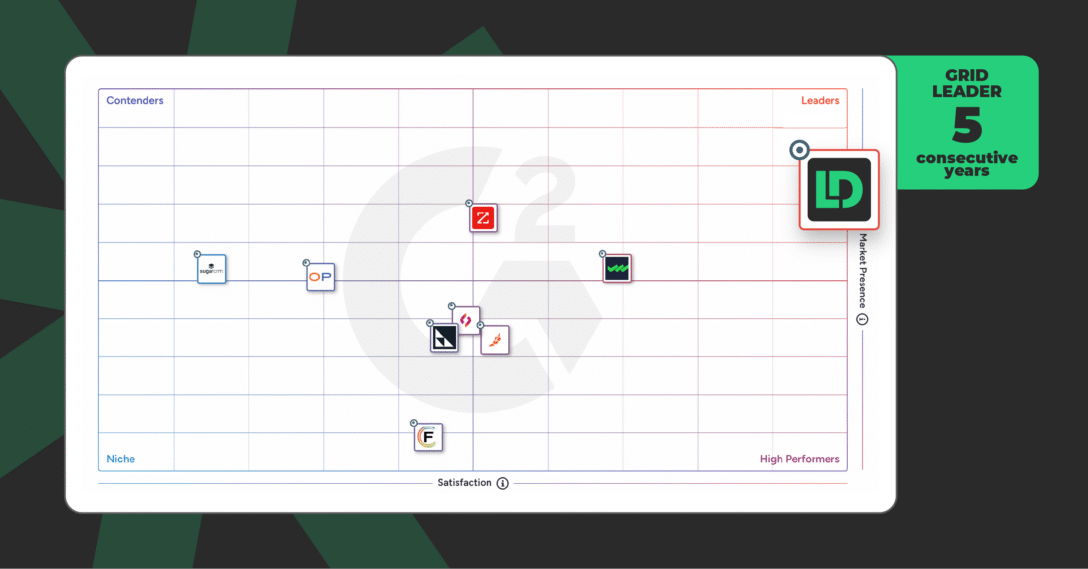
Peer reviews on G2 and Salesforce AppExchange are worth reading too. Look for reviews from companies similar in size and complexity to yours.
ChowNow’s Strategy for Routing 14 Custom Objects

How LeanData Approaches Lead Routing
LeanData is a purpose-built GTM orchestration platform, 100% native to Salesforce.
More than 1,000 companies rely on LeanData to orchestrate their go-to-market execution across the full revenue lifecycle, from matching and routing to scheduling and buying group orchestration.
LeanData’s visual FlowBuilder lets operations teams design, test, and deploy routing logic with no code. The platform routes any Salesforce object: leads, contacts, accounts, opportunities, and cases. It supports round robin distribution, territory-based assignment, capacity-based routing, fallback logic, SLA enforcement, and real-time notifications through Slack, email, and Microsoft Teams.
The AI-enhanced matching engine connects records to the correct accounts with 95% accuracy, using fuzzy logic that handles variations in company names, domains, and organizational structures.
And last, routing insights and searchable audit logs give teams full visibility into every decision the system makes.
Lead Routing in Action: LeanData Customer Stories
SUSE: 70% Faster Speed to Lead in One Quarter: SUSE’s SDR and Inside Sales teams were manually sorting through high-volume lead queues, and inconsistent routing meant leads were frequently overlooked. After implementing LeanData with priority-based SLAs, SUSE improved speed to lead by 70%, reduced the time to make global routing changes to two minutes, and achieved 100% SLA attainment.
Zoom: Scaling Lead Routing Through Explosive Growth: Zoom had built custom matching and routing rules in Salesforce, but as the company grew, that code became increasingly difficult to maintain. Changes required developer involvement and took months to implement. After deploying LeanData, Zoom’s Sales Operations team now makes routing changes in under a week. When global lead volume surged during 2020, LeanData enabled Zoom to absorb the spike without missing a beat.
F5: Thousands of Hours Returned to Sales Reps: F5’s Salesforce lead assignment rules placed inbound leads into unattended queues, where they waited for manual review. Leads were lost, overlooked, or received delayed responses. After implementing LeanData, F5 saved thousands of hours of rep time previously spent manually sorting and researching leads. They also implemented SLA tracking and BookIt scheduling so buyers could book meetings the moment they expressed interest.
Ready to see LeanData’s best-in-class routing?
What is lead routing software and how does it work?
What is the best lead routing software for Salesforce?
How do I automate lead routing in Salesforce?
What is round robin lead routing?
How does lead routing reduce lead leakage?
Can lead routing software route more than leads?

Jill Makin
Jill Makin is a Content Marketing Specialist at LeanData. Her content expertise includes B2B SaaS marketing across industries including fintech, healthcare, enterprise orchestration, and more. Connect with Jill on LinkedIn.