










Summary
Sales tech stack integration with pre-built connectors is one of the biggest factors determining how fast a revenue team can move from strategy to execution. This guide compares 12 integration platforms by connector count, B2B sales use cases, and fit with Salesforce-centric GTM stacks so you can make a faster, more confident decision.
What You’ll Learn
- What pre-built connectors are and why they matter for B2B sales teams
- How LeanData functions as an intelligent orchestration layer across your revenue tech stack
- A side-by-side comparison of 12 integration platforms by connector count, pricing, and use case
- How to map your critical sales endpoints before selecting a platform
- What pricing models to watch for, and how to avoid unexpected costs
Pre-Built Connectors for B2B Sales
If you’ve ever spent weeks connecting two systems that should have worked together out of the box, you already know why connector breadth matters. The more pre-built connectors a platform offers, the faster your team gets from “we need this integration” to “it’s working.”
A pre-built connector is a ready-made integration component that enables rapid connection between business systems, such as CRM, ERP, or marketing automation, without requiring custom code. Instead of building an integration from scratch, your team configures a connector that already knows how to talk to both systems.
For B2B sales teams, that time savings compounds quickly. Every week spent on custom integration work is a week your routing rules sit unfinished, your lead handoffs stay manual, and your pipeline data stays fragmented.
There are two main types of integration platforms worth understanding before you compare options:
iPaaS (Integration Platform as a Service) is a cloud-based middleware layer that connects applications, automates data flows, and handles transformations between systems. It is designed for IT and operations teams managing enterprise-scale connectivity across many systems.
Embedded iPaaS is designed for SaaS vendors who want to offer native integrations inside their own products. Instead of pointing customers to a third-party tool, the integrations live within the application itself.
Both have a place in a modern B2B tech stack. The question is which one solves your actual problem.
This guide covers 12 platforms across both categories, with a focus on the ones most relevant to revenue operations, sales operations, and the teams responsible for keeping GTM systems connected and running.
LeanData: Intelligent GTM Orchestration & Integration Ecosystem
Before getting into general-purpose integration platforms, it’s worth explaining what LeanData is and what it is not, because it serves a distinct purpose in a B2B sales tech stack.
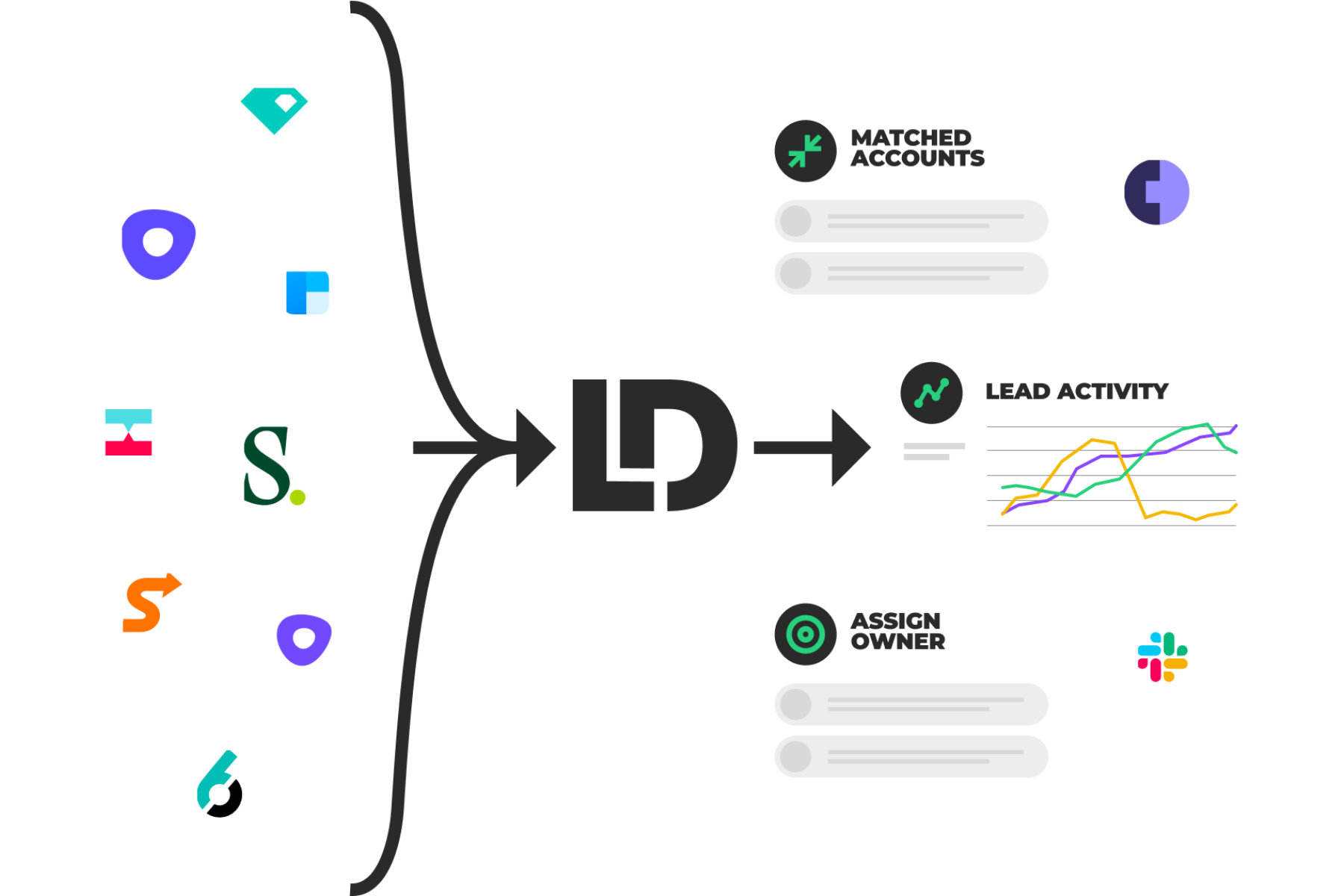
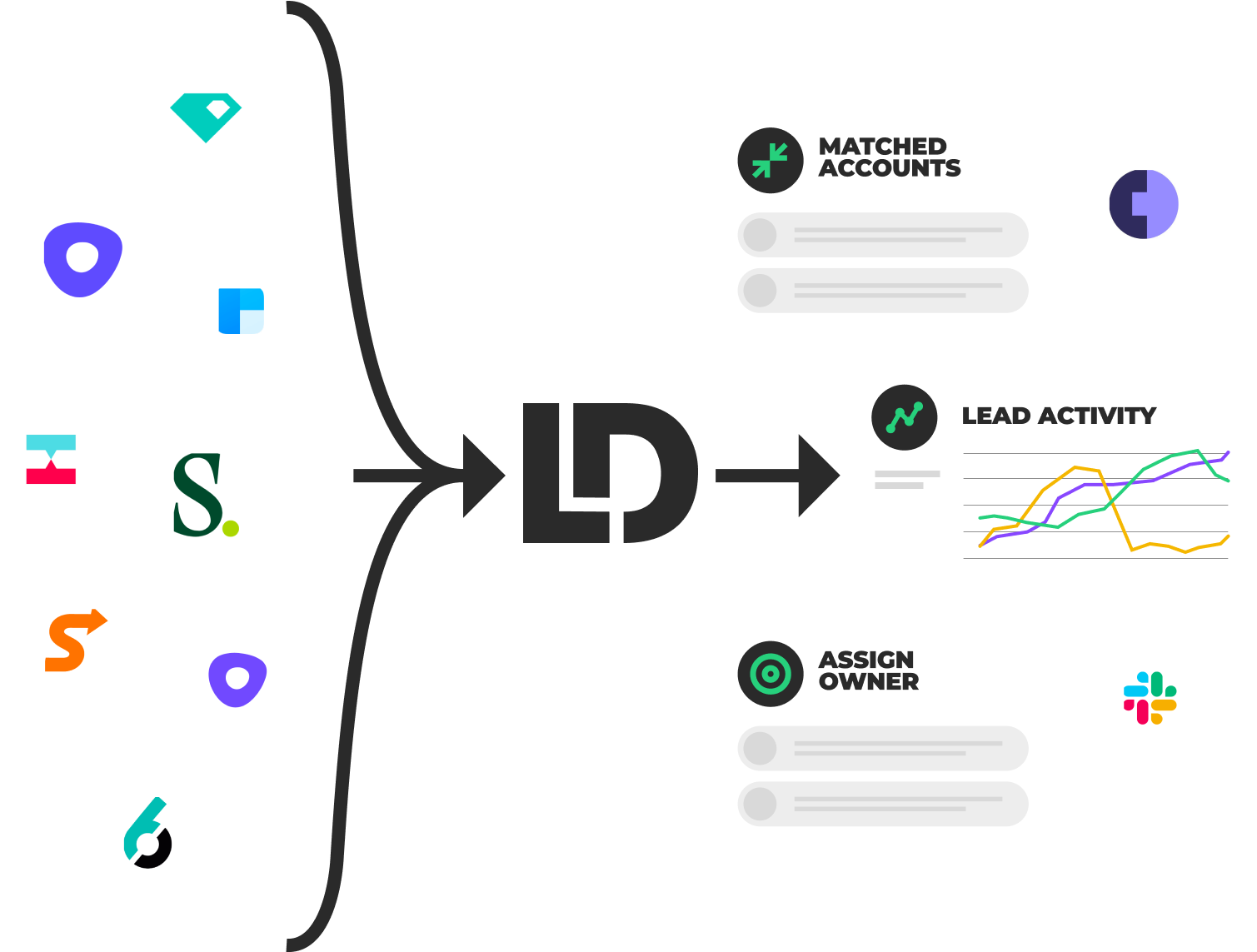
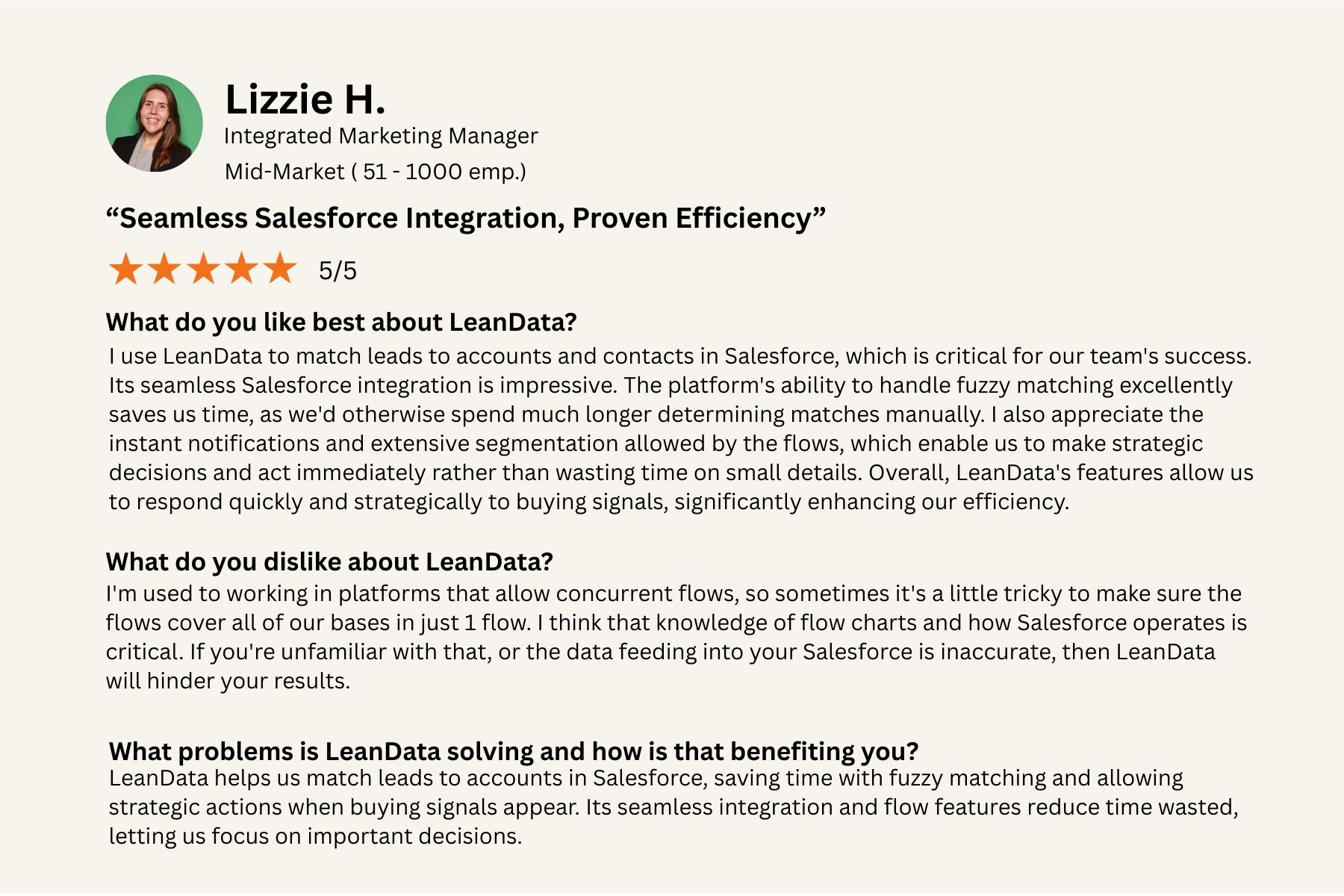
LeanData is a GTM orchestration platform, native to Salesforce, that sits at the center of your revenue operations. It connects marketing, sales, and customer success data and processes, and it coordinates the actions that happen across those teams based on the signals your systems generate.
Where a general iPaaS platform moves data between systems, LeanData decides what to do with that data. When a lead comes in from your marketing automation platform, LeanData matches it to the right account, routes it to the right rep, enforces your SLA, books the meeting, and tracks the handoff. Every step is auditable, configurable without code, and governed centrally.
LeanData’s integration ecosystem is built for enterprise GTM complexity. It connects natively with leading CRM platforms, marketing automation tools, ABM platforms, sales engagement tools, data enrichment providers, scheduling tools, and AI signal sources.
As AI agents and intent platforms generate more signals across your revenue engine, LeanData serves as the orchestration layer that decides what to do with each one. You can see the full integration catalog on LeanData’s integrations page.
LeanData is designed for revenue teams managing complexity across the full GTM motion, from initial lead capture through customer retention and expansion.
If your challenge is specifically around revenue workflow orchestration within Salesforce, and many enterprise B2B organizations find that it is, LeanData addresses that directly.
If your challenge is general-purpose data movement across dozens of enterprise systems, the platforms below are worth evaluating on their own terms.
Read LeanData reviews on G2.com.
Zapier: Mass-Market Automation With an Extensive App Catalog
Zapier is the most widely used automation platform for connecting business apps, and its reach is hard to match. With more than 8,000 app integrations, it gives sales and operations teams a fast path to connecting tools without involving engineering.
For B2B sales, common use cases include routing leads from web forms into Salesforce, syncing meeting scheduler confirmations to your CRM, triggering outreach sequences when a new lead record is created, and alerting reps when a high-value contact engages with marketing content.
Zapier’s strength is speed. If a connector exists, you can be up and running in hours.
Pricing: Its free plan covers basic automations, and paid plans start at $19.99 per month, making it accessible for teams that want to move quickly without a procurement cycle.
The tradeoff is depth. Zapier is built for the “citizen integrator,” someone who wants to connect two apps quickly.
For complex enterprise routing rules, multi-object Salesforce automations, or governance requirements, Zapier will hit its ceiling. Most enterprise B2B teams use it alongside a more robust platform rather than as a replacement.
Read Zapier reviews on G2.com.
Boomi: Enterprise iPaaS With Broad Connectivity and Governance
Boomi is one of the most established names in enterprise integration, with support for more than 1,500 systems. It handles the kinds of integration complexity that mid-to-large enterprises face when connecting Salesforce with NetSuite, SAP, or legacy on-premises systems.
Boomi’s architecture is built around lightweight “atoms,” deployment units that can run in the cloud or on-premises, giving IT teams flexibility in hybrid environments. Its governance capabilities include user access controls, monitoring dashboards, and error handling designed for production-grade environments.
For sales operations teams, Boomi covers high-volume scenarios like opportunity-to-order sync, territory assignment updates pulled from ERP systems, and quote data flowing between CRM and finance.
Pricing: Starter plans begin around $50 per month with a 30-day free trial, but full enterprise deployments require a custom quote.
Boomi is a strong choice when integration complexity spans multiple systems beyond the sales stack, particularly when IT owns the integration layer and business teams need reliability guarantees.
Read Boomi reviews on G2.com.
Informatica: Data Management and Complex Sales Data Integration
Informatica is less of a workflow automation tool and more of an enterprise data management platform. Its claim of 50,000-plus source-target combinations reflects its focus on connecting virtually any data source to any destination at scale.
What makes Informatica relevant for revenue operations is its strength in data hygiene, deduplication, and master data management. MDM, or master data management, is a discipline for creating a single, authoritative version of critical business data across systems, so your CRM, ERP, and marketing platforms all agree on who a customer is and what they have done.
Informatica’s AI assistant, CLAIRE, adds intelligence to data classification and quality monitoring. For large enterprises where Salesforce data quality is a persistent problem, or where revenue operations is responsible for keeping customer records clean across multiple systems, Informatica provides infrastructure that most automation platforms do not.
Key sales-focused connectors include: Salesforce, Marketo, HubSpot, SAP, Oracle, Microsoft Dynamics, ServiceNow, and most major cloud data warehouses.
Pricing: Custom and scales with data volume and complexity.
Read Informatica reviews on G2.com.
MuleSoft Anypoint: API-Led Platform for Enterprise Integration
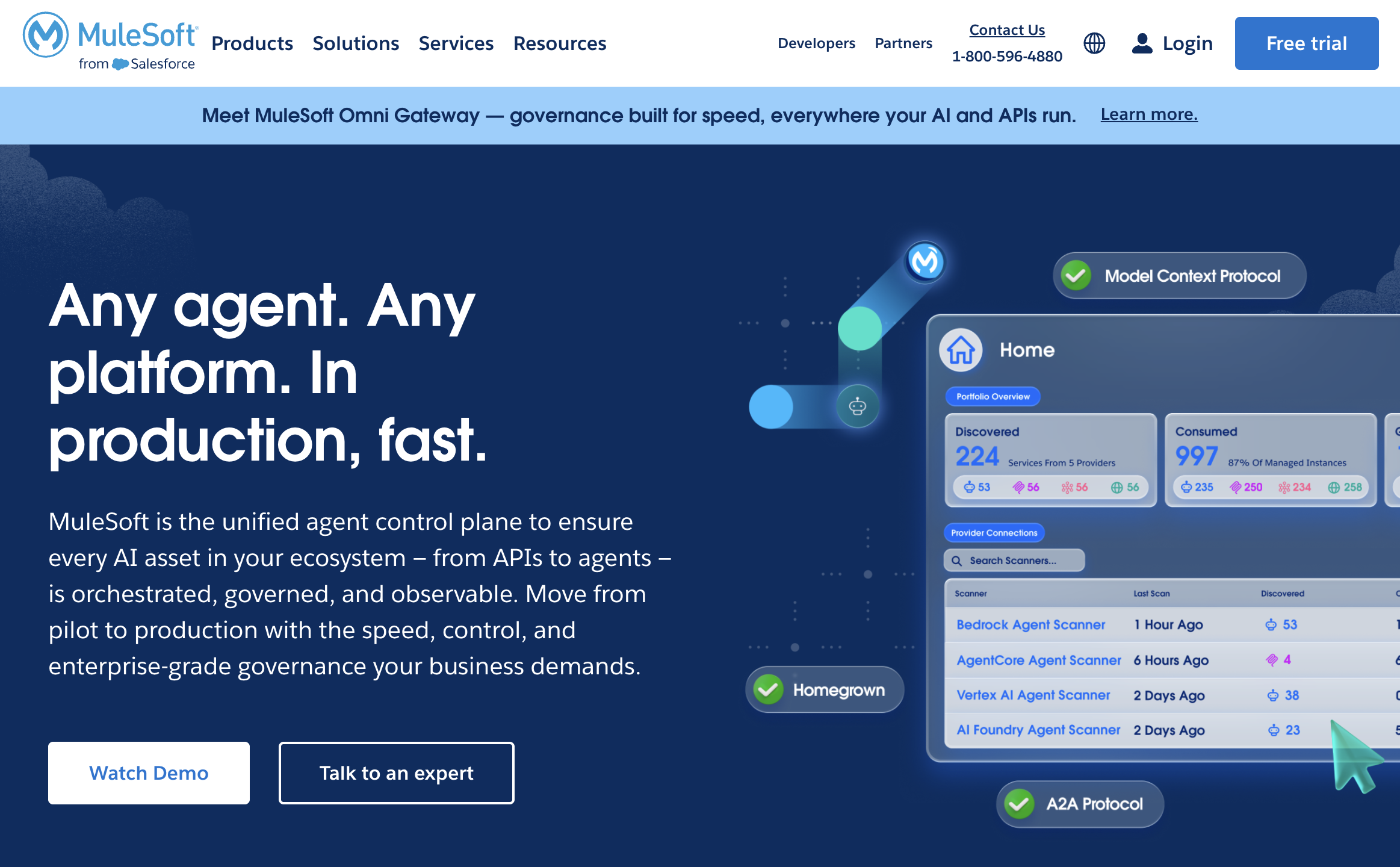
MuleSoft, owned by Salesforce, takes a different philosophy from connector-count-first platforms. Its API-led integration approach means you build reusable APIs that represent your business capabilities, then compose them into workflows rather than creating point-to-point connections.
MuleSoft Anypoint Exchange hosts a library of pre-built connectors and reusable integration assets. Its depth in Salesforce is genuine: it supports Bulk API 2.0 for high-volume data loads, custom Apex logic, and DataWeave, MuleSoft’s transformation language, for mapping data between formats.
API-led integration means building each system as an API layer (system APIs), combining them into process APIs, and exposing them to applications and users through experience APIs. The advantage is reusability. The tradeoff is implementation complexity and cost.
MuleSoft is best suited to large enterprises with dedicated integration teams, significant Salesforce customization, and integration requirements that extend well beyond the sales stack into ERP, finance, and customer service systems.
Pricing: Requires a custom quote.
Supported sales endpoints include Salesforce, SAP, ServiceNow, Oracle, Workday, and most major enterprise platforms.
Read Mulesoft reviews on G2.com.
Workato: Low-Code Automation With Rich Pre-Built Recipes
Workato has built a strong reputation among enterprise RevOps and IT teams as a platform that balances no-code accessibility with serious enterprise features. It is recognized by Gartner, Forrester, and Forbes as a leader in the automation space, and its library of more than 1,200 connectors, packaged as “recipes,” covers most of what a B2B sales stack requires.
Recipes are pre-built workflow templates that automate common processes. For sales teams, that means out-of-the-box automations for syncing CRM pipeline to marketing platforms, triggering alerts when deal stages change, updating attribution data across systems, and routing data between sales engagement tools and Salesforce.
Workato’s drag-and-drop builder allows operations teams to configure complex workflows without writing code, while still supporting custom logic for teams that need it.
Pricing: Entry-level enterprise pricing is typically quoted around $10,000 per year, which positions it above entry-level tools but within range for mid-market and enterprise buyers who need reliability and governance.
Read Workato reviews on G2.com.
Celigo integrator.io: ERP and CRM Integration for Mid-Market Sales Teams
Celigo’s integrator.io is purpose-built for ERP-to-CRM integration, and it is the platform of choice for many mid-market companies running NetSuite alongside Salesforce.
For sales operations teams that manage revenue data flowing between CRM and finance systems, Celigo handles the core scenarios cleanly: opportunity and quote sync between Salesforce and NetSuite, sales order creation triggered by CRM events, pricing and inventory data flowing to sales reps in context, and subscription renewal data moving back into the CRM pipeline.
Its pricing model is more straightforward than many enterprise platforms, and it is designed for teams that want a pragmatic, focused solution rather than a platform that does everything. If your integration challenge is primarily the Salesforce-to-NetSuite connection, Celigo is worth a close look.
Read Celigo reviews on G2.com.
Jitterbit: Hybrid Integration With Event-Driven Flows
Jitterbit Harmony is designed for teams that need fast integration delivery across both cloud and on-premises systems. The platform claims integration projects can be completed up to 80% faster than custom code, and application development up to 10 times faster than traditional methods.
Its event-driven architecture suits B2B sales scenarios where real-time response matters: a lead comes in from a web form, triggers an enrichment lookup, and routes to the right rep within seconds. Jitterbit handles the orchestration of that sequence across systems, including hybrid environments where some systems still run on-premises.
Jitterbit is a strong fit for enterprises with hybrid infrastructure requirements, or teams that have been told a complex integration will take months and want to challenge that assumption.
Read Jitterbit reviews on G2.com.
Tray.io: Flexible Low-Code Automation for Complex Workflows
Tray.io (now part of Tray.ai) focuses on configurable, multi-step workflow automation for teams that need more flexibility than a standard automation tool provides without wanting to write code.
Its drag-and-drop builder supports complex branching logic, conditional paths, and multi-system workflows. For sales and marketing operations, that means automations that connect Salesforce, HubSpot, Marketo, 6sense, and other ABM platforms in coordinated sequences, not just simple point-to-point data moves.
Tray.io supports enterprise governance requirements including access controls, error monitoring, and audit logging. It is well-suited for operations teams managing intricate, multi-step processes across revenue systems where the logic is too complex for simpler tools but does not require dedicated engineering resources.
Read Tray.io reviews on G2.com.
Prismatic: Embedded iPaaS for SaaS Vendors
Prismatic is built for SaaS companies that want to offer native integrations to their customers, not for teams connecting their own internal systems.
Its multi-tenant architecture lets SaaS vendors build one integration and deploy it for every customer, with each customer’s data kept separate. Pre-built connectors cover popular SaaS applications, and the platform supports configuration and monitoring at the customer level.
For B2B SaaS vendors selling to enterprise revenue teams, Prismatic solves the common problem of customers asking “does your platform integrate with our CRM?” Building that integration once and deploying it cleanly across thousands of customers is exactly what Prismatic is designed for.
Pricing: Custom and based on API usage and customer volume.
Read Prismatic reviews on G2.com.
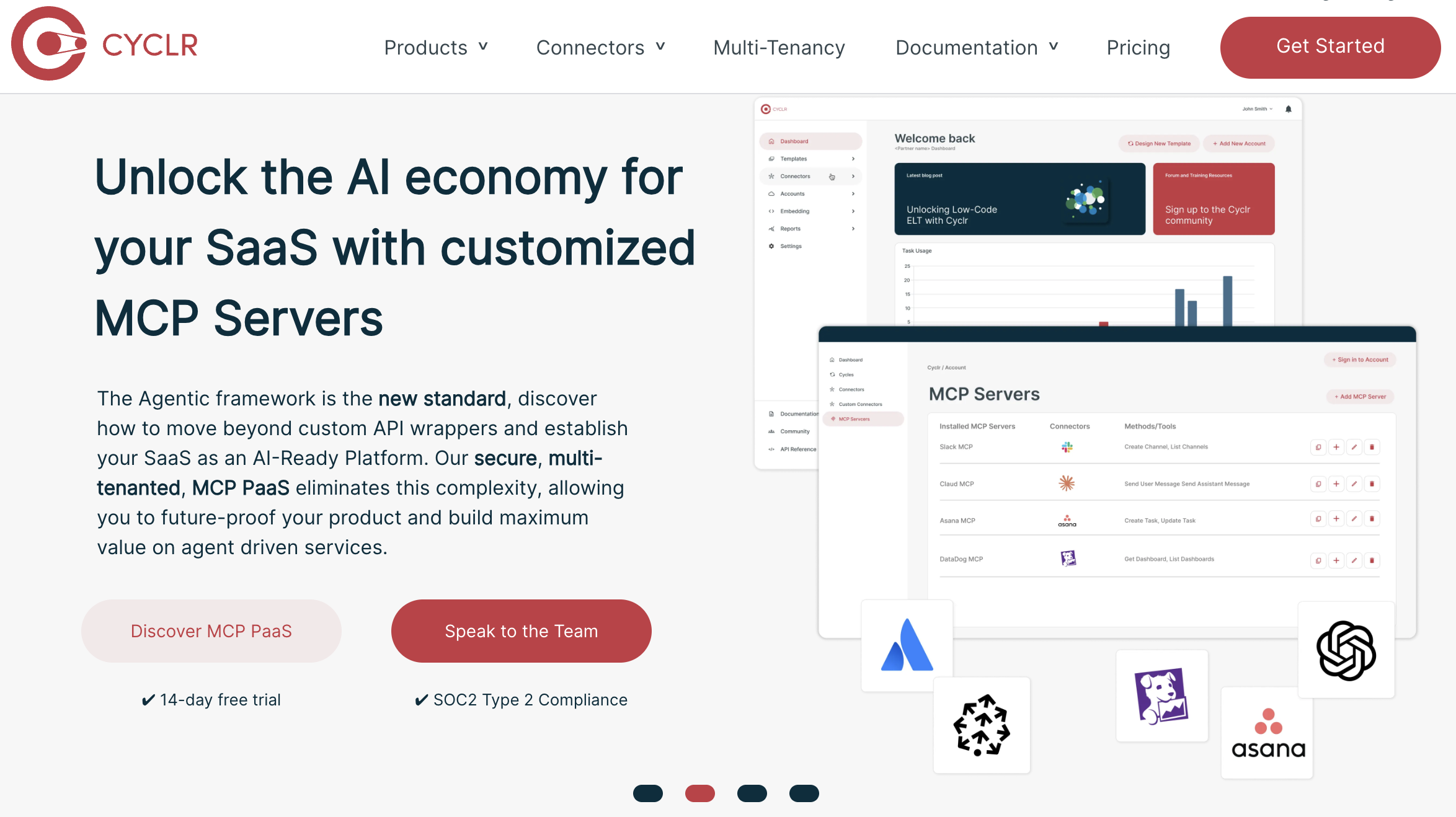
Cyclr: Embedded Integration Builder With an Expanding Connector Library
Cyclr competes in the same embedded iPaaS space as Prismatic but with a stronger emphasis on speed and breadth. Its library of more than 400 pre-built connectors and no-code drag-and-drop builder is designed to let SaaS product teams ship integrations quickly.
For SaaS companies building sales tools, Cyclr makes it fast to embed Salesforce, HubSpot, ATS, and ABM connectors directly into the product experience. Customers get native-feeling integrations; the vendor does not have to maintain custom API code for each one.
Pricing: Starts at $1,595 per month for up to 100,000 API calls, which is reasonable for SaaS companies at the stage where customer-facing integrations become a growth lever.
Read Cyclr reviews on G2.com.
Pandium: Developer-Focused Platform for Real-Time Sync
Pandium is an integration platform aimed at developer teams who want pre-built connectors as a starting point but need the flexibility to extend them. Its pre-built connector library covers popular SaaS applications, and it adds SDKs, APIs, and webhook support for teams that need real-time event handling or custom data transformations.
For B2B sales scenarios, Pandium supports CRM activity sync, instant lead enrichment, and bi-directional updates between sales engagement tools and Salesforce.
Pricing: Pandium Lite starts at $499 per month; Pandium Pro typically runs above $2,000 per month.
The platform appeals to organizations that want connectors they can trust but also want the ability to modify them without waiting on a vendor. It sits between a pure no-code tool and a fully custom integration build.
Read Pandium reviews on G2.com.
SnapLogic: Agentic Integration Platform for Enterprise Use Cases
SnapLogic positions itself as an Agentic Integration and Applied AI Platform. Its 1,000-plus pre-built “Snaps,” the platform’s term for connectors, cover the major systems in a B2B enterprise stack. Operations teams can build pipelines by hand in a drag-and-drop builder or generate them with SnapGPT, SnapLogic’s AI assistant. Enterprise features like hybrid cloud support, ETL/ELT pipelines, and role-based access controls satisfy IT requirements.
For revenue operations, SnapLogic is most commonly used for automating lead enrichment workflows, syncing CRM opportunity data with finance or ERP systems, and reverse ETL to push warehouse data back into Salesforce for sales rep context.
SnapLogic’s “agentic” branding reflects its ability to deploy governed AI agents that autonomously execute multi-step business processes across enterprise systems, not just move or transform data.
Pricing: Custom quote.
Read SnapLogic reviews on G2.com.
How to Choose the Right Integration Platform for Your Sales Tech Stack
Choosing an integration platform is less about finding the one with the most connectors and more about finding the one that covers the connectors you actually need, at the reliability level you require, within a cost structure your team can plan around.
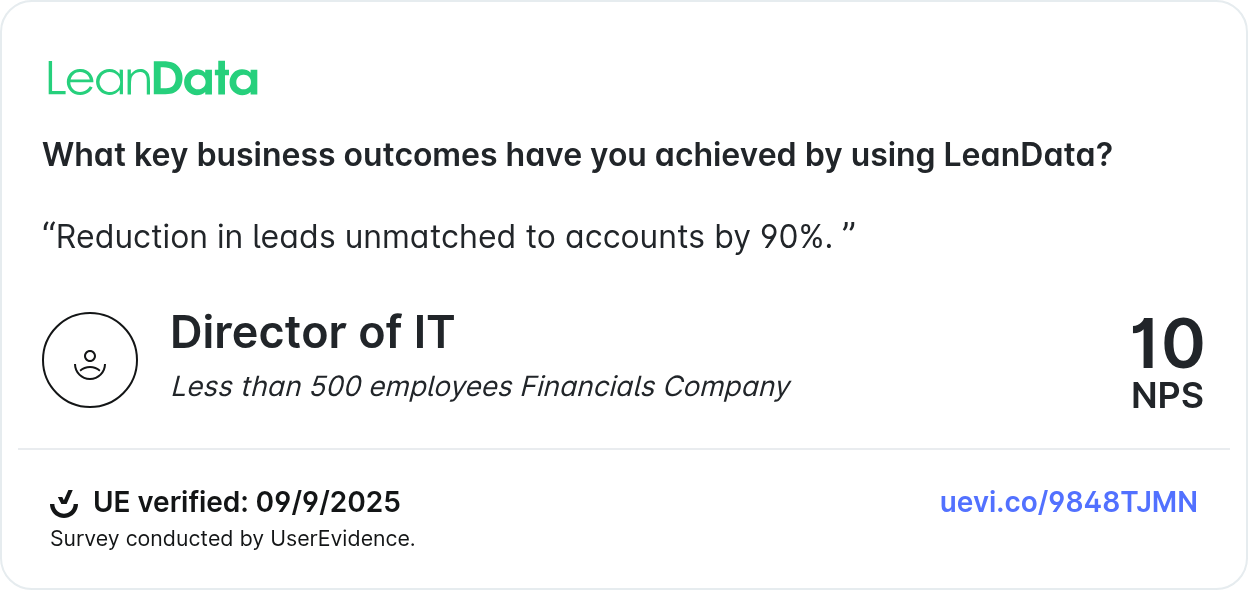
#1 Start with your critical endpoints. List every system your revenue team depends on: your CRM, marketing automation platform, sales engagement tools, data enrichment providers, ABM platforms, scheduling tools, and any finance or ERP systems that touch revenue data. The platform that covers 90% of that list natively is almost always better than the one with a longer total connector count.
#2 Evaluate depth, not just coverage. A connector that exists is not the same as a connector that works well. For Salesforce specifically, ask whether the platform supports Bulk API for large data loads, custom object mapping, and real-time event triggers. For marketing automation, confirm it handles field mapping and list sync without manual intervention.
#3 Consider the tradeoffs:
- Breadth versus depth: a platform with 8,000 connectors often trades depth for breadth. For enterprise sales stacks, deep Salesforce and MAP support usually matters more than a long app catalog.
- Usage-based pricing can surprise you at scale. A platform that costs $200 per month at low volume can hit $2,000 per month when your lead volume doubles. Model your expected usage for 6 to 12 months before committing.
- Governance matters more as complexity grows. If you need to know why a specific lead was routed a certain way six weeks ago, choose a platform with audit logging built in.
#4 Ask for proof at your scale. Request case studies from companies with a similar GTM motion, similar Salesforce complexity, and similar data volumes. A platform that performs well for a 50-person company may not hold up at 500.
Practical Guidance for Mapping Your Critical Sales Endpoints
Before you evaluate any vendor, spend time mapping your integration requirements. This exercise typically surfaces priorities that were not obvious at the start.
Step 1: List every system your revenue team touches. Include your CRM, marketing automation platform, ABM and intent tools, sales engagement platforms, data enrichment tools, scheduling tools, customer success platforms, and any finance systems that feed into revenue reporting.
Step 2: Identify where data flows today. For each pair of systems, note whether the integration exists, whether it is manual or automated, and whether it is causing problems. Broken integrations, manual workarounds, and sync delays are your priority targets.
Step 3: Check for native connectors. For your top five to seven systems, verify whether each platform under evaluation has a native connector, not just API access. Native connectors typically include pre-mapped fields, tested data flows, and vendor support.
Step 4: Flag where custom development would be needed. Any gap in native connector coverage is a hidden cost. Factor in the time and resources required to build and maintain custom integrations when comparing platform costs.
Best practice tip: Prioritize platforms with the deepest support for your highest-value tools. For most enterprise B2B teams, that means robust Salesforce support, including Bulk API for high-volume records and real-time event sync for lead management. See LeanData’s integration ecosystem for an example of how a GTM-focused platform structures native connector support.
Understanding Pricing Models and Anticipating Costs
Integration platform pricing is one of the areas where buyers most commonly get surprised. Understanding the pricing models before you sign a contract is worth the time.
Per-task pricing charges for each automated action. If your workflows run thousands of times per day, costs can escalate quickly. Zapier uses this model.
Per-API call pricing charges each time your system calls an external API. This works well at low volume but requires careful modeling at enterprise scale.
Per-workspace pricing is a flat fee for access to the platform, regardless of usage volume. This is more predictable for high-volume teams.
Usage-based compute pricing charges for processing resources consumed, often in enterprise iPaaS platforms. Costs depend on data volume, transformation complexity, and frequency.
Watch for these costs that often do not appear in initial quotes:
- Overage fees when you exceed your task or API call limits.
- Premium connectors that cost extra beyond the base platform fee.
- Support tiers where enterprise-grade support requires an additional contract.
- Implementation fees for platforms that require professional services to configure.
The reform.app 2026 integration cost comparison report recommends running cost scenarios for at least 6 to 12 months of expected usage before selecting a platform.
If your lead volume, campaign frequency, or CRM record count is likely to grow, model the higher end of that range.
FAQ
Which integration platform works best with Salesforce for B2B sales?
What is the difference between a pre-built connector and a native integration?
How do AI-generated leads and signals fit into integration platform decisions?
What should revenue operations teams prioritize when evaluating integration platforms?
See how LeanData connects with the tools already in your stack

Kim Peterson
Kim Peterson is the Senior Manager of Content Strategy at LeanData where she digs deep into all aspects of go-to-market strategy and execution. Kim's writing experiences span tech companies, stunt blogging, education, and the real estate industry. Connect with Kim on LinkedIn.