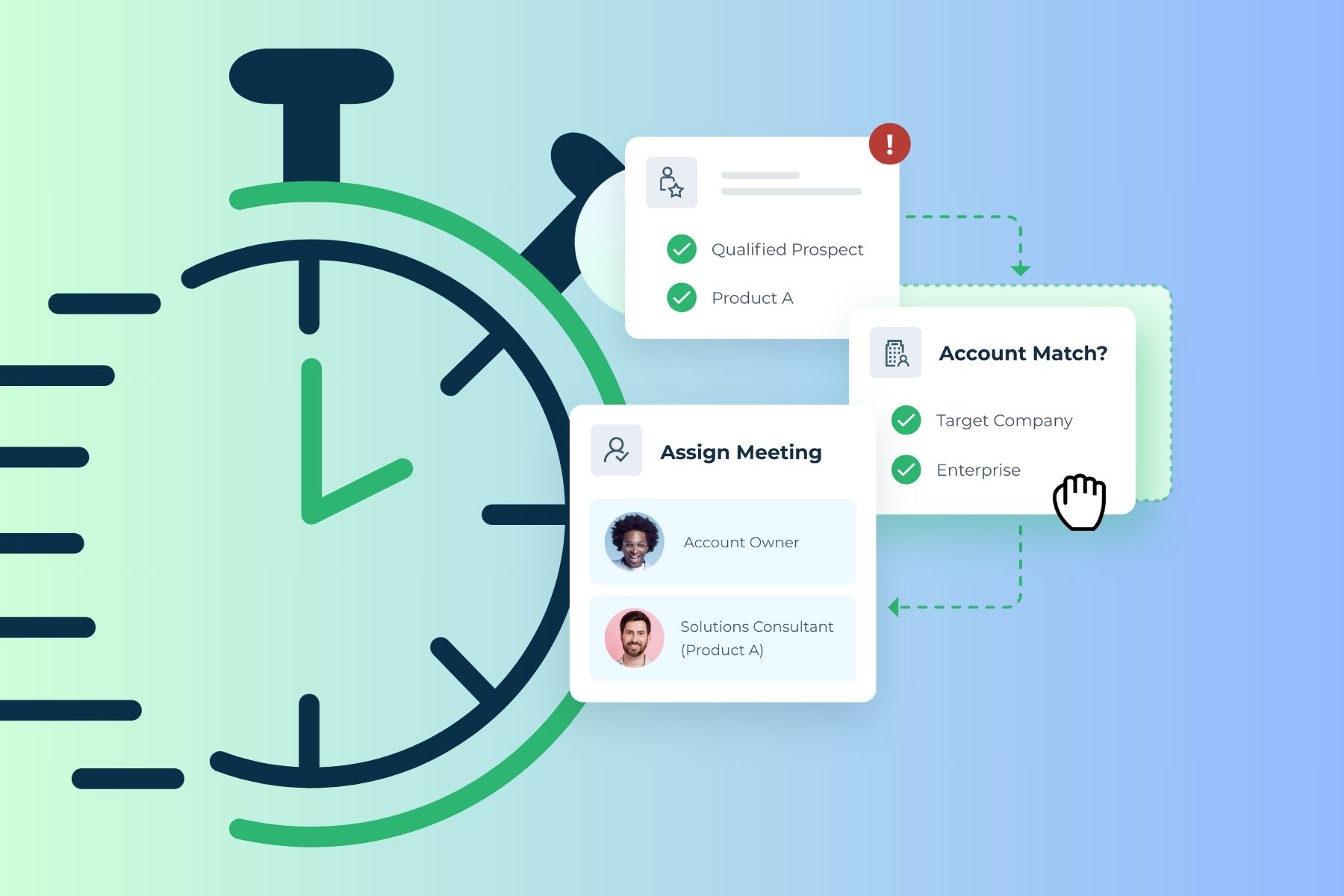












Calendly is one of the most recognized names in meeting scheduling, and for good reason.
It’s easy to set up, works with most calendars, and gets the job done for basic use cases. But as B2B revenue teams have grown more sophisticated, a common question has emerged: is Calendly actually the right tool for a sales organization with real routing complexity?
Many B2B teams find that Calendly works well for simple, individual scheduling but falls short when they need to route meetings based on territory, account ownership, or CRM data – or when they need scheduling to connect directly to their lead management workflow.
This guide covers five Calendly alternatives worth evaluating, with current information on features, pricing, and who each tool is best suited for.
What Is Calendly, and Where Does It Fall Short for B2B Teams?
Calendly is an online scheduling tool that lets users share their availability through a personalized booking link. Prospects or clients pick a time, and the meeting lands on both calendars automatically. It’s genuinely useful, and over 100,000 businesses use it today.
Current Calendly pricing (2026):
Salesforce integration, round robin scheduling, and lead routing from Marketo or HubSpot forms are only available on the Teams plan or above. Routing by Salesforce lookup, where the system matches a prospect to their existing account owner, requires the Enterprise tier, starting at $15,000 per year.
Where Calendly works well:
- Individual reps sharing a personal booking link
- Small teams with simple availability-based scheduling
- Organizations not running Salesforce as their primary CRM
- Teams that prioritize ease of use over routing sophistication
Where Calendly shows its limits for B2B:
- No native lead-to-account matching engine – it can’t identify whether an inbound prospect already belongs to an existing account or opportunity
- Routing logic is form-field-based and comparatively simple for enterprise go-to-market motions
- Deeper Salesforce functionality requires add-ons or middleware like Zapier on lower plans
- No visibility into why a specific routing decision was made (limited audit trail)
What Are the Best Calendly Alternatives for B2B Sales Teams?
After evaluating more than a dozen scheduling platforms, here are five alternatives that B2B revenue teams commonly consider:
- LeanData BookIt
- HubSpot Meeting Scheduler
- Acuity Scheduling
- Zoho Bookings
- Microsoft Bookings
Calendly Alternative #1: LeanData BookIt
Best for: B2B organizations using Salesforce that need intelligent routing, SDR-to-AE handoffs, and scheduling tied directly to their go-to-market motion.
LeanData BookIt is a B2B meeting scheduling suite built natively inside Salesforce. Unlike general-purpose scheduling tools, BookIt was designed from the ground up for revenue teams – connecting scheduling decisions to lead-to-account matching, routing logic, and the full context of your CRM.
One stat worth keeping in mind: responding to a new lead within the first minute drives a 391% increase in conversions. Yet the average B2B sales team takes over 40 hours to follow up. BookIt is built to close that gap.
The Four BookIt Products
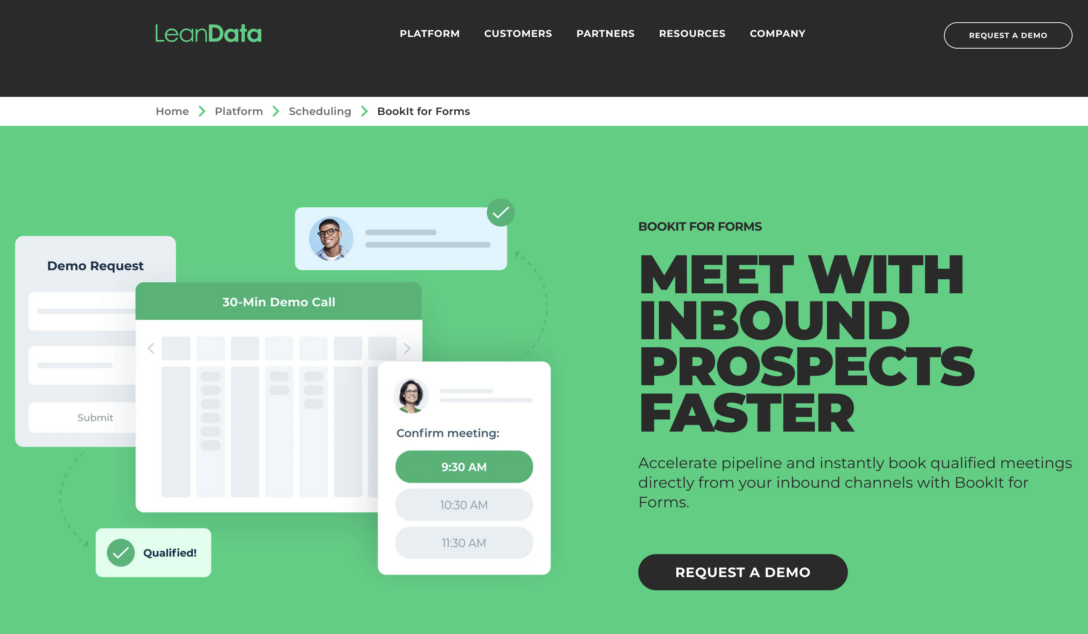
BookIt for Forms lets high-intent prospects book a meeting instantly after submitting a demo request or contact form – no back-and-forth emails, no waiting. Behind the scenes, BookIt matches the prospect to existing accounts in Salesforce and routes the meeting to the right rep based on your configured logic. The prospect fills out the form, sees available times, and books on the spot.
BookIt Handoff is used by SDRs and BDRs to schedule meetings on behalf of account executives, directly from Salesforce Lead and Contact records. It includes Smart Rep Suggestions, which automatically recommends the right meeting type and team member based on account context, matched records, and routing rules – so reps aren’t guessing who should take the call.
BookIt Links lets reps share personal or team scheduling links via email, LinkedIn, or sales engagement sequences. Recent updates include Dynamic Links with Round Robin Pool support, multi-meeting type landing pages, and Single Use Links that expire after one booking.
BookIt Chrome Extension gives reps quick access to scheduling from anywhere in the browser, without leaving their current workflow.
What makes BookIt different from Calendly?
The core differentiator is matching.
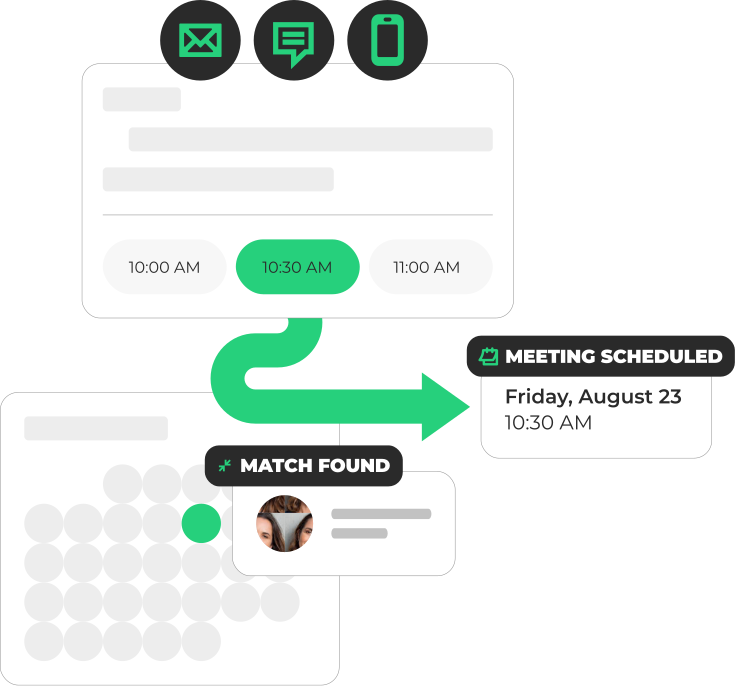
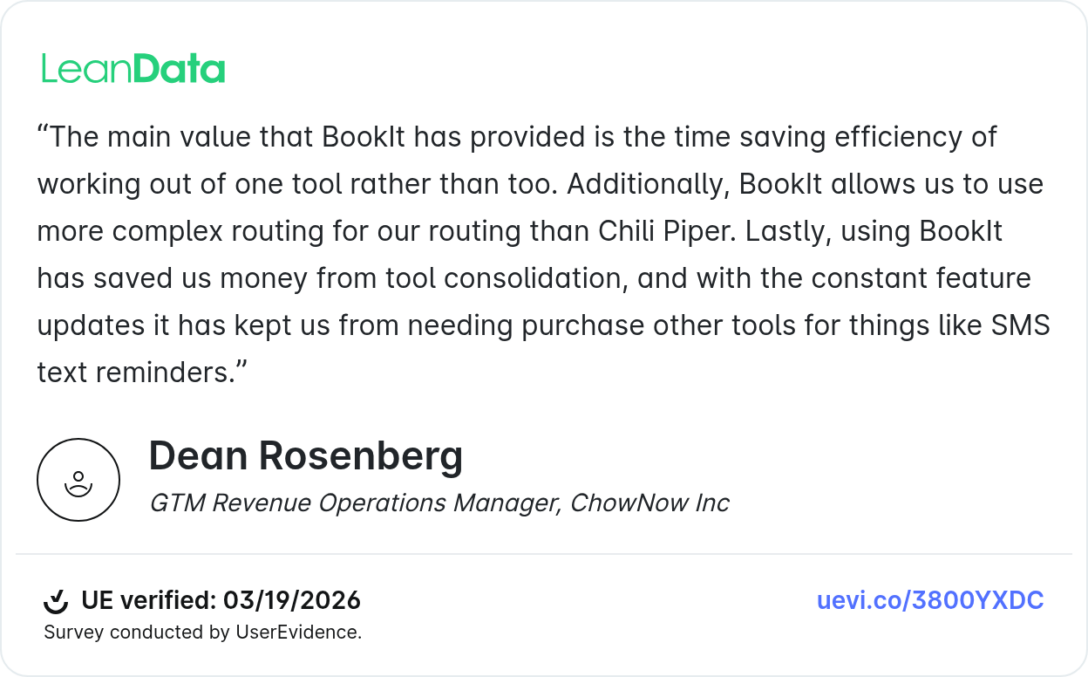
Most scheduling tools route based on form fields or basic availability. BookIt uses LeanData’s fuzzy matching engine to connect inbound prospects to existing accounts, opportunities, and customer records in Salesforce – even when data is incomplete or inconsistent. That matching layer determines who gets the meeting, not just who’s available next.
Routing in BookIt is handled through a visual, drag-and-drop FlowBuilder that supports round robin, territory-based, account-based, overlay, and explicit assignment models. Because BookIt runs natively in Salesforce, there’s no middleware, no separate database, and no risk of data falling out of sync.
New in BookIt for 2025 and 2026
- Scheduling API for Agentic Booking – AI agents and chatbots (including platforms like Agentforce and Qualified) can now check availability and confirm bookings programmatically through BookIt’s API, while all routing logic, round robin fairness, and SLA rules remain intact
- Routing Links – A single intelligent booking link that routes through FlowBuilder logic, without requiring a marketing automation platform
- SMS Meeting Reminders via Twilio integration, configurable at custom intervals before a meeting
- Meeting Type Limits – Daily and weekly caps on bookings per meeting type to prevent rep overload
- Google Calendar vacation sync – Eliminates manual vacation tracking
- Intelligent Handoffs now work for Accounts, Opportunities, and Cases, not just Leads and Contacts
- Admin-only schedule controls for centralized management of rep working hours and holidays
- Redesigned scheduling page with week view for easier prospect booking
Calendly Alternative #2: HubSpot Meeting Scheduler
Best for: Teams already using HubSpot CRM that want scheduling built into their existing platform.
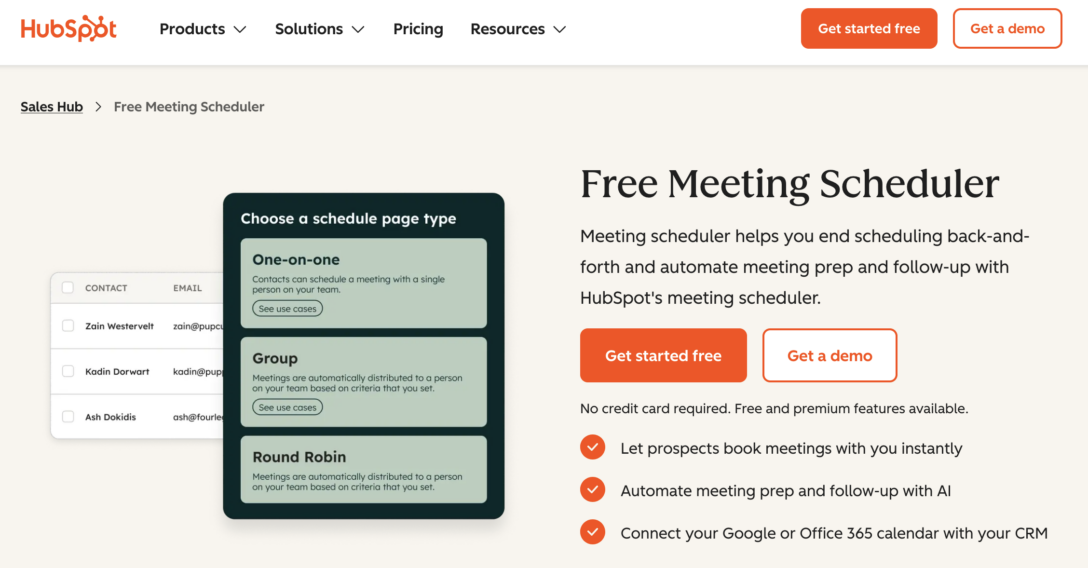
HubSpot’s Meeting Scheduler is a native feature of HubSpot’s Sales Hub. It has evolved significantly since it launched – it now includes an AI meeting assistant that compiles prospect context before calls and drafts follow-up suggestions afterward, pulling from CRM records and recent engagement history.
How it works: Reps share a booking link or embed a calendar on their website. When a prospect books, their information is automatically logged to their HubSpot contact record. The scheduler supports one-on-one, group, and round robin meeting types.
Recent additions:
- AI-powered pre-meeting prep that surfaces CRM context and suggested talking points before each call
- AI-generated post-meeting follow-ups and next step flags
- Real-time calendar sync with Google and Office 365 to prevent double-booking
Pricing
A free tier is available with basic features. Advanced AI capabilities and automation are included in Sales Hub Professional, starting at $90 per seat per month (billed annually).
Pros:
- Deeply integrated with HubSpot CRM – every meeting automatically enriches contact records
- Free tier is genuinely useful for individual reps
- AI assistant for meeting prep and follow-up is a meaningful addition
- Round robin and group scheduling included
Cons:
- Only useful if you’re already in the HubSpot ecosystem – it requires HubSpot CRM
- Advanced routing, territory logic, and form-to-meeting workflows are limited compared to purpose-built B2B scheduling tools
- Not a fit for Salesforce-first organizations
Calendly Alternative #3: Acuity Scheduling
Best suited for: Consultants, coaches, agencies, and service businesses that need appointment booking with payment. Not a fit for B2B sales teams with routing requirements.
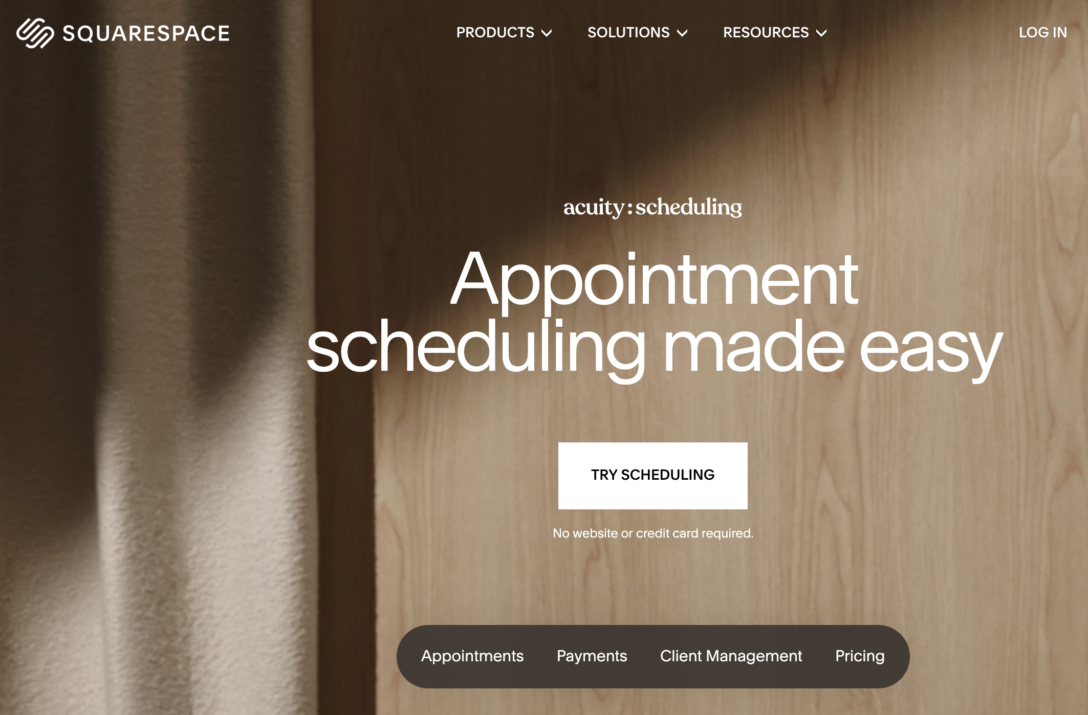
Acuity Scheduling (part of Squarespace) is an online scheduling tool that goes beyond basic booking – it also handles intake forms, payment collection, coupons, upsells, and customer database management. It’s a solid option for businesses that sell services directly through their scheduling page.
How it works: Prospects access a scheduling page via a shared link or an embedded calendar on your website. You can customize the page with your branding, create different meeting types, and collect payment at the time of booking.
Key features:
- Intake forms and custom questions at booking
- Payment collection via Stripe, Square, and PayPal
- Upsell options and coupon codes within the booking flow
- Integration with social media platforms, accounting software, and marketing tools
- Automated follow-up emails and reminders
Pros:
- Free version available
- Strong reporting capabilities
- Handles payment and service upsells natively
- Automated follow-up
Cons:
- Free version lacks the most useful features
- Email functionality has been flagged as inconsistent in user reviews
- Email-only customer support
- No lead routing capabilities – not designed for B2B sales workflows
Calendly Alternative #4: Zoho Calendar
Best for: Organizations already using Zoho One that need scheduling within the Zoho ecosystem.
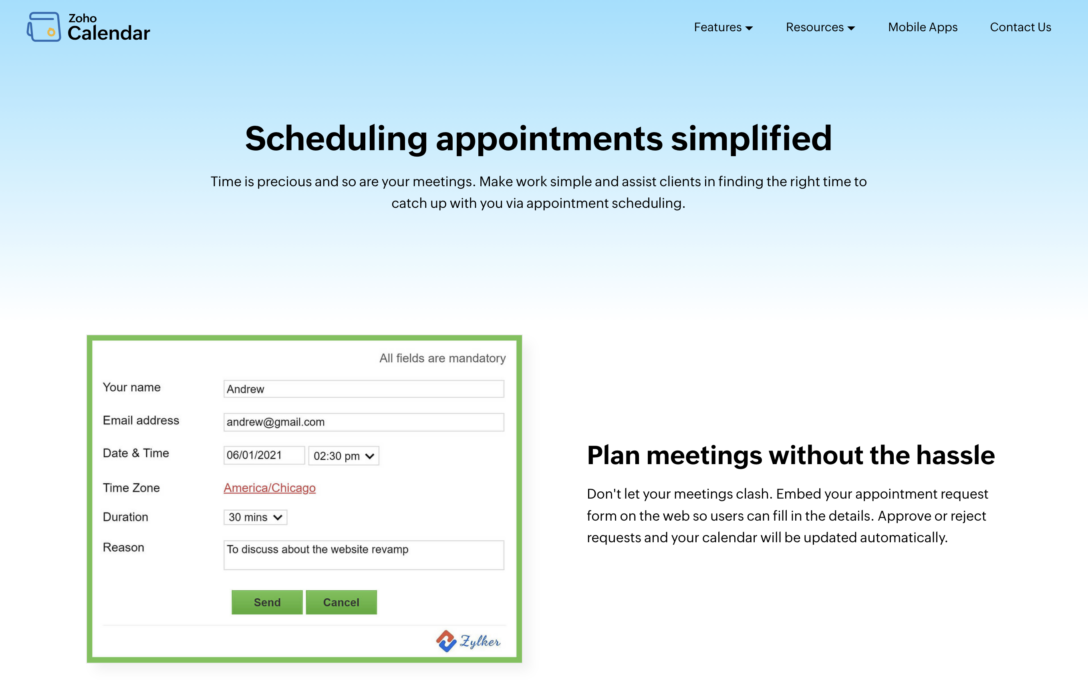
Zoho Calendar is the scheduling component of the Zoho One product suite, though it can also be used as a standalone tool. It’s particularly useful for teams that need to manage multiple employee calendars side by side, as the admin interface displays them in a multi-calendar view.
How it works: Customers select a meeting type and pick an available time from the booking page. Zoho Bookings manages the confirmation, reminders, and calendar updates automatically.
Key features:
- Side-by-side multi-calendar view for managing team availability
- Multiple meeting types: calls, classes, appointments
- Customer payment collection through a customizable booking page
- SMS reminders via Twilio, Nexmo, and other SMS providers
- Built-in Zoho Meetings for online video calls
- Admin reporting on revenue, appointments, and staff engagement
Pros:
- Easy to use
- Good for teams across multiple time zones
- Integrates cleanly with other Zoho products
Cons:
- Does not sync with Google Calendar natively
- No lead routing capabilities
- Limited customization options
- No long-term free tier
Best suited for: Teams already invested in the Zoho ecosystem. Not recommended as a standalone B2B sales scheduling tool.
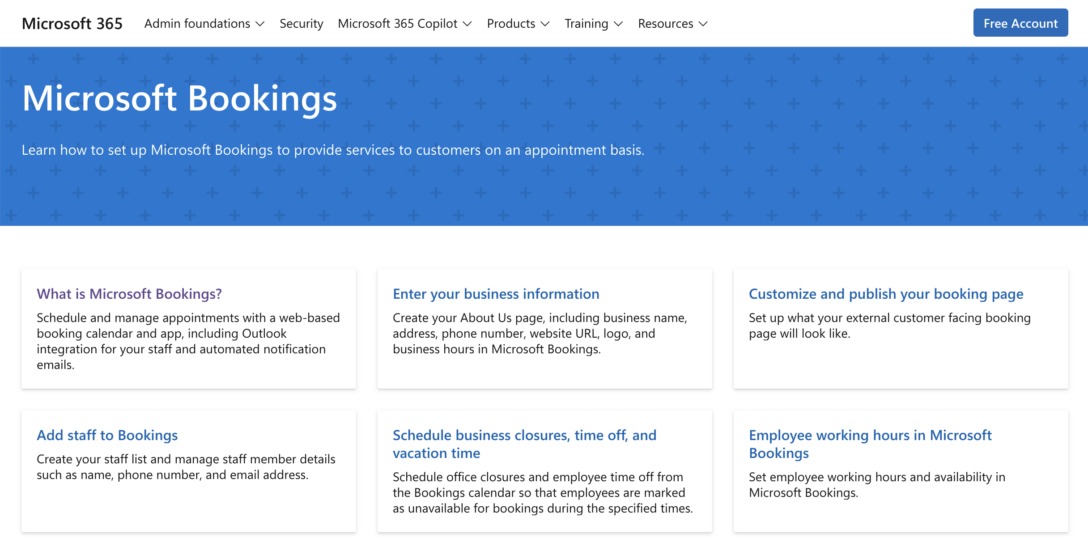
Calendly Alternative #5: Microsoft Bookings
Best for: Organizations running Microsoft 365 that need simple internal or external scheduling without adding new software.
Microsoft Bookings is included in Microsoft 365 Business Standard and Business Premium subscriptions. It’s not a standalone purchase – it comes with your existing Microsoft 365 license, which makes it a zero-additional-cost option for Microsoft shops.
How it works: You create a booking page where customers or colleagues can self-schedule meetings based on your configured availability. The tool integrates natively with Outlook and Microsoft Teams.
Key features:
- Multiple meeting types with customizable duration, location, pricing, and buffer times
- Custom intake questions on the booking form
- Multiple meeting reminders via email or text, with configurable intervals
- Custom lead times per meeting type
- Analytics on meetings booked, estimated revenue, and customer counts
- Native integration with Outlook calendar
Pros:
- Included in Microsoft 365 Business Standard and Premium at no extra cost
- Multiple reminder options with custom intervals
- Clean integration with Outlook
Cons:
- Requires a Microsoft 365 business account – not available as a standalone
- Initial configuration can be complex
- Limited customization and branding options
- No recurring appointment settings
- No lead routing or CRM integration for B2B sales workflows
How Do These Tools Compare?
So Which Calendly Alternative Is Right for You?
The right answer depends on how your team actually generates and manages meetings.
If you run a simple operation: individual reps, no routing complexity, not using Salesforce, Calendly or HubSpot’s free scheduler may be all you need. They’re easy to set up and get the job done.
If you’re a B2B sales team using Salesforce with inbound demo requests, SDR-to-AE handoffs, territory assignments, or account-based routing, the comparison changes significantly. In that context, a general-purpose scheduling tool creates a gap between your scheduling layer and your CRM.
Every meeting that routes to the wrong rep, or fails to match to an existing account, is a potential revenue leak.
LeanData BookIt was built specifically for that environment, connecting scheduling decisions to the full context of your Salesforce data, routing logic, and go-to-market motion.
It’s not the simplest tool on this list, but for organizations where scheduling is a revenue function rather than an administrative task, that depth is the point.
Frequently Asked Questions About Calendly Alternatives
What is the best Calendly alternative for B2B sales teams?
Does Calendly integrate with Salesforce?
What is the difference between Calendly and LeanData BookIt?
Can AI agents book meetings through these tools?
What is round robin meeting scheduling?
Is there a free Calendly alternative?
What should B2B revenue operations teams look for in a scheduling tool?
Want to see how BookIt works in practice?

Kim Peterson
Kim Peterson is the Senior Manager of Content Strategy at LeanData where she digs deep into all aspects of go-to-market strategy and execution. Kim's writing experiences span tech companies, stunt blogging, education, and the real estate industry. Connect with Kim on LinkedIn.