










Summary
An account hierarchy sales strategy uses the corporate family tree in your CRM to grow revenue inside the enterprise accounts you already serve. This guide shows you how to find white space, open sibling accounts through a champion, rank corporate families by their real opportunity, and keep your reps aligned across one parent company.
What You’ll Learn
- How to find the subsidiaries and sister companies where you have no relationship yet
- How to turn a single champion into warm introductions across a corporate family
- How to rank accounts by the total revenue sitting in their corporate tree
- How to keep multiple reps on the same page when they sell into one parent company
- Where account hierarchy data fits into your account planning and lead routing
Why Your Best Expansion Targets Are Already Customers
Hands down, reps close deals faster when someone inside the building already trusts you. Selling into a current customer comes with a relationship, a contract template, and a reference, none of which you get with a stranger.
Industry benchmarks for selling into existing accounts run well ahead of net new win rates for that reason.
The catch is visibility.
When every account record stands on its own, a customer with forty legal entities looks like forty unrelated companies. And, the easiest revenue you have goes unnoticed.
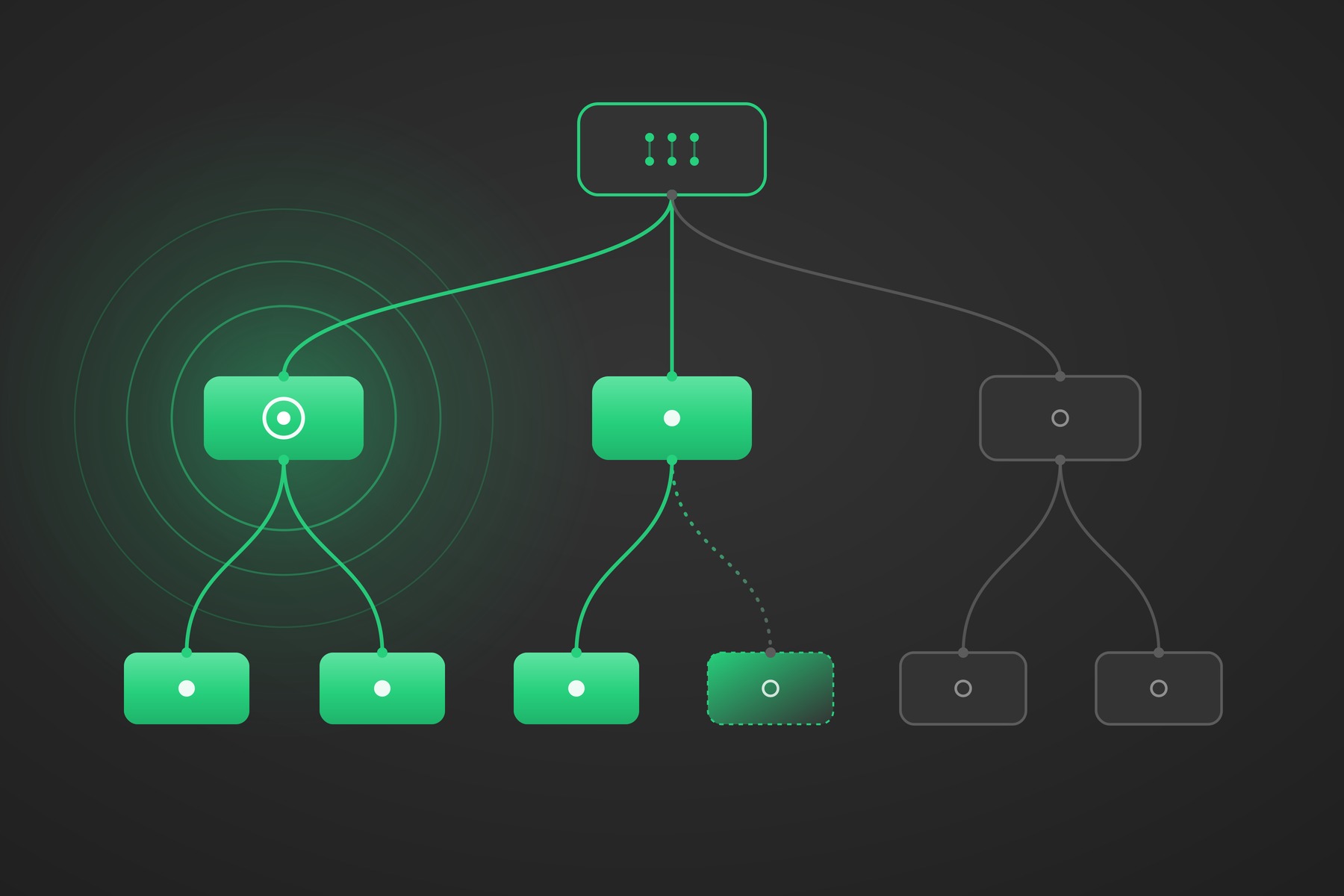
An account hierarchy assembles the full corporate family tree inside Salesforce, so a rep can open one account and see every related entity, which ones are customers, which have open deals, and which you have never touched.
That last group is your white space, and it sits at the center of any account hierarchy sales strategy.
LeanData’s guide to account hierarchies for B2B teams covers the setup and the data foundation. This article picks up from there and focuses on the selling motion.

Building an Account Hierarchy Sales Strategy in Four Moves
Once you can see the family tree, expansion comes down to four moves. Find the white space, cross into siblings through a champion, rank families by opportunity, and coordinate the reps who share a customer. Here is how each one works.
Find the Subsidiaries Where You Have No Relationship
Start by turning a customer into a map. Open one of your strongest accounts, pull up its full hierarchy, and sort every entity into one of three states.
This is where penetration becomes a number you can work with. Instead of calling a company a good customer, you can say you have revenue in 9 of 23 subsidiaries, open deals in 3 more, and no relationship in the remaining 11.
That single line points a sales leader straight at the room to grow.
LeanData builds the hierarchy for you from the enrichment data already in your CRM and keeps it current as the corporate structure changes.
White space discovery goes a step further. It surfaces entities you do not have yet, the net new subsidiaries, sister orgs, and parents that exist in the world but never made it into Salesforce, using your ZoomInfo data to fill the gaps. Your reps open an account and get a list of doors that exist, instead of guessing which ones might.
If the parent fields feeding that hierarchy are inconsistent, clean them first. Our look at Salesforce parent and child account limitations explains why the native fields drift and how to get ahead of it.
Use a Champion to Open Doors at Sibling Accounts
A champion is the most underused asset in enterprise selling. Most reps lean on a champion to move the deal in front of them, then stop. Inside a corporate family, that same champion becomes a path to every sibling on the tree.
Picture a customer at the automation business of a large industrial company. Your champion there sits under a parent that also owns separate healthcare, energy, and regional operating businesses, each with its own buyers and budgets.
The person who already trusts you can name the right counterpart at a sister business, confirm that your solution matters, and turn a cold subsidiary into a warm introduction. The conversation no longer opens with who are you. It opens with a colleague in the automation business suggested we talk.
This works only when the rep can see the siblings. Sibling accounts share a parent, and nothing on a standalone record tells you the rest of the family exists. A hierarchy view puts the whole family on one screen, shows which entities already have relationships, and lets the rep ask for the one introduction that opens the next deal.
Rank Corporate Families by Their Total Opportunity
Not every account deserves the same attention, and you cannot judge that one record at a time. When you roll revenue and pipeline up to the family level, the priorities sort themselves out.
A mid market subsidiary looks ordinary on its own. Seen as part of a global parent where you already hold two million in revenue and four open deals across the family, it becomes a priority.
A standalone company with no corporate relatives is a different bet than one entity inside a 20 company family you have barely entered. Rolling the numbers up to the family lets you rank by total opportunity instead of by whatever happens to be in the pipeline this quarter.
Pull the related opportunities, contacts, and closed revenue for the whole family into one view, and your account plan stays current instead of going stale by March. It becomes a live read on where the customer is growing, where a competitor has a foothold, and which white space deserves a play this quarter.
Coordinate the Reps Who Share a Corporate Family
One corporate family rarely belongs to one rep. A global account director owns the parent, a regional AE owns a subsidiary in their territory, and a third rep inherited a sister company from an old deal. Often none of them knows the others are there. Without a shared view, that produces the messiest version of enterprise selling:
- Two reps pitch the same customer with conflicting stories
- A discount at one entity undercuts a negotiation at another
- The same champion hears from three of your reps in a single month
- A handoff between the parent and a regional team slips through the cracks
- The relationship resets to zero when a rep leaves, because the context lived in their head
A shared hierarchy clears all of it up. When every rep working any part of a family sees the same tree, the same open deals, and the same ownership map, the global account owner can run a real account team and handoffs happen on purpose.
Inbound activity should follow the same logic, so a lead from a subsidiary reaches the rep who owns the right level of the family. That piece is hierarchy aware routing, and it is the engine underneath every move in this article.
Our RevOps playbook for account hierarchy routing walks through how to set it up, with decision trees and the data you need.
Turn the Family Tree Into Pipeline
An account hierarchy is a growth tool, and a sales leader gets the most out of it in four primary ways:
- It turns a customer into a map of where you have and have not sold.
- It makes one champion useful across an entire family.
- It ranks families by real opportunity.
- It keeps a multiple rep team telling one story.
Expansion is one phase of the revenue lifecycle, and the same orchestration that surfaces white space also runs your routing, your handoffs, and your renewals.
That is the idea behind Intelligent GTM Orchestration. LeanData connects the signals your buyers leave across every system and triggers the right play for the right team, so your go-to-market strategy holds up in the real world and fuels efficient growth.
Curious what this looks like in your own Salesforce org?
FAQ
What is an account hierarchy sales strategy?
How do account hierarchies help with enterprise account expansion?
What is white space in B2B sales?
Can I see all the subsidiaries of a customer in Salesforce?
How does LeanData help sales teams expand inside enterprise accounts?

Kim Peterson
Kim Peterson is the Senior Manager of Content Strategy at LeanData where she digs deep into all aspects of go-to-market strategy and execution. Kim's writing experiences span tech companies, stunt blogging, education, and the real estate industry. Connect with Kim on LinkedIn.