










Summary
The parent account Salesforce field is the foundation of how enterprise teams organize corporate relationships in their CRM. Understand how native Salesforce account hierarchy works, where formula field constraints make calculating Ultimate Parent unreliable at scale, and what breaks when accounts get reparented. This guide is essential knowledge for any RevOps or go-to-market team managing complex B2B accounts.
What You’ll Learn
- How the Salesforce Parent Account field works and what it can, and cannot, display.
- Why Salesforce formula field limits make calculating Ultimate Parent unreliable as hierarchy depth and org complexity grow.
- What happens to Ultimate Parent data when accounts are reparented.
- The most common workarounds RevOps teams build to compensate for native limitations.
- How purpose-built solutions extend Salesforce account hierarchies for routing and territory management.
The Parent Account Field: Simple by Design
Salesforce introduced the Parent Account field as a way to express corporate relationships inside your CRM.
The concept is simple: every Account record can reference another Account record as its parent. That relationship creates a hierarchy, and Salesforce surfaces it through the Account Hierarchy view. This built-in feature lets you navigate up and down a tree of related accounts from any account record.
For smaller organizations or straightforward account structures, this works fine. You have a parent company, a few subsidiaries, and the hierarchy view shows you the tree. Clean, navigable, done.
The problems start when your account data looks more like a multinational corporation than a small business portfolio.
Why Calculating Ultimate Parent in Salesforce Is Harder Than It Looks
Many teams try to solve the Ultimate Parent problem with a formula field. The logic seems straightforward: write a cross-object formula that walks up the Parent Account chain until it finds the top-level account. In practice, Salesforce formula field limits make this approach unreliable at scale.
Here’s what you’re working against:
- Each additional level of parent lookup in a cross-object formula, written as Parent.Parent.Parent.Name and so on, adds to the formula’s compile size. Salesforce caps compiled formula size at 15,000 bytes.
- The more levels you add, and the more complex those lookups become, the faster you burn through that budget.
- There is no specific level number where it breaks. It depends on how deep your hierarchy runs, how complex your formula is, and what functions you use. It also depend how many other cross-object relationships already exist on the Account object.
- Salesforce limits each object to 10 unique cross-object relationships across all formula fields, rules, and lookup filters combined.
On top of those challenges, a formula field cannot reference another formula field’s value in a way that creates a dependency chain. That means you can’t build a recursive “keep going up until you hit the root” formula. You have to write out each hop explicitly, and each hop costs compile budget.
The Practical Result
For enterprise orgs with deep account structures, global divisions, and complex field usage across the Account object, formula-based Ultimate Parent fields stop working reliably well before the hierarchy runs out of levels.
For revenue teams, this matters because the whole point of knowing the Ultimate Parent is routing.
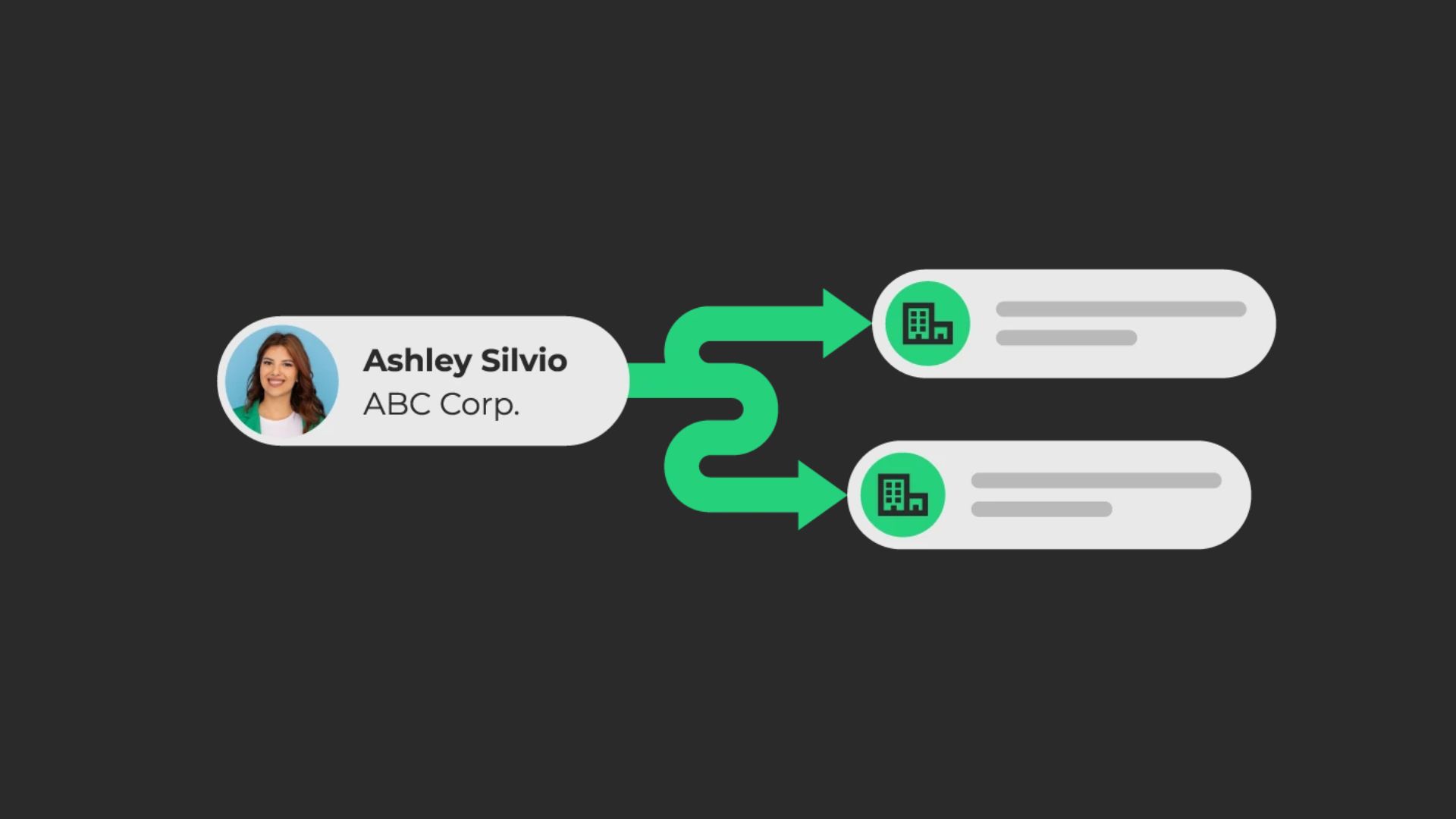
A lead that matches to a subsidiary account needs to reach the account executive who owns the top of the corporate family. If your system can’t reliably identify that parent, you have an ownership gap, and leads either misroute or fall into a queue.
This is one of the most common issues that surfaces between RevOps teams and their Salesforce admins:
“The matched account doesn’t have an owner, but the parent always does. How do we get to the right owner automatically?”
What the Native Hierarchy View Actually Shows You
The Account Hierarchy view in Salesforce is read-only and non-configurable in native Salesforce.
Here’s a quick summary of what it provides and where it falls short:
The hierarchy view shows you the tree. It does not let you sort, filter, aggregate, or act on what you see.
For a Salesforce admin doing a quick confidence check, that’s acceptable. For go-to-market teams trying to build territory plans or ensure leads route to the correct account executive, it leaves a significant gap.
The Reparenting Problem
Account reparenting, meaning changing an account’s Parent Account field to point to a different account, is a routine maintenance task in any large Salesforce org. Companies get acquired. Divisions get restructured. A regional subsidiary that used to report to the EMEA holding company now rolls up to a global parent.
When you reparent an account in native Salesforce, the hierarchy view updates. But several things downstream may not:
- Formula-based Ultimate Parent fields recalculate on the next save, but may not cascade correctly if other accounts in the chain also reference the reparented record
- Custom fields that store hierarchy data as static text (a common workaround) don’t update at all without a trigger
- Reporting that relied on the old relationship may produce stale results until those records are refreshed
- Ownership records for child accounts are not automatically updated when a parent account changes hands
In practice, reparenting triggers a data quality event that most teams don’t fully account for. The hierarchy looks right in the UI. The downstream data says something different. This is how Operations teams end up with misrouted leads and incorrect territory assignments, sometimes without realizing it for weeks.
How Teams Work Around Salesforce Account Hierarchy Limitations
Because native Salesforce account hierarchy is useful but not sufficient for enterprise go-to-market operations, most Ops teams build or buy additional structure around it. The workarounds tend to fall into a few categories:
Workaround #1: Custom fields for static hierarchy data.
Admins and Ops Pros create custom text or lookup fields to store values like “Ultimate Parent Name,” “Ultimate Parent ID,” or “Hierarchy Level.” These fields are populated by a data enrichment tool, an Apex trigger, or a manual process. The upside is that the data is easy to reference in routing logic. The downside is that it goes stale quickly, especially after reparenting events or org structure changes.
Workaround #2: Apex triggers for dynamic recalculation.
A more robust approach involves writing Apex code that fires when the Parent Account field changes and walks up the tree to recalculate hierarchy-related fields across related records. This works, but it requires ongoing maintenance. And, as your account structure grows, the trigger logic can become complex to debug and govern.
Workaround #3: Formula field chains.
Some admins build a cross-object formula that walks up the parent account chain, writing out each hop explicitly: Parent.Name, then Parent.Parent.Name, and so on. Each additional level adds to the formula’s compiled size, which Salesforce caps at 15,000 bytes.
The Account object also has a limit of 10 unique cross-object relationships across all formula fields, rules, and lookup filters combined. In a heavily customized org, you may hit that relationship cap before you hit the compile size limit.
Either way, this approach breaks down as hierarchy depth and org complexity grow, and it requires a separate field or formula hop for each level you want to capture.
Workaround #4: Data enrichment integrations.
Tools like ZoomInfo provide parent company IDs and ultimate parent company IDs based on firmographic data. These can be mapped into Salesforce and used as the basis for a hierarchy that doesn’t depend solely on the native Parent Account field.
The tradeoff is that the hierarchy reflects the vendor’s understanding of the corporate structure, which may differ from how your internal teams segment accounts for territory and ownership purposes.
Salesforce Flows and scheduled jobs.
Some teams use Salesforce Flow or scheduled Apex jobs to periodically walk account records and update hierarchy-related fields in batch. This keeps data reasonably current but introduces latency between a hierarchy change and the downstream update.
None of these workarounds is wrong.
All of them are reasonable engineering responses to a real platform limitation. The issue is that each one adds maintenance overhead and creates data dependencies that aren’t always visible. Further, they can fail silently when account structures change.
Where Parent Account Data Actually Matters for GTM Operations
The reason B2B revenue teams care so much about getting parent account Salesforce data right is that it feeds decisions that affect revenue directly.
Territory planning. If you manage territories at the ultimate parent level but your account records reflect subsidiary names, your rep assignments can fragment across a corporate family. One AE owns the parent and another owns a subsidiary that just inbounded. Neither knows the other is working the same account.
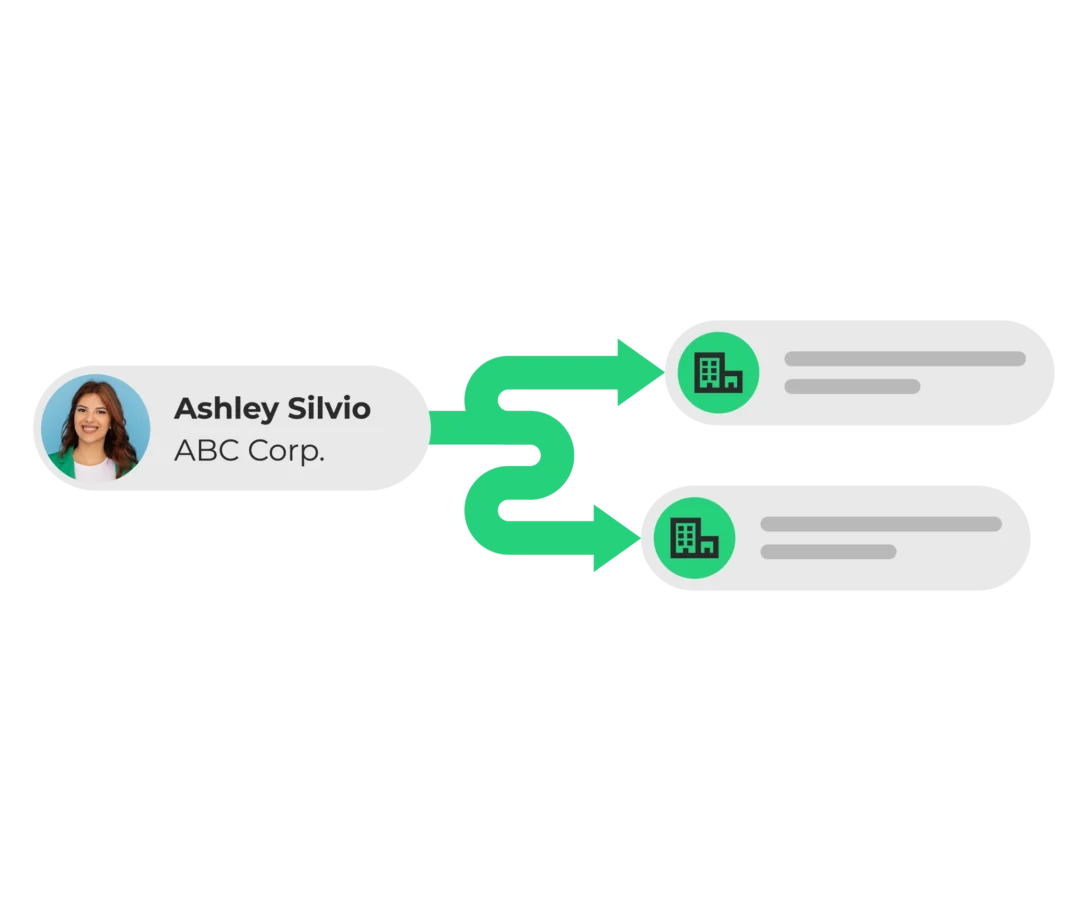
Lead routing. When a new lead comes in and matches to a subsidiary account, the routing logic needs to find the correct owner. If that subsidiary has no owner, or if the parent account is the governing ownership record, the routing logic needs to traverse the hierarchy to find the right assignment. Without accurate parent account data, that traversal either fails or routes to the wrong person.
Expansion and whitespace identification. If you have a customer at the subsidiary level and want to identify expansion opportunity at the parent or sibling level, you need the hierarchy to be accurate and complete. Gaps in parent account data mean gaps in your expansion visibility.
Duplicate account management. Subsidiary accounts often generate duplicates in Salesforce, especially when accounts are created through integrations or data imports. Understanding which accounts belong to the same corporate family is essential for de-duplication and for building a clean, usable CRM.

Show video transcript Hide video transcript
Isabel Zou 00:00
And I’m really excited to talk about our new account hierarchies feature set. So maybe just to take a step back before I jump into what we built here today in Salesforce, your hierarchy data is is pretty limited, as you know, you do have that parent account field, so you’re kind of limited to just knowing who the parent of a certain account is, as any one time, maybe the ultimate parent, you know, if that was actually populated, but you don’t really know the entire structure of the hierarchy, such as, how many children are actually? How many children does this account have? Or when you talk about the whole hierarchy, how deep is it really? How many levels are there? So to that end, just with Salesforce itself, it’s pretty limiting how you can actually operationalize on this hierarchy data. To that end, our account hierarchies feature is really to help you actually access that information. So what we do is we help you map, build and maintain your account hierarchies based off of data that you might already have in your CRM, for example. Maybe it’s something like zoom info data that you already have, or DUNS and Bradstreet, or maybe just your own custom data. What we do is we take that help put that into a specific hierarchy object, so that you can actually now start to see those hierarchy structures in its entirety, and as well as operationalize on those account relationships through our orchestration and routing automation. Yeah, if you go to next slide, I can start introducing more specific features on your list, sure, and yeah, it really starts out with the mapping functionality. So what we do here is we are building and storing those hierarchy relationships in a lean data hierarchies custom object. This object stores all of that information in the hierarchy, basically like every account that actually exists as a part of that hierarchy, to really help you understand those relationships. Now, as a part of this, we are also continuously maintaining your hierarchies as accounts are added or updated. So maybe a new account comes in, or some kind of hierarchy data was updated on an existing account. We are listening for that, and we will update those accounts and put them in the right hierarchies appropriately. So that’s no longer something you might have to manually do. We will pick that information. Now another piece of this is we can also help you update your native parent account field on your account records. So take that Zoom info example, Zoom info example, you might have that company ID information just in a separate field. We can take that and actually use that to link your actual parent accounts in that parent account, standard Salesforce field. Now, as a part of account hierarchies management in general, there’s obviously the possibility to have some like more messy hierarchy data in your system. What we do is we help surface those errors kind of show when a hierarchy might be broken, as well as flagging duplicate accounts that might exist in a hierarchy to help resolve those so we’ll surface those for new admins, and you can kind of open those up and resume them accordingly. Now, yeah, like I mentioned here, once again, we are just helping you leverage that full hierarchy context with this mapping feature, you’d be able to use it in a visualization, which I’ll talk to later, as well as use it in your routing to really help with those more complex hierarchy aware routing use cases
Kevin Au 03:37
before we move On. So just to ensure that I’m understanding this properly, so we’re using informations from some enrichment providers and third party to be able to follow the hierarchy relationships there. We’re not using the we’re not following the parent account field that’s natively in Salesforce, but we can update that if, if we need to correct.
Isabel Zou 04:01
Yeah, correct. So yes, we will be using that data that you might have already enriched in your CRM. Now as a note, we’ve seen some companies where they do actually just update that parent. Feel we can also build those hierarchies off of that standard field. Once again, it’s different in that we are actually building out the entire hierarchy, not just looking at what parent like that single parent value,
Kevin Au 04:27
okay, got it. You might talk about this later, but in terms of utilizing these hierarchy relationships within your orchestration, your routing, that’s something that we can do as well, right?
Isabel Zou 04:39
Yeah, so it’s actually a good transition to my next slide. There we are introducing a new account hierarchy match node so that you can actually reference those hierarchy members from a given account, so that you can use that in your Flow Builder flows, for example, you might want to use it in routing or maybe updating certain records or. Notifying about that. So to break down how this works, you can choose, you essentially provide which account that we’re looking at. So maybe you know in your lead flow, you found a matched account, and you want to see, Hey, is that account actually part of a broader, broader hierarchy? You could add that account, and what we do is we actually retrieve the hierarchy for that account and allow you to select what members of that hierarchy that you actually want to use as information in your graph. So some examples here are, you can actually reference figure out who that top level parent is, maybe just pull in all the descendants of a certain account in the hierarchy so that you can use it in your routing flows. We often hear customers use this where they might want to choose to route prospects and opportunities from a subsidiary account directly to the top level parents. That’s one use case we’ve heard. But we’ve also heard companies have more kind of divisional structures, divisional territory structures. So to that end, with an account, you can actually identify which are those divisional subsidiaries and the owners that should actually own them as well.
Kevin Au 06:09
I see just taking a look at the screenshot. I’m not sure if it’s readable for a lot of folks, but it looks like you can select more than one member of the hierarchy here. So what’s a use case that where you would need to identify more than like, the parent account or the child account?
Isabel Zou 06:27
Yeah, so what we’ve seen this is more for kind of proactive notifications for owners. So you know, an account comes in and the person who’s working that account, they might actually want to see, like, hey, what else? What? Just what? Give me some more context on this account. So, like, the entire hierarchy case is a good example that you would store that set of accounts in a variable, and you might use that in a notification down the line, being like, hey, like you’re working this account, but it’s actually part of this hierarchy with these members. If you check for any opportunities that already open under any of those numbers.
Kevin Au 07:01
Okay, no, that’s that’s helpful. Great. Anything else on this slide?
Isabel Zou 07:07
Um, no, let’s get to the next one here. All right, so this is the other piece of our account hierarchies, functionality. Um, really, the end user here are those that work in Salesforce, but we do include a visualization that is configurable as well as Salesforce permissions aware. So this is a visual force page that you can put in Salesforce, and it will display all of the parent child relationships across the entire account hierarchy. So this is moving beyond just knowing what the parent is, what the ultimate parent is you actually see that account. You see the rest of the accounts in that hierarchy, and you see where in the hierarchy that account sits. Now this is going to be configurable. You can add whatever fields that might be relevant to your to your users, and additionally, you can add some related object tabs for any standard or custom object, so that you can actually get complete visibility into those related records across the hierarchy. Example here is opportunities. Something that’s really helpful is being able to see every open opportunity that exists in an entire hierarchy. So that you aren’t necessarily you can kind of see where you are already maybe conversing with a certain, certain prospect within that hierarchy itself, that can help with finding opportunities for more unified selling, as well as like, maybe cross selling across the actual hierarchy. Part of this, we’ve also introduced roll up filter footers so that you can calculate those metrics across the hierarchies, something may be like, Hey, how many unique owners do I have across this hierarchy? Maybe, if it’s a high number, something might be wrong there. There’s opportunity to come in and kind of fix that, and then just CSV export support so that you can actually report and use some more deeper analysis on this.
Kevin Au 08:56
Wow, there’s a lot of stuff here. It looks like it supports custom relationships as well, not just opportunities and contacts, things you would expect to be a part of an account relationship, but we even see things like lean data journeys, service contracts and things like that. So that’s
Isabel Zou 09:15
fully customizable, yes? So yeah, that’s fully customizable. In the configuration page, you can choose which objects to actually show, really job to show, so long as it is related to the account that’s all for your game, so that you’ll see them this under their appropriate accounts. Right?
Kevin Au 09:32
You might have already addressed this, but what is one thing that you might expect folks will start doing differently once they have hierarchy set up and in place?
Isabel Zou 09:43
Yeah, I think really, this is part of just providing more context here. No longer will you just be selling in necessarily isolation on just a certain account level, you can actually see what’s going on across the whole hierarchy, which really represents the corporate structure, right? So you can find any opportunities to maybe sell into other places within that corporate. Just think, well, some of those large enterprise accounts with many subsidiaries, you can actually get that full picture there.
Kevin Au 10:11
Great, awesome. Okay, now question about, what about the accounts that are not yet in your Salesforce system? What do you do about those?
Isabel Zou 10:22
Right? So as a part of that, we do address that with our whitespace discovery functionality. So this is something that you can use to surface any you know, whitespace entities that are actually are part of your hierarchies, but they aren’t necessarily represented in your CRM as an account. Now we’re doing this with an integration with Zoom info. We will leverage the Zoom info information to figure out, you know, which missing, missing companies are in your hierarchies, and surface that within either the visualization or an admin specific page where they can actually see that full list of all of those white space accounts within their CRM. Now the action there would be to create an account, if you kind of decide, like, hey, like, I think we actually do want to create this account so that we can start selling into them. What we do there is, when you do click create account, we do automatically update that with the parents and the parent. Parent enriched information so that it will just be automatically inserted into your hierarchy. Optionally, you can also enrich it with additional firmographic data, if just provided by zoom info. Now, yeah, I think really here is just supporting more strategic account planning, helping with identifying those gaps. I see this happening maybe more on like those quarterly refreshes, where you’re just looking at all of your accounts and seeing like, Hey, where are the missing opportunities that you might want to go tackle?
Kevin Au 11:52
No, that’s really helpful, and it’s really cool that you can create it directly from the interface there. I’m assuming that there’s, there’s plans to expand to other enrichment providers as well, right?
Isabel Zou 12:05
Yeah, that is in the plan. We are talking to additional providers, and we’ll kind of update as we get more more providers.
Kevin Au 12:13
All right. Excellent. Thanks for walking through all of those account hierarchies, features. Anything else that we we missed or failed to mention here?
Isabel Zou 12:21
Um, no, I think, you know, I went through a lot of different features, but it’s really just this entire feature set multiple ways you may actually want to leverage them. Maybe the visualization is useful for specific use cases, while actually automating routing is different. So there’s just a lot of ways you can use this. And yeah, looking, looking forward to kind of seeing how our customers are using this functionality. Yeah.
Extending Salesforce Account Hierarchies with LeanData
LeanData’s Account Hierarchies feature is built for teams that have outgrown native Salesforce hierarchy tools.
Rather than replacing the parent account Salesforce relationship, it builds a richer hierarchy on top of your existing data, using a combination of Salesforce’s native parent field and enrichment data from ZoomInfo to map complete corporate family relationships.
The result is a configurable hierarchy visualization inside Salesforce that shows parent-child relationships across the entire account family. This includes accounts that may not yet be in your Salesforce instance.
From that visualization, RevOps teams can identify whitespace, manage ownership across the hierarchy, and trigger routing logic based on where an account sits in the corporate family.
Account Hierarchy Match Node
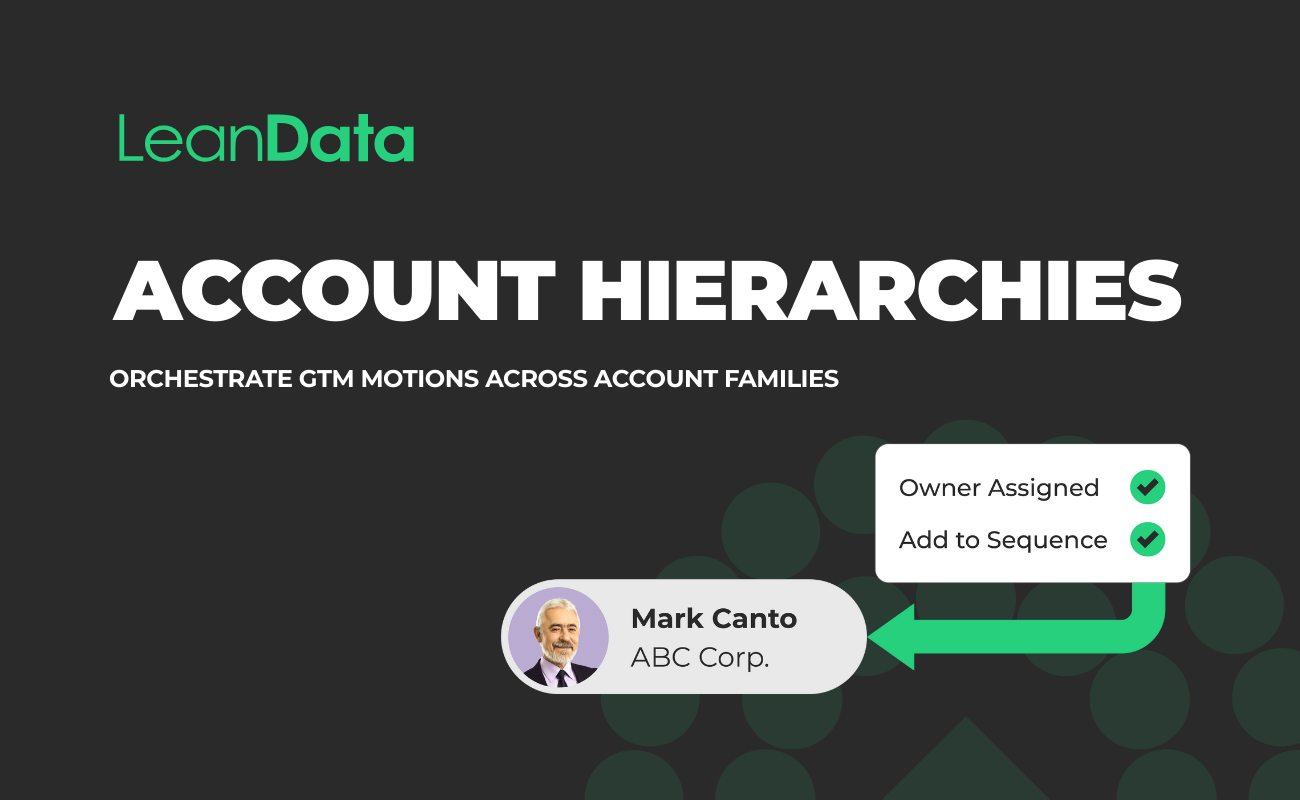
LeanData’s Account Hierarchy Match Node in FlowBuilder extends this into automation. When a lead comes in and matches to a subsidiary account, the Match Node can: (1) retrieve the ultimate parent, a direct parent, direct children, or any other hierarchy position, and (2) use that account’s data for downstream routing decisions.
That means a lead that matches to a regional subsidiary can automatically route to the AE who owns the global parent account, without any manual intervention or custom Apex code.
For Salesforce Admins and RevOps teams dealing with reparenting events, LeanData recalculates hierarchy relationships dynamically so that routing logic reflects the current structure, not a snapshot from the last time someone manually updated a custom field.
For more on how account hierarchies connect to routing and territory strategy, see our guide to account hierarchy management.
FAQ: Questions People Ask About Parent Accounts in Salesforce
What is the parent account field in Salesforce?
Why doesn’t my Salesforce account hierarchy show all levels of my corporate structure?
What happens to Ultimate Parent data when I reparent an account in Salesforce?
How do enterprise RevOps teams use account hierarchy data for lead routing?
Want to stop building workarounds?

Kim Peterson
Kim Peterson is the Senior Manager of Content Strategy at LeanData where she digs deep into all aspects of go-to-market strategy and execution. Kim's writing experiences span tech companies, stunt blogging, education, and the real estate industry. Connect with Kim on LinkedIn.