










Summary
Salesforce data quality determines whether your go-to-market motion runs or stalls. When records are accurate, matched to the right accounts, and assigned to active owners, your revenue teams execute faster and with more confidence. When they are not, leads fall through the cracks, AI tools make bad decisions, and no one trusts the numbers. This guide covers the root causes of poor Salesforce data quality, how to build governance that sticks, what to automate, and how clean data becomes the foundation for AI-powered GTM execution.
What You’ll Learn
- Why Salesforce data decays faster than most RevOps teams realize, and the specific problems that cause it.
- How to build a data governance plan that your sales, marketing, and CS teams will actually follow.
- Which data hygiene tasks to automate first for the fastest speed-to-lead improvement.
- How to evaluate Salesforce data quality tools and what to look for beyond deduplication.
- Why data quality is now the prerequisite for any AI strategy in your GTM motion.
The Complete Guide to Salesforce Data Quality
Your Salesforce instance is only as good as the data inside it. Duplicate leads flood your reps’ queues. Contacts stay assigned to reps who left the company six months ago. Leads arrive without account context, so someone has to manually research and triage before anyone takes action. Reports are wrong, forecasts are unreliable, and leadership stops trusting the numbers.
The cost is real and specific. When Meltwater’s RevOps team finally addressed these problems, they merged more than 6,000 duplicate leads, properly assigned 3,800 accounts, and cut MQL-to-SQL conversion time by 75%. That was not a data cleanup project. It was a revenue recovery project.
Those numbers are striking, but the real cost shows up in slower speed to lead, misrouted opportunities, and AI tools that make wrong decisions faster because the underlying data is broken.
This guide covers everything a RevOps, go-to-market (GTM) manager, or Salesforce admin needs to know about Salesforce data quality: what causes it to degrade, how to build a governance plan that sticks, what to automate, how to evaluate tools, and how clean data becomes the foundation for AI-powered GTM execution.
What Is Salesforce Data Quality, and Why Does It Matter?
Salesforce data quality refers to the accuracy, completeness, consistency, and reliability of the records in your CRM. A high-quality Salesforce instance means your leads match to the right accounts, your contacts are assigned to active owners, your records are free of duplicates, and the fields your GTM systems rely on are populated and accurate.
Most Ops teams know data quality matters. The harder question is why it keeps degrading no matter how many times you clean it up.
The answer is that data quality is not a project. It’s a system.
Salesforce records degrade continuously because people change jobs, companies merge, leads enter from multiple channels simultaneously, and reps move on. Without an automated system enforcing standards in real time, every new record is a potential source of the same problems you just spent weeks fixing.
When data quality breaks down, the consequences travel fast. Marketing sends campaigns to the wrong people. Leads route to the wrong reps, or to no one. Sales teams waste time researching prospects before they can start a conversation. Customer success misses renewal signals because records are misassigned or incomplete.
When your Salesforce data is clean and well-governed, the opposite happens. Routing decisions happen instantly. Reps receive leads with full account context. SLAs enforce automatically. AI tools have reliable inputs to work from.

The Root Causes of Bad Salesforce Data
Dirty data in Salesforce comes from a predictable set of sources. Understanding them is the first step toward preventing them.
#1 Manual data entry errors. People fill out web forms with fake information to access gated content. Reps enter records quickly and skip required fields. Contact information changes as people move between companies, and no one updates the records.
#2 Duplicate records. The same person or company enters your system through multiple channels. A prospect fills out a form, is already in the database from a previous campaign, and Salesforce creates a second record instead of matching to the existing one. Duplicates multiply over time and distort every report you run.
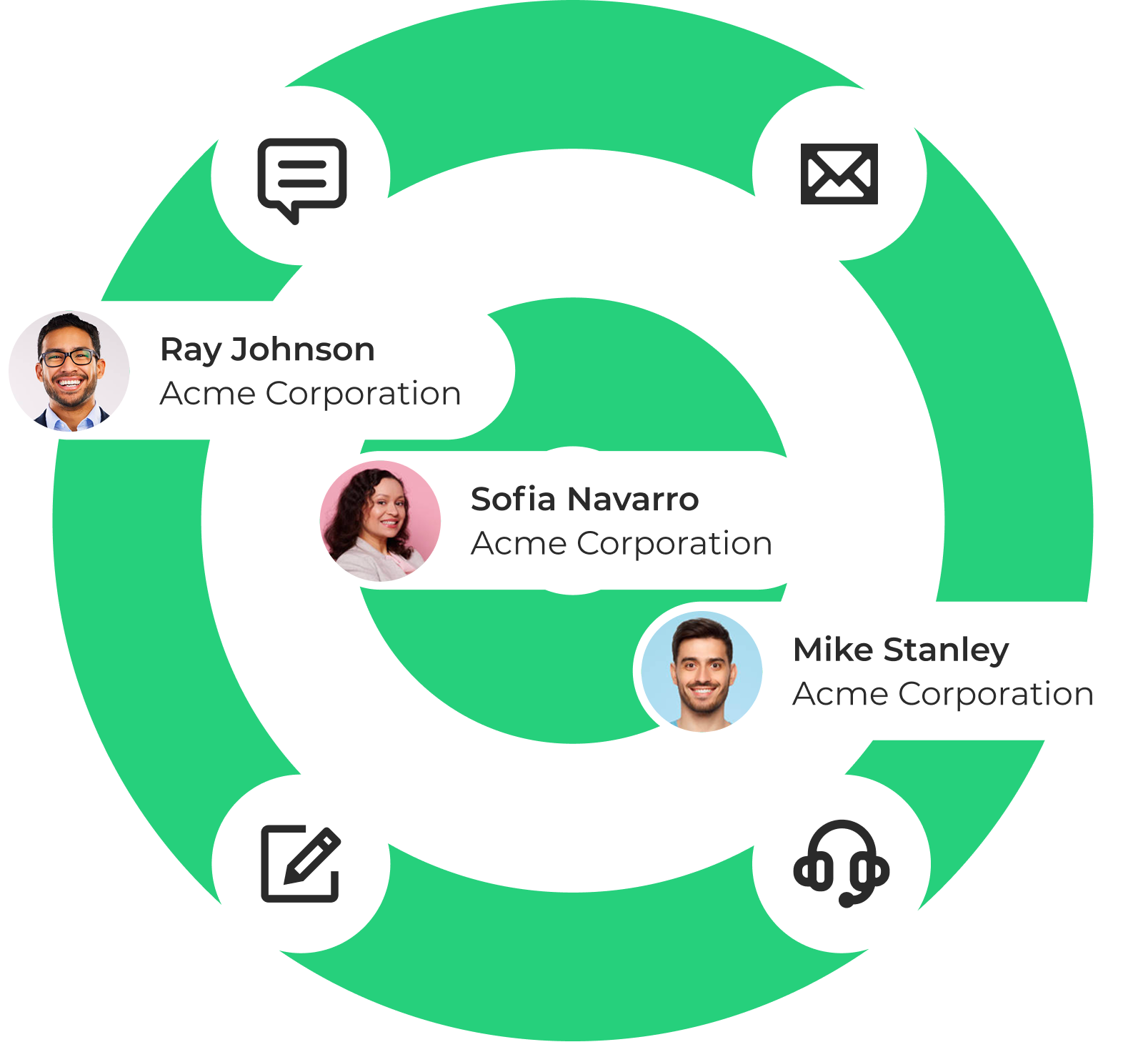
#3 Lead-to-account mismatches. Leads arrive without being connected to the right account, so your account-based motion breaks down. Reps cannot see that a high-value lead from a target account just came in because the lead is not tied to the account record.
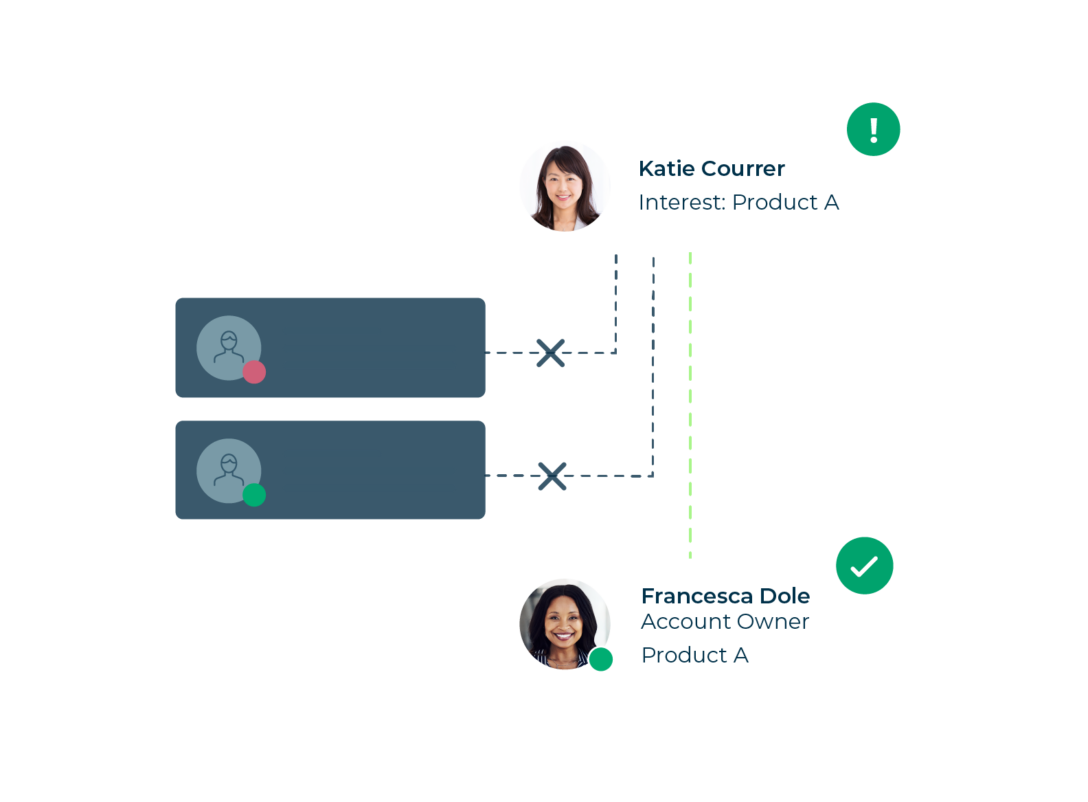
#4 Record ownership gaps. Reps leave, territories change, and account ownership shifts. Records assigned to inactive owners sit untouched. Every one of those records is a missed opportunity until someone manually fixes it.
#5 Enrichment decay. B2B data decays at roughly 2% per month. Data you purchased or enriched six months ago has already started going stale. In a year, nearly a quarter of your enriched records will have incorrect or outdated information.
#6 No governance standards. Without defined rules for how data should be entered, formatted, and maintained, every user develops their own habits. Field values become inconsistent, naming conventions drift, and reports built on those fields stop being reliable.
The Business Impact of Poor Salesforce Data Quality
Bad data does not stay contained in the database. It moves downstream into every system and process that touches your CRM.
Speed to lead suffers.
When leads are not matched to the right accounts or route to inactive owners, the response window closes and no one notices until the prospect has already moved on. Research consistently shows that the first company to respond to an inbound lead wins the deal at a significantly higher rate.
Rep productivity drops.
When reps cannot trust the CRM, they stop using it, which accelerates the data decay problem. A large share of non-selling time for most sales teams traces back to manual record research and cleanup that should never reach a rep’s desk.
Campaigns underperform.
Segmentation built on dirty data is unreliable. Marketing sends emails to the wrong contacts at the wrong companies with the wrong messaging. Attribution models built on incomplete records give you an inaccurate picture of what is actually driving pipeline.
Forecasting becomes unreliable.
Leadership cannot make confident decisions on headcount, budget, or territory planning when the underlying CRM data is broken. The 1-10-100 rule applies here: it costs $1 per record to prevent dirty data, $10 per record to clean it after the fact, and $100 per record when no data quality practices are in place at all.
AI tools make wrong decisions, faster.
If you deploy AI SDRs, intent data platforms, predictive scoring models, or agentic workflows on top of your Salesforce data, those tools will act on whatever data they find. Bad data does not slow AI down. It just means AI scales the wrong decisions across your entire pipeline.
What Good Salesforce Data Quality Looks Like
Before you can fix a data quality problem, you need to define what good looks like. A useful benchmark is the concept of a “workable record,” meaning any data record from which you can generate revenue.
A workable record in Salesforce typically meets these standards:
- Valid email address and phone number
- Matched to the correct account
- Accurate company information including industry, size, and territory
- Assigned to an active owner or queue
- Key enrichment fields populated at the minimum threshold your GTM systems require
- Free of duplicates
Not every record needs to be perfect. Records that fall below the workable threshold should be flagged, enriched, or removed before they enter your routing and engagement workflows.
Track these three metrics to measure data quality over time without running a full audit every quarter:
- Fill rate on your most critical fields
- Percentage of records with inactive owners
- Duplicate rate as new records enter the system
These three numbers give you a working picture of CRM health and surface problems before they affect revenue.
How to Build a Salesforce Data Governance Plan
Data governance is the set of policies, standards, and processes that define how your organization creates, maintains, and uses data. RevOps owns it, enforces it, and iterates on it as the GTM motion evolves.
Here is a practical framework for building a Salesforce data governance plan.
Step 1: Define your goals. Start with a Business Requirements Document that establishes why you are investing in data governance, what the root causes of your current problems are, and what business outcomes you expect. This document becomes the justification for budget, headcount, and tooling decisions.
Step 2: Define a workable record. Work with sales, marketing, and customer success to agree on the minimum field requirements for a record to be considered ready to route and engage. This standard becomes the trigger for enrichment or cleanup workflows.
Step 3: Build a data dictionary. A data dictionary documents every field in your Salesforce instance: what it means, who owns it, and how it should be populated. This is especially important when you add AI to your stack. AI systems need to know which fields are reliable and which ones to ignore. Without a data dictionary, you have no way to govern what agents read and act on.
Step 4: Create Rules of Engagement. Document how individuals and teams handle data day to day. Rules of Engagement cover naming conventions, duplicate handling, required fields before routing, and what happens when a rep is reassigned. Make these accessible and enforce them through training and automation.
Step 5: Assign data stewardship. Someone needs to own data quality. In most organizations, that is a RevOps analyst or Salesforce admin. Give that person the tools and authority to enforce standards, and make data quality a standing agenda item in RevOps reviews.
Step 6: Automate enforcement. Manual governance does not scale. Every standard you define should have an automated check behind it. Validation rules prevent bad data from entering the system. Routing tools flag records that fall below your workable threshold before they reach a rep. Scheduled automation checks for inactive owners, mismatched contacts, and records missing required fields on a regular cadence.
Step 7: Review and iterate. Review your duplicate rates, fill rates, and inactive owner reports quarterly. Update your standards as your GTM motion evolves and as new data sources, including AI agents, come online.
Salesforce Data Hygiene: What to Automate
Data hygiene is the ongoing set of practices that keep your Salesforce instance clean after you have established governance standards. These are the highest-value tasks to automate first.
The most important thing to understand about these automations is that they work best when they run together in the same system.
Deduplication followed by routing followed by enrichment, done in separate tools with separate schedules, creates gaps. When these steps happen inside the same orchestration layer, records arrive clean, matched, and ready to action in a single automated motion.
How to Evaluate Salesforce Data Quality Tools
The Salesforce data quality tool market spans several categories. Most RevOps teams need more than one tool, but the right combination depends on where your biggest gaps are.
Salesforce native tools. Salesforce includes duplicate rules, validation rules, and matching rules natively. These are useful guardrails for blocking obvious duplicates and enforcing required fields, but they have real limits. Native duplicate rules rely on exact or near-exact field matching and are difficult to configure for the fuzzy matching scenarios that real B2B data requires. They also do not automate the merge process or connect to routing workflows.
Dedicated deduplication tools. Tools like Cloudingo are built for bulk deduplication and record merging. They are the right starting point for historical cleanup, with fine-grained control over field-level merge logic. If your Salesforce instance carries years of accumulated duplicates, a dedicated cleansing tool handles the historical work that a routing platform is not designed for.
Matching and routing platforms. LeanData provides Salesforce-native fuzzy matching across six fields (company name, person name, phone number, domain, email, and address) with tie-breaker logic for ambiguous matches. This runs in real time as records enter the system and connects directly to FlowBuilder routing workflows, so deduplication and routing happen in the same automated process.
Enrichment providers. Tools like ZoomInfo, Cognism, and Clearbit append missing contact and company data to your records. When evaluating enrichment providers, prioritize data accuracy (phone number accuracy above 98%, email accuracy above 95%), update frequency, geographic coverage, and integration with your existing stack.
Key questions to ask when evaluating any data quality tool:
- Is it Salesforce-native, or does data leave the platform for processing? Non-native tools introduce latency, security tradeoffs, and additional failure points.
- Does it offer real-time matching and deduplication, or only batch processing?
- Does it provide a full audit trail? Can you see exactly why a record was matched, merged, or routed?
- Does it connect to your routing and engagement workflows, or does it operate as a standalone step?
- Can RevOps or a Salesforce admin manage it without engineering support?
Clean Data Alone Does Not Build Pipeline
Here is where most data quality conversations stop short.
Cleaning your Salesforce data is essential. But a clean database that sits idle does not drive revenue. A clean contact record needs to be matched to the right account, routed to the right rep with full context, and followed up on within the window that actually matters.
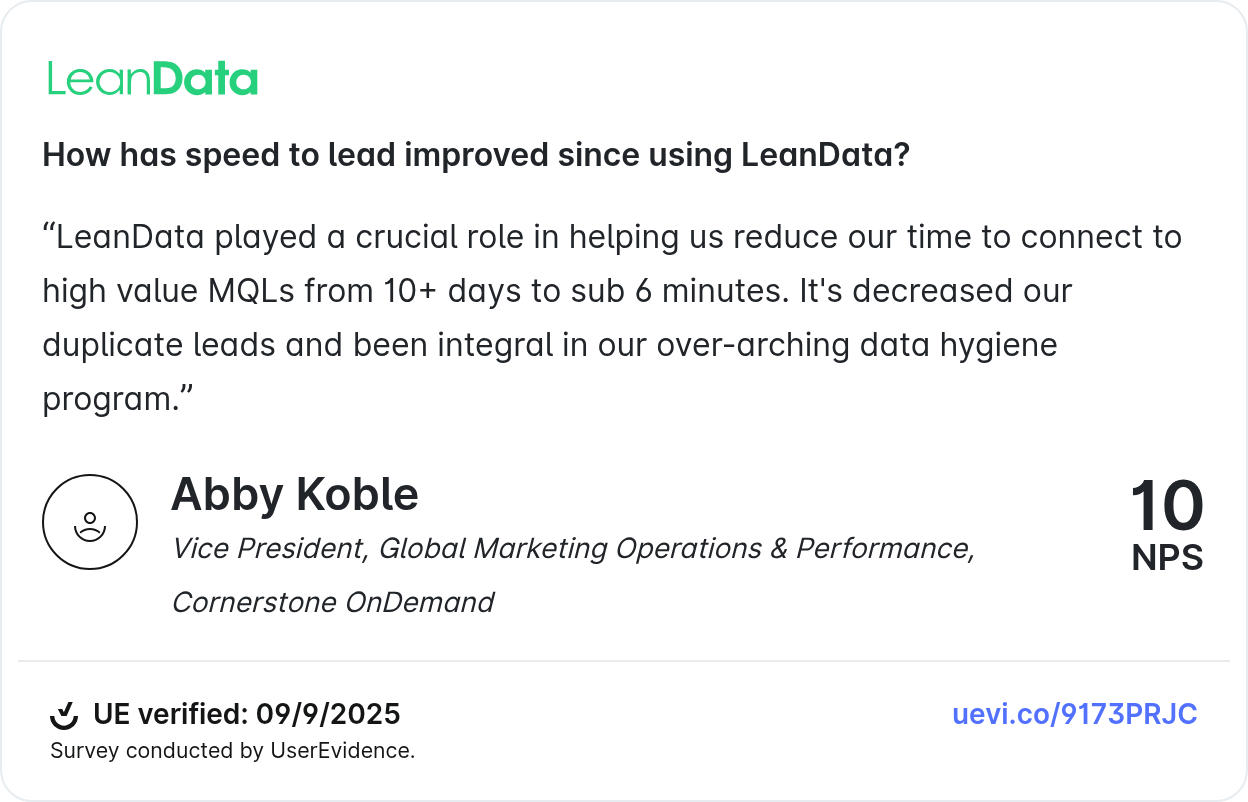
Abby Koble, VP of Global Marketing Operations and Performance at Cornerstone OnDemand, described the outcome this way: “LeanData played a crucial role in helping us reduce our time to connect to high value MQLs from 10-plus days to sub 6 minutes. It’s decreased our duplicate leads and been integral in our over-arching data hygiene program.”
That result, 10-plus days down to under six minutes, required both clean data and automated routing. Neither alone would have produced it.
Jeremy Schwartz, Sr. Manager of Global Lead Management and Strategy at Palo Alto Networks, put it simply: “LeanData is like a Swiss army knife. We use it for data quality, for routing, and now for Buying Groups.”
The underlying logic is straightforward. Data quality removes the obstacles. Routing and orchestration create the forward motion. You need both.
Salesforce Data Quality and AI: Why the Foundation Matters Now
AI is creating new urgency around Salesforce data quality, and the reason goes beyond “AI needs clean data to work.”
The more important shift is that AI now generates new data, and that data enters your Salesforce instance whether you govern it or not.
AI SDRs create contact and lead records. Intent platforms surface account signals. Predictive scoring models update fields. Agentic workflows trigger actions across multiple systems.
Amar Doshi, VP of Product at LeanData, shared a striking finding: nearly half of enterprise RevOps leaders surveyed had no visibility into which agents were touching their records. When asked whether they knew what systems, processes, and people were touching their records across their CRM and MAP, the number who said they had no visibility went up.
This is the new data governance problem. It is not only about human-entered records anymore. Every signal, whether it comes from a rep, a system, or an AI agent, needs to flow through the same governance layer and trigger the same standards you have already built.
Nicole Peinado of Uber said it on stage at a recent industry event: “Before we could deploy an AI strategy, we had to fix the foundation. And the way we fixed the foundation was with LeanData.”
AI does not reduce the importance of data quality. It raises the stakes. Clean, well-governed Salesforce data means AI amplifies the effectiveness of your GTM motion. Dirty data means AI scales the mistakes.
How LeanData Supports Salesforce Data Quality
LeanData is a 100% Salesforce-native GTM orchestration platform. Data quality is foundational to what LeanData does, because matching, routing, and orchestration depend on reliable data at every step.
Best-in-class fuzzy matching. LeanData’s matching engine evaluates six fields simultaneously (company name, person name, phone number, domain, email, and address) with tie-breaking logic for ambiguous matches. This matching runs in real time as records enter the system, powers every routing decision, and prevents duplicates from being created in the first place.
Real-time deduplication with the Cloudingo integration. LeanData and Cloudingo have built a native integration that identifies duplicate leads, contacts, and accounts using LeanData’s matching algorithm and merges them in real time as they route through your FlowBuilder graph. You configure field-level merge logic to preserve original lead source values, carry over notes and activity history, sum lead scores across duplicate records, and protect do-not-call fields from being overwritten.
Routing Scheduler for automated hygiene. The Routing Scheduler runs automated checks on a defined cadence, identifies records with inactive owners, and reassigns them according to your routing rules. Speed-to-lead metrics stay accurate without manual intervention.
FlowBuilder for no-code orchestration. LeanData’s visual FlowBuilder lets RevOps teams build and maintain routing workflows without writing code. Data quality checks, enrichment triggers, deduplication steps, and routing logic live in the same graph, so hygiene and action are part of one automated process.
Full audit trail and governance. Every routing decision, every merge, and every record update logs in LeanData’s audit trail. You can see exactly why a record routed where it did, which match triggered it, and what happened at each step. This transparency is what governance in an AI-powered GTM motion requires.
AI signal ingestion. LeanData ingests and routes signals from any source, including AI SDRs, intent platforms like 6sense and Demandbase, predictive scoring tools, and agentic workflows. Every signal, regardless of whether it comes from a human, a system, or an AI agent, flows through the same governance layer and triggers the same routing logic.
What is the best way to improve Salesforce data quality?
What tools do RevOps teams use for Salesforce data quality?
How does poor Salesforce data quality affect AI tools?
What is the difference between Salesforce data hygiene and data governance?
Your AI strategy is only as good as your Salesforce data.

Kim Peterson
Kim Peterson is the Senior Manager of Content Strategy at LeanData where she digs deep into all aspects of go-to-market strategy and execution. Kim's writing experiences span tech companies, stunt blogging, education, and the real estate industry. Connect with Kim on LinkedIn.